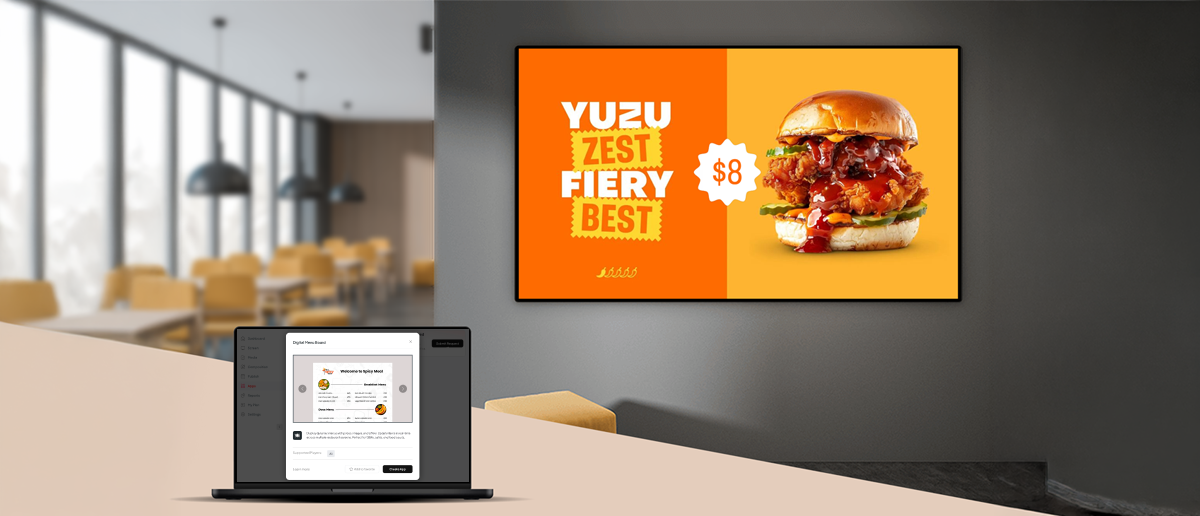
- Free digital menu board software exists — several tools offer perpetual free plans, not just trials.
- Pickcel's free plan covers one screen with 50+ restaurant templates, full scheduling, and remote management at no cost.
- Most free plans cap at one screen — fine for single-location cafés and food trucks, limiting for multi-screen operations.
- Google Slides and Canva are free but require manual work — neither is a real display management platform.
Running a small restaurant, café, or food truck means every dollar counts. Paid software subscriptions add up fast. So it makes sense that “digital menu board software free” is one of the most searched terms in this category. You want to replace printed menus with a screen, but you’d rather not commit to a monthly bill until you know it works.
Good news: free options do exist. Some are genuinely useful. Others come with limits that will frustrate you within the first week.
This guide reviews the best free digital menu board software options available in 2026, explains what each one actually offers at no cost, and helps you decide when a free plan is enough and when it’s time to pay a little more for something that scales.
- Most free plans cover one screen and include basic scheduling
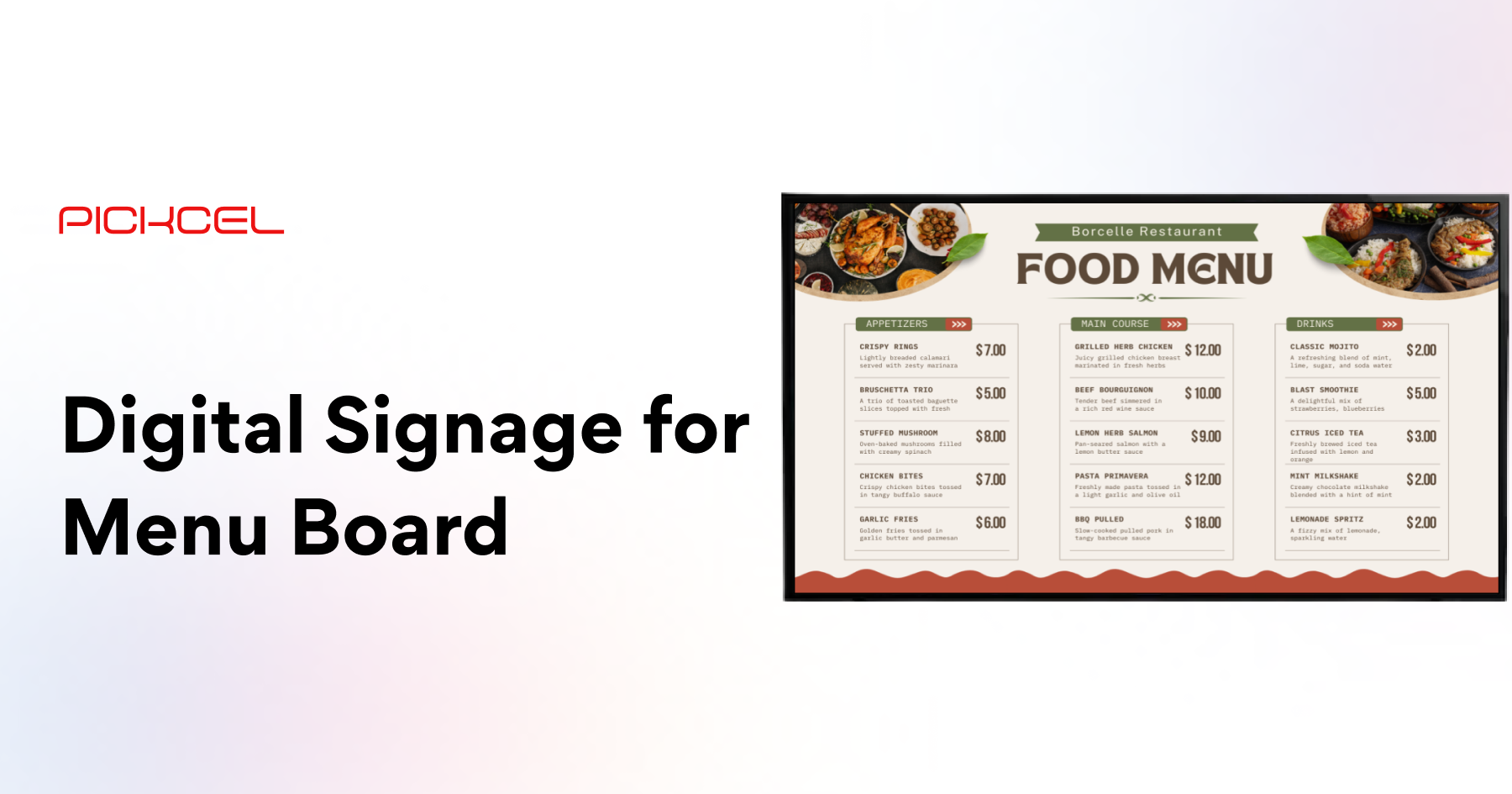
- Pickcel's free plan includes 50+ menu board templates, content scheduling, and remote management at no cost
- Paid upgrades are typically needed for two or more screens, multiple locations, or POS integrations
- Pickcel is trusted by 9,000+ businesses across 70+ countries, managing 150,000+ screens worldwide
Can you get digital menu board software for free?
Yes. Several digital menu board software tools offer free plans, including Pickcel, which provides one-screen access with scheduling and templates at no cost.
Yes, and it’s more capable than most restaurant owners expect. The free tier landscape has matured significantly over the past few years. What used to mean “30-day trial then pay up” now means genuine, sustained free access for qualifying users.
That said, “free” covers a spectrum. Some tools offer a perpetual free plan with real functionality. Others give you free access to a design tool but no way to schedule or remotely push content to a screen. A few require technical setup that a non-technical user will find difficult.
The options reviewed below are organized by how practical they are for a small restaurant operator who wants a digital menu board live on a screen, today, without a credit card.
What are the best free digital menu board software options?
The best free digital menu board software tools in 2026 include Pickcel (best all-round free plan), Yodeck (free for one screen), Google Slides (free but manual), and Canva (free design, no scheduling).
Here are six options worth knowing about, ordered from most to least purpose-built for restaurant menu boards.
- Free plan: Yes, perpetual, no expiry
- Screen limit: 1 screen
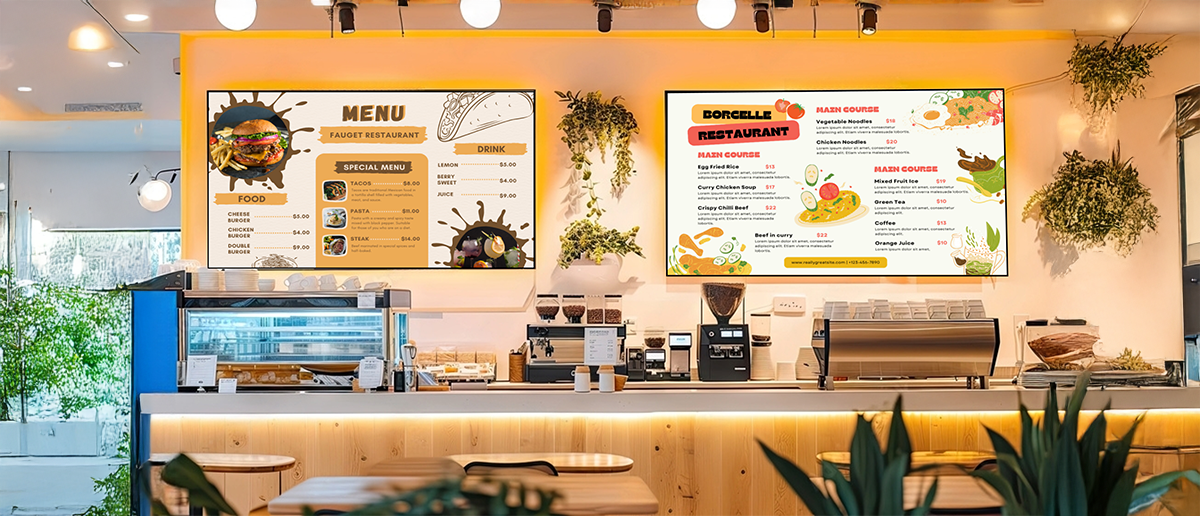
- Menu templates: 50+ (QSR, café, food truck)
- Scheduling: Yes, included in free plan
- Remote management: Yes
- Setup difficulty: Easy
Pickcel is a cloud-based digital signage platform trusted by 9,000+ businesses across 70+ countries to manage over 150,000 screens. It is not exclusively a menu board tool, which is an advantage: you get access to broader content management capabilities from day one, not just a stripped-down menu editor. The platform is SOC 2 Type II certified and ISO 27001 compliant.
The free plan covers a single screen with full access to Pickcel's template library, drag-and-drop content editor, and content scheduling. You can set dayparting schedules (breakfast menu from 7–11am, lunch from 11am–3pm, dinner after 3pm) without upgrading.
For a single-location café, food truck, or quick-service counter, this is a complete free solution. Explore the digital menu board solution page to see the full feature set before signing up.
Best for: Single-location restaurants, cafés, and food trucks wanting a purpose-built tool with room to grow
- Free plan: Yes — 1-screen free plan
- Screen limit: 1 screen
- Menu templates: Limited selection
- Scheduling: Yes
- Remote management: Yes
- Setup difficulty: Moderate (requires Raspberry Pi)
Yodeck offers a free plan covering one screen via its cloud platform. Setup requires a Raspberry Pi device (available for around $35), which may be a barrier if you want to use existing hardware.
The template selection for menu boards is narrower than Pickcel's. Yodeck is built more broadly for digital signage than for restaurant-specific use cases, which shows in how its editor is organized.
Best for: Technically comfortable operators who already own compatible hardware
- Free plan: Completely free
- Screen limit: Unlimited (manual)
- Menu templates: None dedicated
- Scheduling: No
- Remote management: No
- Setup difficulty: Easy (but fully manual)
Google Slides is not a digital signage platform. Restaurants use it as a workaround because it is free and widely familiar. You create a presentation that looks like a menu, connect a laptop or Chromecast to a screen, and put Slides in presentation mode.
It works for a first attempt. The problems appear quickly: updating the menu requires manual steps each time, there is no scheduling, and if the browser window closes, the display goes blank.
Best for: One-time or temporary use where zero cost is the only criteria
- Free plan: Yes (design only)
- Screen limit: N/A
- Menu templates: Extensive library
- Scheduling: No
- Remote management: No
- Setup difficulty: Easy
Canva is an excellent design tool and its restaurant menu templates are genuinely well-designed. The limitation is that Canva is a design application, not a display management platform. You create your menu in Canva, export it as an image or PDF, then figure out separately how to get it onto a screen and keep it updated.
Several restaurants use Canva to design their menu and then upload those designs into Pickcel for display management — getting Canva's design depth with a proper digital signage platform for delivery.
Best for: Design-first operators who already have a display platform
- Free plan: Yes (open source)
- Screen limit: Unlimited (self-hosted)
- Menu templates: None
- Scheduling: Basic
- Remote management: Requires self-hosting
- Setup difficulty: Technical
Screenly's open-source community edition lets technically capable users run their own digital signage server for free. For a restaurant operator, this is rarely the right choice. Setting it up requires comfort with Linux, Raspberry Pi configuration, and server management.
Best for: Technically experienced operators or developers who want full control and zero recurring cost
- Free plan: Non-profits/education only
- Screen limit: Limited (qualifying orgs)
- Menu templates: Limited
- Scheduling: Yes
- Remote management: Yes
- Setup difficulty: Moderate
Rise Vision offers a free plan restricted to non-profit organizations and educational institutions. Commercial restaurant operators do not qualify. If you operate a school cafeteria or non-profit food service, it is worth evaluating — for all other operators, it does not belong in your shortlist.
Best for: Non-profit food service operations or school cafeterias
Quick Comparison: Free Digital Menu Board Software (2026)
| Tool | Free Commercial | Screen Limit | Scheduling | Restaurant Templates | Setup |
|---|---|---|---|---|---|
| Pickcel | 1 screen | 50+ | Easy | ||
| Yodeck | 1 screen | Limited | Moderate | ||
| Google Slides | Unlimited | Easy (manual) | |||
| Canva | Design only | N/A | Easy | ||
| Screenly OSE | Unlimited | Basic | Technical | ||
| Rise Vision | Non-profits only | Limited | Limited | Moderate |
Based on publicly available free plan features as of April 2026. Check each platform’s current pricing page before committing, as free plan terms change.
What are the limitations of free menu board software?
Most free menu board software limits you to one screen, removes advanced scheduling, lacks restaurant-specific templates, or requires technical setup. The key trade-off is capability versus cost.
Free plans are designed to let you experience the product. They are not built to replace a paid subscription indefinitely for growing businesses. Understanding the common limits helps you choose correctly from the start.
How to get started with Pickcel’s free digital menu board
Getting started with Pickcel's free digital menu board takes under 20 minutes. Create a free account, choose a menu template, add your items, connect your screen, and publish.
Here is how to get a digital menu board live with Pickcel’s free plan, step by step.

Free vs. paid: when should you upgrade?
Upgrade from a free to a paid digital menu board plan when you need more than one screen, manage multiple locations, want POS integrations, or need priority support.
The free plan works indefinitely for single-screen, single-location operations. Here is a clear decision guide for when upgrading makes sense.
- You have one screen at one location
- Your menu content changes infrequently
- You do not need POS or inventory integrations
- You are evaluating the tool before committing
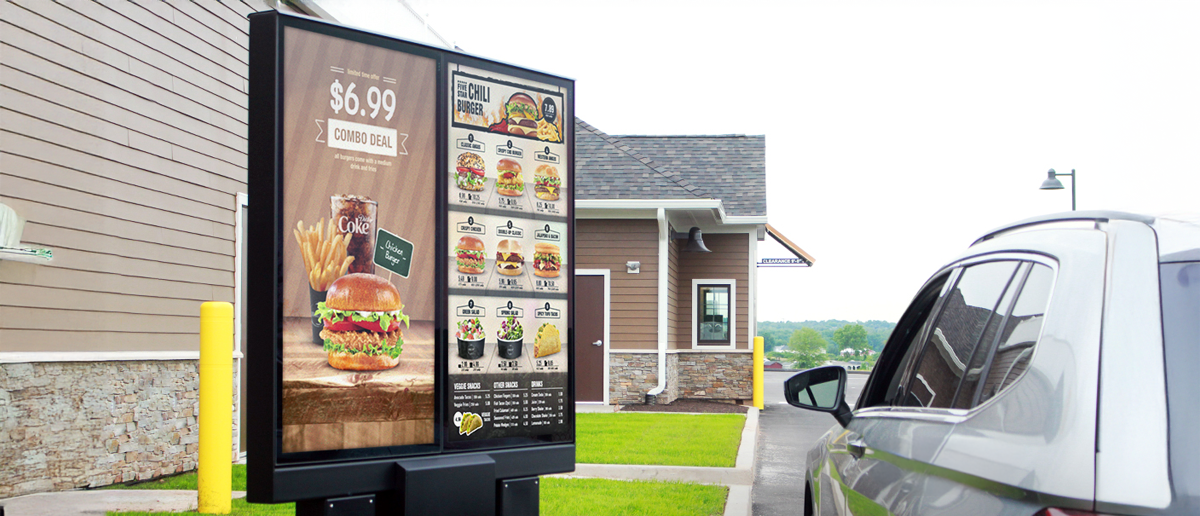
- You add a second screen (lobby, patio, drive-thru)
- You open or manage a second location
- You want prices to update automatically from your POS
- A blank screen during service costs you orders
Pickcel’s paid plans are priced per screen per month, which means costs scale directly with your deployment size. A two-screen café pays for two screens. A ten-screen franchise pays for ten. See the current pricing breakdown at pickcel.com/pricing.
According to the National Restaurant Association’s 2026 State of the Restaurant Industry report, 8 in 10 restaurant operators say technology gives them a competitive advantage. For most single-location operators, the free plan removes the financial barrier to finding out firsthand whether that is true for their business.
Frequently Asked Questions
Is Pickcel's digital menu board software really free?
What is the best free digital menu board maker for small restaurants?
Can I use a regular TV as a free digital menu board?
What do you lose with free menu board software compared to paid?
Does free digital menu board software include scheduling and dayparting?
Is free digital menu board software reliable enough for a restaurant?
Your first digital menu board can be live in under 20 minutes
Pickcel's free plan gives you one screen, full template access, and content scheduling. No credit card and no time limit. Start today, scale when you're ready.