I’m a remote employee, and I still miss important updates sometimes. Not because the message wasn’t sent, but because it got buried in threads, tabs, and notifications.
That’s exactly why digital signage works for employee communication gaps: it creates a high-visibility layer that doesn’t rely on someone opening the right app at the right time.
The deskless group alone is roughly 80% of the global workforce, and the hardest part is getting the right update to the right person before they act on old information.
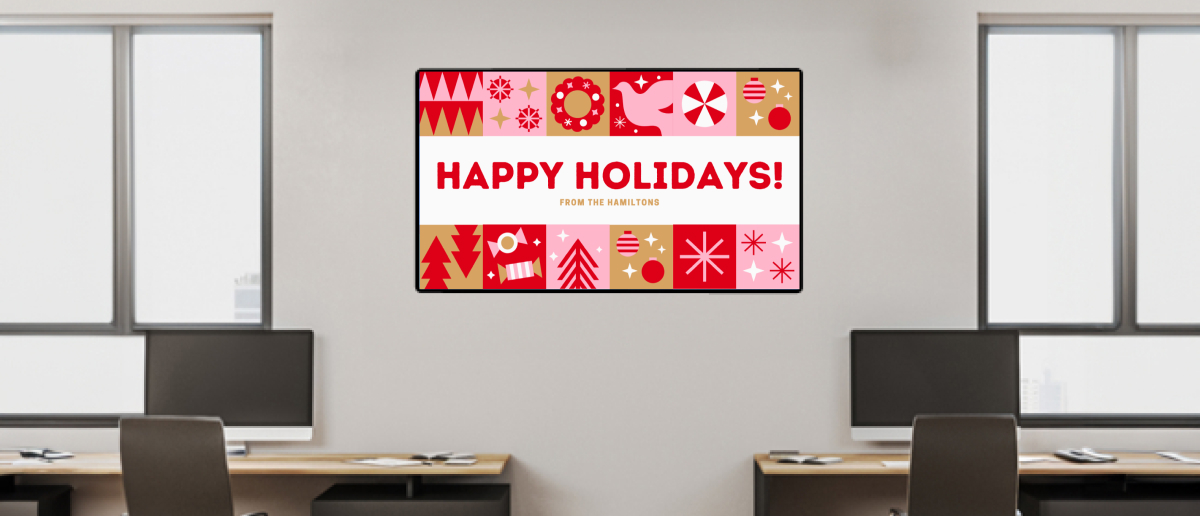
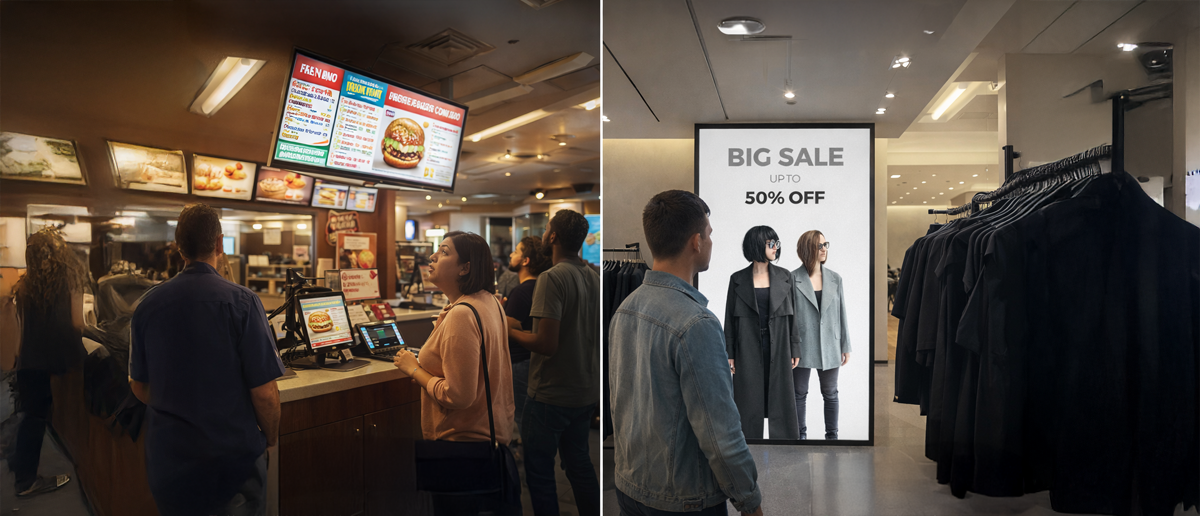
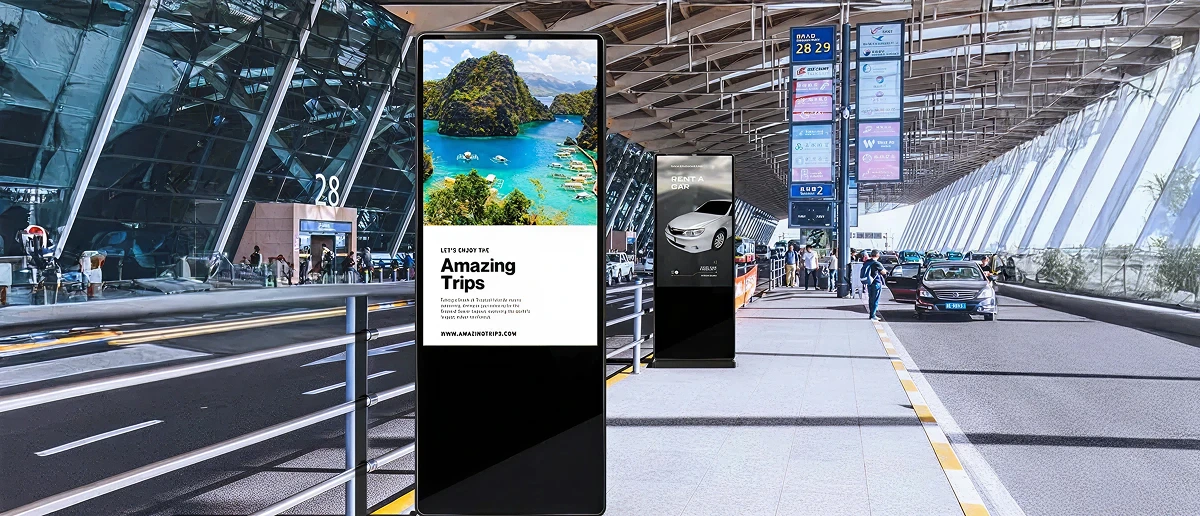
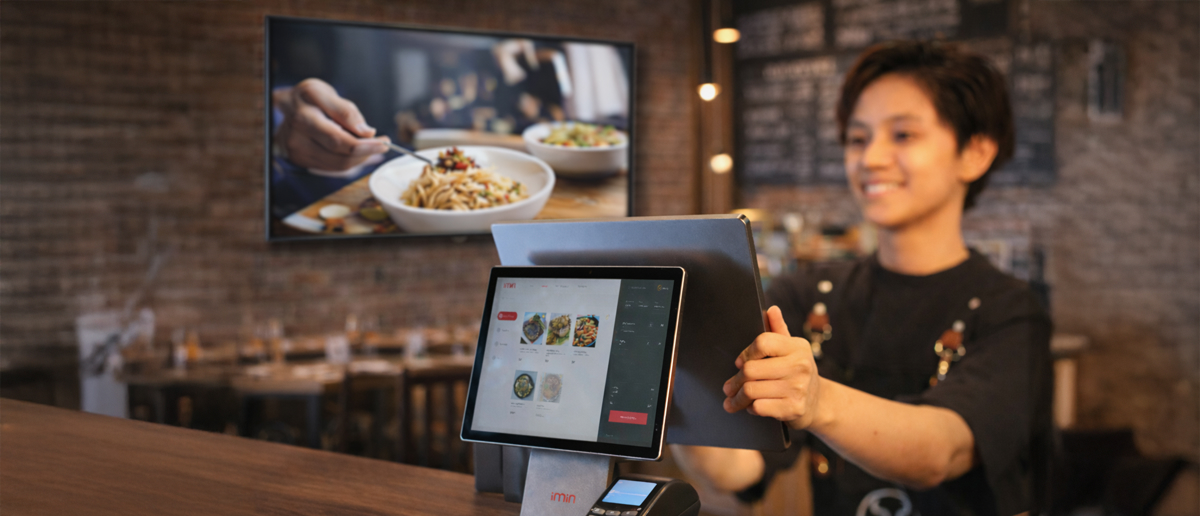
How employees consume information has changed, and the old assumption that people will look for updates simply doesn’t hold up across shifts, roles, and locations. Digital signage delivers critical messages at unmissable moments: clock-ins, huddles, break zones, dispatch points, and, for laptop workers, the lock screen, screen saver, and pop-ups.
You can handle fast, glance-able information on-screen, and push anything longer to a QR or short link for action. Good employee communication improves collaboration, engagement, productivity, and business outcomes.
How to reach deskless and remote teams without adding more noise
Across factories, warehouses, hospitals, retail floors, and campuses, the locations that work fall into three predictable buckets. Your CMS should let you group screens by these buckets so you can target and update them without creating one-off playlists per site.
Arrival / clock-in for must-see updates before work starts
Huddle / operational points for live status, targets, and safety
Break/dwell zones for culture, HR reminders, and low-urgency updates
For laptop workers, placement isn’t a wall. It’s a moment of visibility on the device without asking them to open yet another app. The system only works when you design for both patterns explicitly.
Lock/unlock screen: Best for simple reminders that need repetition (deadlines, policy prompts).
Screensaver/idle: Best for passive reinforcement when people step away (news, priorities, culture).
Browser new tab: High frequency for browser-heavy teams without extra pings.
Desktop ticker/pop-up: Reserve for genuinely urgent alerts.
Screens make key messages easy to see fast. Anything that needs a deeper read or proof of completion should move off-screen through a consistent action path.
Use QR/short links: acknowledgement, SOP/micro-training, hazard/issue reporting, or a one-question pulse response
Match content length to dwell time: Transit zones need instant readability; dwell zones can handle longer loops.
Design for real-world readability: Glare, viewing angle, and distance decide whether content is seen at all.
Cover every shift: The same critical updates must reach night shifts and rotating crews, not only day shift traffic.
To operationalize this blueprint, you need office digital signage software that can target by site and shift, run live dashboards in huddle zones, push urgent alerts across screens, plus desktop and mobile, and keep control through roles, approvals, and audit logs.
Pickcel’s dashboard display keeps live dashboards on workplace screens without timeouts or repeated logins, so teams don’t act on stale info. And it supports on-premise digital signage when IT needs everything to stay inside the network, including sources like Power BI, Tableau, Grafana, Jira, Zendesk, Salesforce, and CloudWatch.
Pickcel brings those pieces together so the message reaches both deskless and laptop teams without creating a new content workload.
What should play on screens and how it stays accurate
A repeatable content mix: Use the same few message types everywhere so people know what to expect.
Today’s work (shift priorities, handovers, live queue).
Safety (PPE, incidents, audit deadlines).
What’s new (policy/process/tool changes, outage updates).
Achievements (quality/safety/customer shoutouts tied to outcomes).
Helpful info (cafeteria menu, shuttle times, local weather).
A simple layout: Each screen should show one main message, keep a small space for quick reminders, and use a QR code or short link only when someone needs to take action.
Freshness rules: Anything tied to a deadline auto-expires, ops updates refresh daily or live, recognition and HR rotate weekly, and critical items are scheduled to appear in every shift window.
HQ and site ownership: HQ owns the templates and company-wide messages, while sites own local updates like shift notes, local notices, and local wins, but only by editing approved fields inside those templates.
Automations and monitoring: Pull dashboards and status from the source instead of remaking slides, update single fields rather than redesigning, and use playback logs plus device health to confirm screens were online, and the message actually ran.
Also read:
Role-Based Workflows and Approval Chains for Digital Signage
How to Create a Content Governance Policy for Enterprise Signage
How to implement this correctly
When trying to fix employee communication gaps, don’t start with a big rollout. Start with a pilot.
Pick one problem to solve (safety, shift ops changes, or policy updates that must be acknowledged).
Run it in one site or department with 2–3 screen groups, named owners, and success metrics set upfront.
Scale only when you can show: strong reach across shifts, a clear ops improvement, and a workflow your teams can run without chasing or manual updates.
Most digital signage tools are cloud-only, which limits you the moment IT wants tighter control. Pickcel gives you the option to run cloud or on-premise digital signage , with enterprise controls like SSO, role-based access, and audit trails.