See how Pickcel reaches every screen in your organisation →
- Average internal email open rate is 64% (PoliteMail 2025), which means roughly 1 in 3 internal emails goes unread
- SMS open rates are consistently reported around 98% across 2025 industry benchmarks (Sender.net 2025, Infobip 2025)
- Deskless workers make up a majority of the global workforce (2.7B people, Emergence Capital), and are not reachable by email or chat alone
- Digital signage is the only channel that reaches employees in shared spaces without requiring a device, inbox, or active engagement
Your organization probably uses at least three communication tools right now. There is email. There is a chat platform like Microsoft Teams or Slack. There may be a company intranet, a push notification tool, or even an informal WhatsApp group for certain teams.
And yet, messages still get missed.
According to PoliteMail’s 2025 Internal Communications Benchmark Report, which analyzed 4.8 billion internal emails sent to over 12 million employees globally, the average internal email open rate sits at 64%. That means roughly one in three company emails goes unread. Chat notifications get buried under dozens of other pings. Deskless workers on the factory floor or in the warehouse never see any of it.
An employee messaging system is not just about sending messages. It is about ensuring those messages actually reach the people who need them. This guide covers the main types of employee messaging systems, how to choose the right one for your workforce, the limitations each type brings, and the broadcast channel most organizations are still missing.
What is an employee messaging system?
An employee messaging system is a digital platform designed to help organizations send targeted communications to employees across one or more channels, such as email, chat, SMS, push notifications, or screens.
Unlike general-purpose messaging apps, employee messaging systems are built for organizational use. They typically include sender controls, audience targeting, delivery tracking, and compliance features. The goal is not just to send a message but to confirm that it reached the right people in the right context.
These systems are used by HR directors to communicate policy updates, internal comms managers to share company news, IT teams to push outage alerts, and operations leaders to coordinate shift-level announcements. The right system depends on who you are trying to reach and where those people actually are during the workday.
What types of employee messaging systems are available?
Employee messaging systems fall into five main categories: chat and instant messaging platforms, email-based internal comms tools, SMS and text messaging systems, push notification tools (such as desktop alerts), and screen-based broadcast systems like digital signage.
Each type serves a different communication context. Most organizations need more than one.
Chat and instant messaging platforms
Tools like Microsoft Teams, Slack, and Google Chat are the default choice for desk-based employees. They support real-time conversation, file sharing, and thread-based discussion. For teams that work together closely on projects, they are effective.
The challenge arises at scale. As an organization grows, chat channels multiply. Important company-wide announcements compete with project chatter, social messages, and automated bot notifications. What starts as a simple messaging tool can quickly become a source of information overload.
Email-based internal comms tools
Platforms like Staffbase, ContactMonkey, and Poppulo sit on top of your existing email infrastructure and add targeting, segmentation, and open rate tracking. They are well-suited for formal communications: policy updates, benefits information, compliance notices, and leadership messages.
The 64% average open rate from PoliteMail’s 2025 benchmark is actually a strong result for internal email relative to marketing email, but it still means a meaningful share of your workforce is not seeing the message. For time-sensitive or compliance-critical communications, that gap matters.
SMS and employee text messaging systems
An SMS employee communication system (employee text messaging system) sends messages directly to employees’ mobile phones. With SMS open rates consistently reported at around 98% across industry benchmarks (Sender.net 2025, Infobip 2025), text messaging delivers near-universal reach for employees who have a registered mobile number.
SMS works well for urgent alerts, shift reminders, and time-sensitive safety notifications. The limitations: it requires a managed contact list, responses are limited, and regulatory requirements around employee privacy vary by country. It also requires employees to carry a phone, which is not always practical in certain manufacturing or cleanroom environments.
Push notification and desktop alert tools
Desktop alert tools push notifications directly to employee screens at their computers, bypassing the inbox entirely. These are particularly effective for IT outage notifications, emergency communications, and policy acknowledgement campaigns. Employees see the alert regardless of whether they have email open.
The reach is strong for desk-based workers but drops to zero for anyone not sitting at a computer.
Screen-based broadcast systems (digital signage)
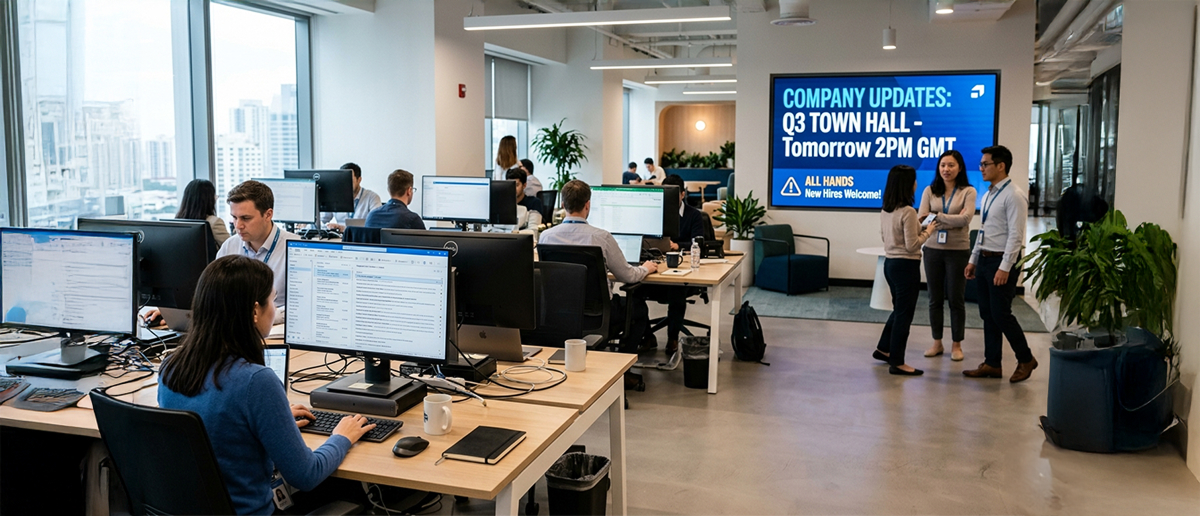
Digital signage systems display content on screens placed in common areas: break rooms, canteens, production floors, hallways, and reception areas. Unlike every other type of employee messaging system, digital signage does not require the recipient to have a device, check an inbox, or respond to a notification.
A screen in the break room reaches the warehouse operative who has no company email address and does not use Teams. A screen in the factory canteen reaches shift workers who check their phones only outside work hours.
This is the broadcast layer that most messaging stacks are missing.
| Type | Best For | Requires Device? | Reaches Deskless? | Delivery Confirmation? |
|---|---|---|---|---|
| Chat (Teams / Slack) | Project teams, desk workers | Yes | ✕ | ✕ |
| Internal email tools | Formal comms, desk staff | Yes | ✕ | ✓ |
| SMS / text messaging | Urgent alerts, shift workers | Yes (mobile) | Partial | ✓ |
| Desktop push notifications | IT alerts, acknowledgements | Yes (desktop) | ✕ | ✓ |
| Digital signage | Broadcast, deskless, common areas | No | ✓ | ✓ |
How to choose the right employee messaging system
Choose your employee messaging system based on three factors: who you need to reach (desk workers, deskless workers, or both), how time-sensitive the message is, and whether you need confirmed delivery for compliance purposes.
No single system covers every scenario. Follow these four steps to build the right stack for your organization.
What are the limitations of chat-based messaging for enterprises?
Chat platforms are excellent for team-level collaboration but perform poorly as broadcast communication tools. They create information overload at scale, exclude deskless workers entirely, and provide no mechanism for guaranteed delivery of critical messages.
Chat platforms were built for conversation, not broadcast. The problem arises when organizations try to use a conversational tool for every communication need.
A few gaps that become acute at enterprise scale:
Volume and noise: As organizations grow, chat channels multiply. Important announcements compete with hundreds of other messages. Many employees manage their notification settings by turning most alerts off.
Desk dependency: For manufacturing, logistics, retail, and healthcare teams, chat apps have little or no reach beyond the desk population.
No passive reach: Employees must open an app or check a device. There is no equivalent of an ambient broadcast channel.
Compliance limitations: Confirming that a specific employee saw a specific message at a specific time is difficult or impossible in most chat systems.
How does digital signage solve the broadcast messaging gap?
Digital signage places content on screens in physical locations where employees are, rather than waiting for employees to check a device. It reaches workers who have no company email, no chat account, and no obligation to check their phone during a shift.
This makes digital signage a fundamentally different type of employee messaging system, and a complement (not a replacement) to the tools your organization already uses.
Here is how organizations apply it in practice:
Shift and operational updates: Production targets, schedule changes, and shift briefings displayed on floor-level screens keep all workers aligned without requiring a phone check.
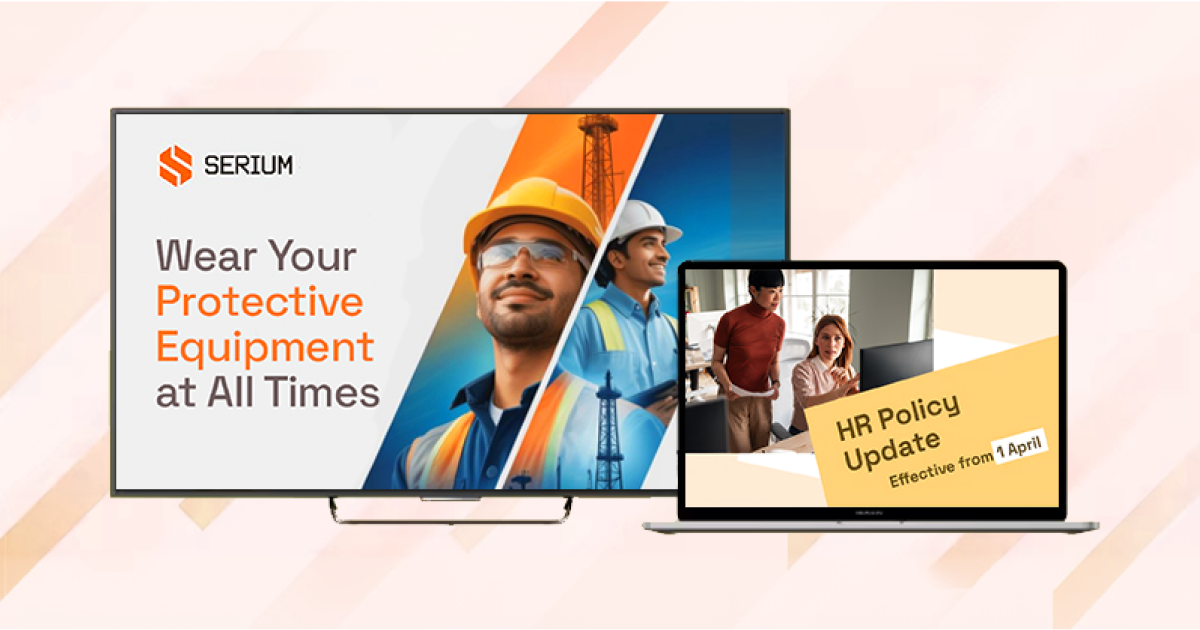
Safety and compliance communication: Safety notices, emergency procedures, and regulatory reminders displayed in relevant locations keep critical information in view.
Company news and culture: Recognition, milestones, and leadership messages in common areas reach employees who do not engage with an intranet.
IT and operational alerts: Outage notices and instructions pushed to screens notify all staff, including those not at a computer.
Pickcel’s employee communication platform supports content scheduling, audience targeting by location or department, and screen-level delivery confirmation. It connects to multiple channels employees actually use, including screens and desktop alerts, and supports emergency broadcast workflows when speed matters.
For teams managing multi-channel employee communication across distributed locations, a single system reduces both cost and complexity.
If you are evaluating the broader landscape of tools, Top 12 Internal Communication Tools for Modern Workplaces covers the category in more detail.
Frequently Asked Questions
What is an employee messaging system?
What is the best messaging system for employees?
Can you use SMS for employee communication?
What is the difference between an employee messaging system and digital signage?
How do you communicate with employees who don't have email?
What features should I look for in an employee messaging system?
Is Pickcel secure and suitable for enterprise use?
Ready to build an employee messaging system that reaches everyone?
Pickcel helps internal comms teams close the broadcast gap with digital signage + multi-channel delivery from one dashboard.