$2 trillion.
Yes, with a “T.” That’s how much disengaged employees cost businesses in the USA every year.
It’s a big number, but it points to a real problem, many companies still struggle to communicate effectively with their own teams.
Ever wonder if your internal communication strategy is quietly slowing down productivity, morale, or retention? It’s more common than you think.
Important updates get lost in email overload. Printed notices go unread. Bulletin boards fill up with outdated reminders. The result? Missed messages, low engagement, and wasted time.
Office digital signage in USA workplaces is changing that.
It’s immediate, visible, and designed for how people consume information today. More importantly, it works with the pace and complexity of modern workplaces.
Across the US, more organizations are using digital signage to bring clarity, consistency, and alignment to internal communications and seeing measurable results.
Companies that implement effective digital signage report up to a 25% boost in employee productivity and significantly higher engagement levels.
What is Digital Signage for Employee Communication?
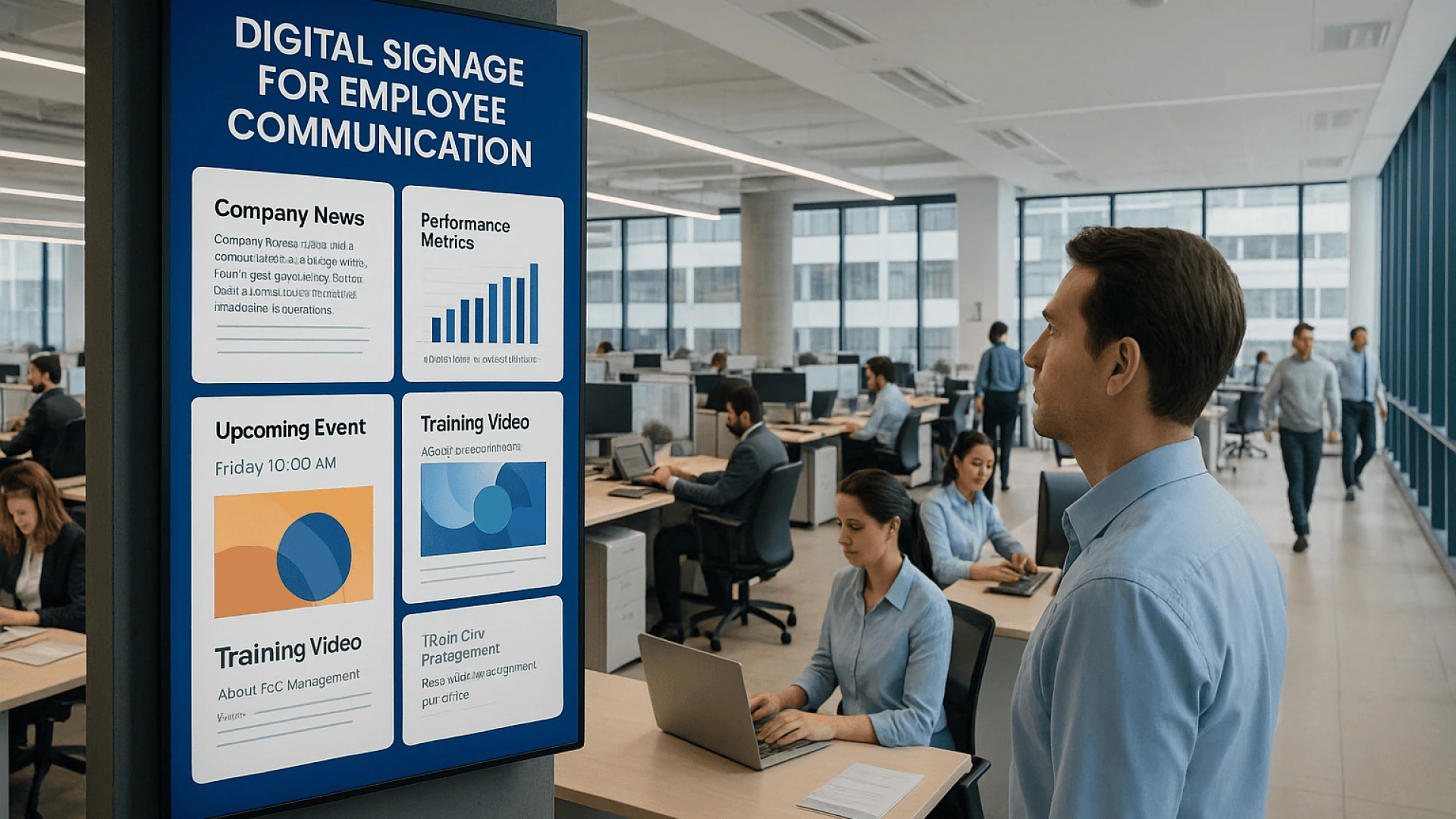
Digital signage for employee communication is exactly what it sounds like, the use of centrally managed digital displays inside the workplace, typically LCD, LED, or projection screens, to deliver targeted, timely messages to staff across an organization.
Workplace digital signage offers strategic, dynamic communication designed for how people actually absorb information today.
Digital signage in USA particularly, has become a core part of internal communications infrastructure, improving transparency, reinforcing culture, and driving employee engagement in ways that traditional channels like email or bulletin boards can’t match.
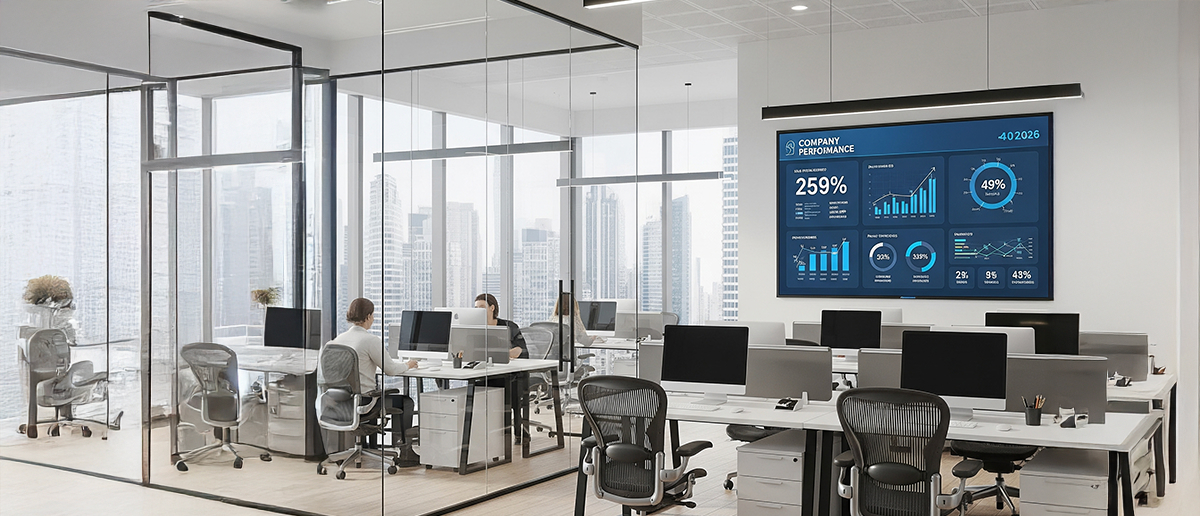
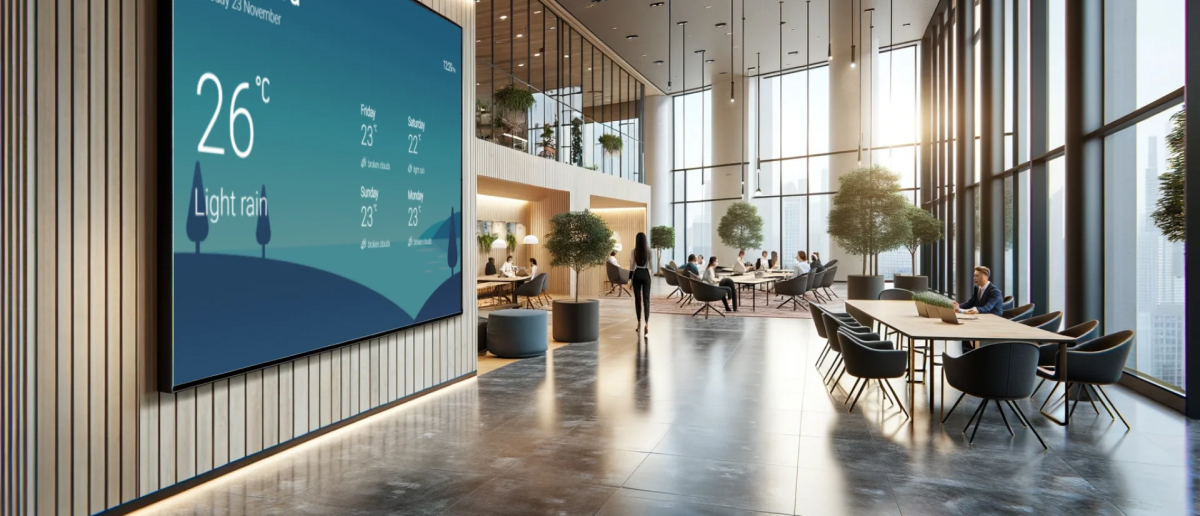
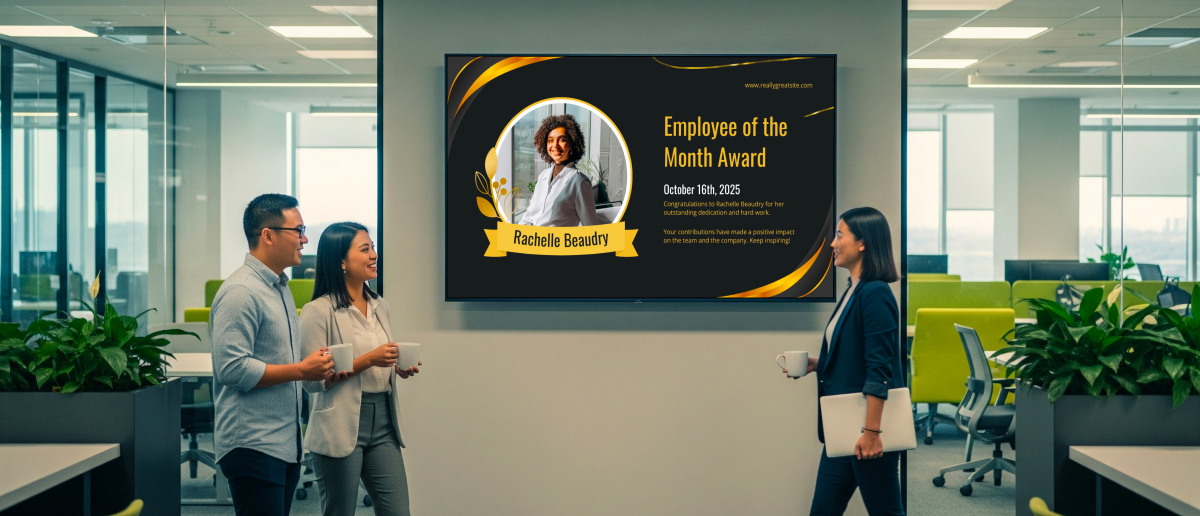
Screens are used to show anything from real-time company news and performance metrics to safety alerts, event reminders, training videos, or employee recognition updated instantly through a cloud-based or on-premise digital signage solution in USA workplaces.
Problems in Employee Communication and How Digital Signage Solves Them

Even in well-run offices, the flow of information can break down. The result is disengagement, lower productivity, and a weaker connection to company goals. With its instant, visible, and adaptable format, digital signage closes communication gaps and keeps teams aligned.
1. Email Overload and Low Visibility of Important Messages
The problem: Critical updates are buried in overflowing inboxes, where open rates are falling, and constant notifications interrupt deep work, 74% of employees say they miss vital updates this way.
Digital signage solution: Strategically placed screens deliver safety alerts, policy changes, or meeting reminders without disrupting workflow, allowing employees to absorb information naturally as they move through shared spaces.
2. Outdated Communication Channels
Problem: Paper memos, bulletin boards, and static posters are slow, costly, and easy to miss. They’re also far less engaging, with low recall and visibility.
Digital signage solution: Centralized control means instant updates across any location. Digital displays grab 400% more views, boost awareness by 47.7%, and achieve an 83% recall rate, keeping messages visible and memorable.
3. Information Gaps Across Locations and Teams
The problem: In multi-site or hybrid workplaces, ensuring consistent, timely updates is difficult. This can create misalignment and confusion, especially when different offices operate on outdated information.
Digital signage solution: Cloud-based control pushes content to every screen at once or targets it to specific sites or teams.
4. Reaching Non-desk and Frontline Workers
The problem: Manufacturing, logistics, and retail staff rarely check email or the intranet, making them the hardest to keep in the loop.
Digital signage solution: Screens in break rooms, production lines, or warehouses deliver the same timely updates as the office, keeping everyone aligned on safety, schedules, and performance goals.
5. Weak Connection to Company Culture
The problem: Many employees remain unaware of their company’s core values, which weakens their sense of purpose and belonging. When people feel disconnected from the culture, they’re more likely to disengage and consider leaving, impacting morale and team stability.
Digital signage solution: Daily displays of values, leadership updates, public recognition, birthdays, milestones, and top performers boost morale and strengthen belonging.
6. Missed Opportunities in First Impressions
The problem: An outdated or poorly managed lobby sets the wrong tone for visitors, new hires, and staff 40% of people say a poor lobby experience can damage a brand’s image.
Digital signage solution: Reception displays can welcome guests, guide visitors, and showcase company achievements. For employees, it creates a professional, consistent experience, reinforcing brand identity and pride.
7. Disengaged and Unproductive Employees
The problem: Disengaged employees reduce motivation, lower output, and make it harder to retain talent. In contrast, engaged teams perform better, while poor communication often leads to costly mistakes and missed opportunities.
Digital signage solution: Highly visible updates, performance data, and recognition keep teams focused and aligned with company goals. Digital signage also helps reduce errors, speed up decision-making, and maintain operational momentum, factors that directly protect revenue and strengthen retention.
Effective Content Ideas for Workplace Digital Signage

1. HR & Employee Updates
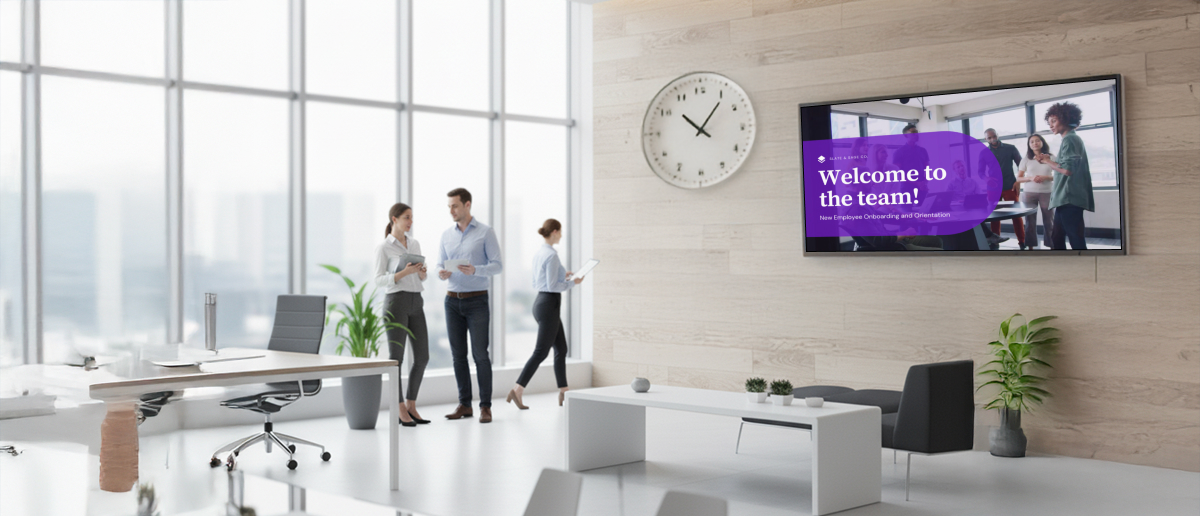
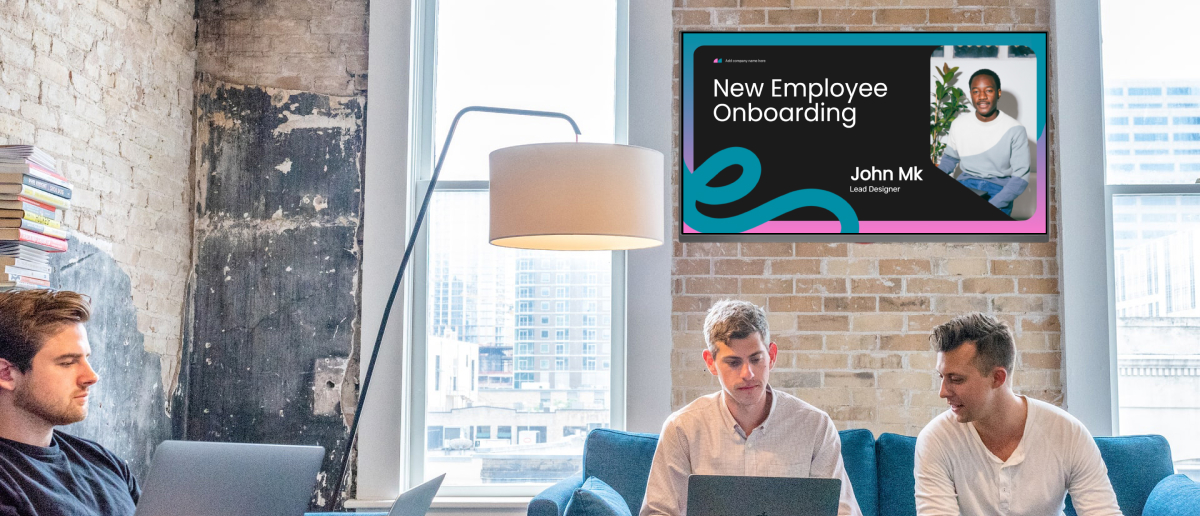
HR teams can share payroll deadlines, benefits windows, welcomes, and recognition in real time, overcoming the common challenge of important updates being buried in emails or missed on static boards.
2. IT & System Alerts
Push cybersecurity tips, maintenance schedules, and outage alerts instantly avoiding the delays common with email or intranet. Modern platforms enforce SSO, role‑based access, encryption, and audit logs meeting enterprise expectations for digital signage security in USA and global markets.
3. Emergency Notifications
Provide immediate safety alerts, evacuation routes, and preparedness tips addressing the issue of slow or unclear communication during critical incidents when every second counts.
4. Company News & Performance
Display leadership messages, KPIs, and project milestones to fix the problem of inconsistent updates that leave employees unaware of company progress or goals.
5. Culture & Engagement
Showcase company values, celebrate achievements, and share employee-generated content to keep culture visible and employees connected across departments or locations.
6. Training & Development
Share quick tips, training videos, and upcoming learning opportunities to tackle low participation caused by a lack of awareness or hard-to-access information.
7. Event Promotion & Reminders
Promote upcoming events, webinars, and meetings, overcoming the frequent issue of employees missing dates due to last-minute or buried announcements.
8. Wellness & Health Initiatives
Display wellness tips, safety reminders, and self-care resources to boost engagement in health programs that often suffer from poor visibility.
9. Meeting Room Management
Show real-time room availability and bookings, eliminating scheduling conflicts and confusion over space usage.
10. Reception & Visitor Management
Welcome visitors, guide them, and share key information, solving the problem of a disorganized first impression and reinforcing a professional brand image.
Implementing Digital Signage for Employee Communications

Rolling out workplace displays isn’t just about putting screens on walls. Done right, it can replace outdated channels, cut through email clutter, and keep teams connected wherever they are.
1. Define Clear Objectives
Start with the “why” set clear goals to guide your content and measure success. Define what you want to achieve, whether it’s improving engagement, streamlining updates, boosting safety awareness, or reinforcing company values.
2. Select the Right Tools
The right hardware and software are non-negotiable. High-resolution LED or LCD screens paired with a robust CMS enable centralized control, automation, real-time updates, analytics, and integration with tools like Teams or Power BI .
For practical guidance on connecting Teams notifications to digital displays, see our resource on Microsoft Teams employee engagement tips for hybrid office environments.
When looking for digital signage software in USA , companies should evaluate platforms based on reliability, ease of use, and the ability to manage content seamlessly across multiple office locations.
3. Standardize Across Locations
For multi-site operations, standardising hardware and CMS avoids compatibility issues, minimises downtime, simplifies support, and keeps the look and feel consistent everywhere.
4. Cloud-based Management
Manage and update screens in real time from anywhere. Push content to all locations or target specific teams. It can scale easily as you grow, and get urgent alerts live instantly without waiting for local updates.
5. Focus on Content Quality
Short, clear, and easy-to-scan messages work best. Use visual hierarchy so key details pop, and keep things engaging by mixing text, images, video, and live data.
6. Keep it fresh
Outdated content is one of the fastest ways to lose attention. Set a content schedule and rotate messages frequently so screens always feel relevant. Automated playlists can help manage the process.
7. Make Calls-to-Action Clear
If you want people to act, register for an event, complete a survey, review a policy, give clear instructions. Direct instructions work better than vague prompts.
8. Involve Employees
Sharing team wins, event photos, and peer recognition makes displays more relatable and helps employees feel part of the conversation.
9. Train your Admins
Equip system managers with the skills to create great content, schedule updates, and fix issues quickly. A capable team keeps the system running smoothly.
10. Integrate with Other Channels
Screens work best as part of a wider communication mix. Use them to surface key updates and direct employees to detailed information on existing platforms like the intranet, apps, or email. This keeps content focused while ensuring nothing gets lost.
For organizations managing all channels from one platform, an employee communication app connects screens, apps, and alert channels in a single workflow, ensuring that employees who move between locations still receive every update as it happens.
Case Study: How Hindustan Unilever Made Office Communication More Engaging
Hindustan Unilever , one of India’s largest FMCG companies, wanted to make communication inside its Bangalore and Mumbai offices more effective. Traditional channels like email and posters were losing impact; messages were often missed, and printing updates was slow and inefficient.
Pickcel’s cloud-based digital signage was first tested on a few cafeteria screens. The trial showed the team they could update content instantly, use video to make messages stand out, and control all displays from one place. Within weeks, every screen in the offices, from lobbies to meeting rooms, was brought onto the platform.
Employees began seeing leadership updates, HR notices, safety tips, and personalized greetings in a more dynamic format. Event participation rose, referral programs improved, and consistent branding reinforced connection across the office.
Conclusion
Workplace digital signage has become a core component of the internal communications infrastructure.
Its performance is easy to measure when tied to defined KPIs such as engagement rates, message recall, productivity gains, and savings on print or manual updates. Real-time analytics make it possible to track impact continuously and refine both content and strategy.
Platforms like Pickcel provide the flexibility, integrations, and scalability needed to run a unified communication system across multiple locations, with detailed reporting to validate results.
Implementing such a solution keeps workplace communication accurate, timely, and aligned with business goals.
Turn your screens into one of your most profitable assets

Frequently Asked Questions (FAQs)
How does digital signage help remote or hybrid teams?
Is interactive digital signage worth it for workplaces?
Can offices track engagement with digital signage?
Is it possible to gather employee feedback through displays?