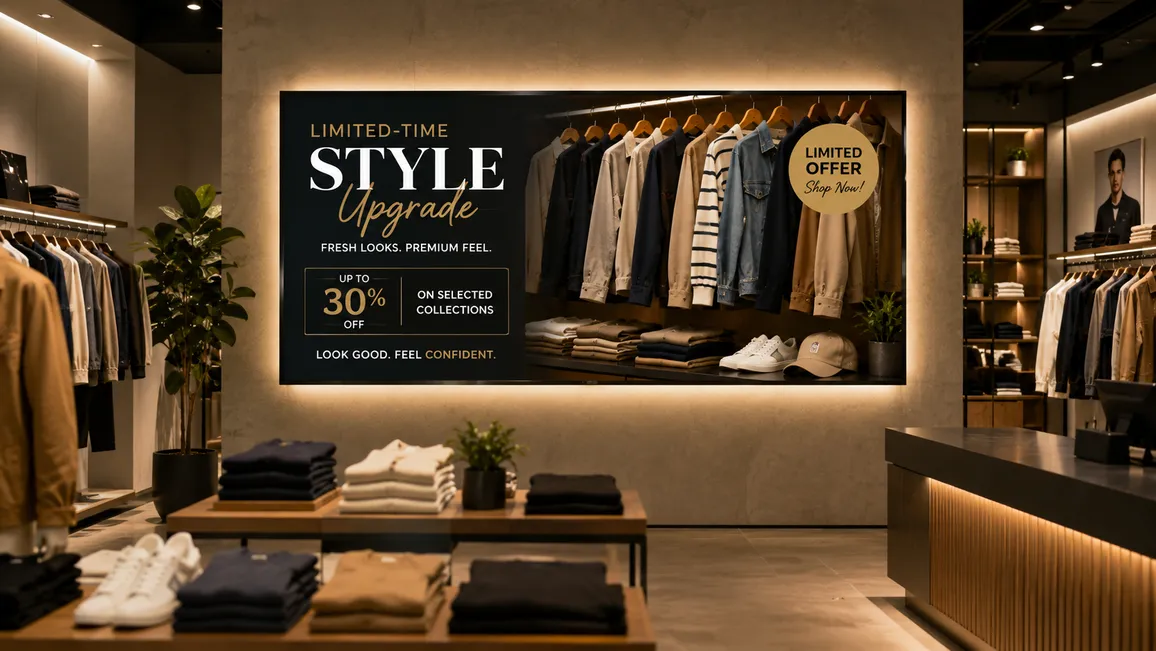
- Checkout countdown screens outperform static POS on impulse attach rates.
- Five screen placements capture most measurable upsell lift in a store.
- A 2026 peer-reviewed study attributes ~88% of the lift to the screens.
What is digital signage upselling in retail?
Digital signage upselling in retail is the practice of using screen-based displays, positioned at product zones, checkout queues, and high-footfall areas, to prompt customers to consider higher-value products, complementary items, or bundle offers. Unlike static shelf-talkers, the content can be updated in real time, scheduled by time of day, and tailored to the specific products in that area, making each screen an active driver of average order value rather than passive decoration.
Most retail stores carry the same gap. The products most likely to increase a customer’s basket sit within arm’s reach, but nothing draws attention to them reliably. Staff recommendations are inconsistent. Printed POS cannot update when a promotion ends or stock runs low. Customers walk past upsell opportunities they would have taken, had the moment been captured.
Digital signage at the right location, with the right content, closes that gap. In a 2026 study published in the Journal of Marketing (Herhausen, de Jong, and Grewal ), in-store digital screens drove measurable, incremental sales lifts, with approximately 88% of added revenue attributed directly to the digital displays rather than to overlapping promotional activity. Retailers consistently report higher attach rates on promoted items when upsell content appears at checkout versus printed shelf-talkers at the same position.
This article covers five specific tactics, where to deploy each one, and how a centralised CMS manages the content without requiring a designer for every campaign update.
Tactic 1: Product pairing screens at the product zone
Place a screen at eye level, next to or above the primary product display. The content shows one complementary item or bundle suggestion, with a concise visual and a price or offer callout.
Why it works at this location: The customer is already in a buying mindset about the primary product. A pairing suggestion, wine next to a cheese display, a charging cable near a power bank, a matching accessory beside a featured jacket, arrives at precisely the moment the customer is evaluating their selection. The decision is already warm.
What to show: A two-item pairing visual. “Goes well with” language. A bundle price if applicable. Keep to one suggestion per screen; two or more compete for attention and reduce conversion on both.
Pickcel feature enabling it: The content scheduling tool assigns specific screen groups to specific product zones. A store manager can update the pairing suggestion in under three minutes, from any device, without reprinting anything. Zone-level content control means the sports nutrition zone shows different pairings than the beverages aisle, managed from one dashboard.
Expected outcome: Higher attach rates on promoted complementary items, strongest for impulse-friendly additions priced under a third of the primary product’s value.
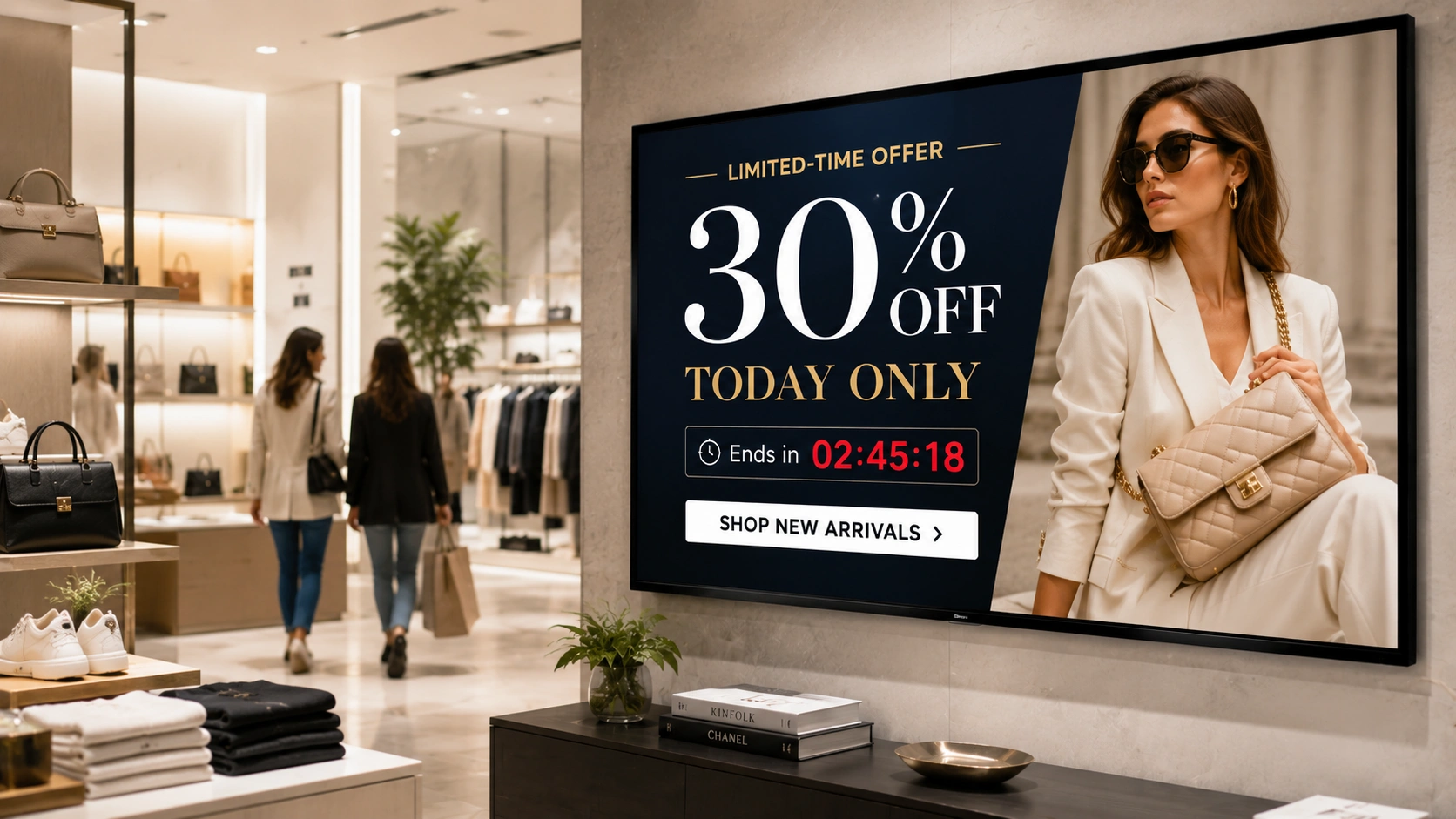
Tactic 2: Countdown timer offers at the checkout queue
The checkout queue is the last active decision point before the transaction closes. A customer standing in line has time to look around, and a dynamic screen holds their attention in a way a printed shelf-talker behind the register cannot.
Countdown timers create urgency without pressure. A screen showing “Today only: add [product] for [price]” with a visible timer shifts the decision window. The customer knows the offer expires at the register or at end of day, and the time pressure is visible rather than implied.
What to show: A single add-on product, a clear offer, and a countdown timer. Include a line such as “Add to your basket at the register” to remove any friction about having to leave the queue to find the item.
Pickcel feature enabling it: Pickcel’s scheduling engine and countdown widget components let operators configure timed promotions tied to specific campaign dates and hours, planned through a content calendar for digital signage . A promotion running Tuesday through Friday, from 11am to 7pm, is set once and runs without manual intervention. When the campaign ends, the screen returns to the next scheduled content automatically.
Expected outcome: Impulse purchases on add-on items during queue dwell time. The checkout queue is one of the highest-converting positions in a retail store precisely because the customer is already committed to a transaction.
Tactic 3: Cross-category recommendation displays
A customer browsing the sports nutrition aisle is a candidate for a protein shaker from the kitchenware section. A customer at the stationery display might add a desk organiser from the furniture zone. These cross-category associations are invisible to static POS, which only addresses the product directly in front of it.
A digital screen can be programmed by zone, by season, and by category adjacency, showing cross-category recommendations that connect to what the customer is already considering, without requiring them to make the connection themselves.
What to show: A “You might also need” visual featuring one item from an adjacent category. Use product photography, not illustrated graphics. Include a location callout (“Find it in Aisle 7”) so the recommendation is immediately actionable. One item, one call to action, not a carousel.
Pickcel feature enabling it: Zone-based content groups in Pickcel let operators assign different content playlists to different store sections. Cross-category suggestions for the sports zone, the beauty aisle, and the homewares section are each managed separately, updated centrally, and deployed without touching hardware.
Expected outcome: Higher basket value from items outside the customer’s original intent. The recommendation needs to connect logically to the current zone; relevance is the mechanism, not repetition.
Tactic 4: Loyalty and repeat-purchase prompts
A QR code on a checkout or product zone screen can draw a customer into a loyalty programme at the moment of highest engagement. A screen at checkout showing “Earn double points on this purchase today” turns a transactional moment into a retention moment.
For existing loyalty members, digital screens surface member-specific offers, “Your next redemption: £5 off any purchase over £30”, that give the customer a reason to add one more item to the basket now rather than waiting for the next visit.
What to show: A simple QR code for new sign-ups, with a clear benefit statement (“Join and get £5 off today”). For member offers, a brief personalised message with a QR code linking to an offer or app action. Keep the copy short; five words and a number is enough.
Pickcel feature enabling it: Dynamic content templates let operators display QR codes that link to specific landing pages, loyalty portals, or app download pages. The same screen rotates between the loyalty prompt and a product promotion on a timed playlist, so the screen works hard even when the loyalty cycle resets.
Expected outcome: Loyalty programme sign-ups at a moment of active engagement, plus repeat-purchase incentives that increase basket value on the current visit and raise the likelihood of return.
Tactic 5: Social proof screens at high-consideration zones
Products at higher price points, premium electronics, high-end skincare, flagship footwear, often see a customer pause, pick up the item, read the back of the box, and put it down without converting. The hesitation is about confidence, not awareness. The customer knows the product exists; they are not sure enough to commit.
A screen in that zone showing verified review scores, a “Best Seller” or “Staff Pick” label, or a brief customer endorsement reduces hesitation. The customer sees that others have made this decision and been satisfied, and the resistance lowers.
What to show: A review score with a source attribution (Google Reviews, Trustpilot, or a specific named reviewer). A “Best Seller in [Category]” label. A brief pull quote from a verified review. Avoid unattributed claims; a specific rating from a named source carries more weight than a generic statement.
Pickcel feature enabling it: Pickcel supports integrations with review platforms via its app marketplace, enabling live or regularly refreshed review scores to display on screens without manual content updates. The content calendar lets operators schedule “Best Seller” callouts to align with actual stock levels and promotional periods, so the signage stays accurate.
Expected outcome: Higher conversion on considered, higher-margin purchases. Social proof is most effective at the exact location of hesitation, not at checkout where the decision is already made.
Where to place upsell screens in your store
Placement determines whether a screen is seen at the right moment or ignored. Four positions account for most measurable upsell impact in a retail environment.
Checkout queue (highest priority). Customers are stationary, not browsing, and already mid-transaction. Dwell time in a checkout queue averages two to five minutes, enough for a 30-second content loop to repeat multiple times. This is the primary position for countdown timers and last-chance add-on offers.
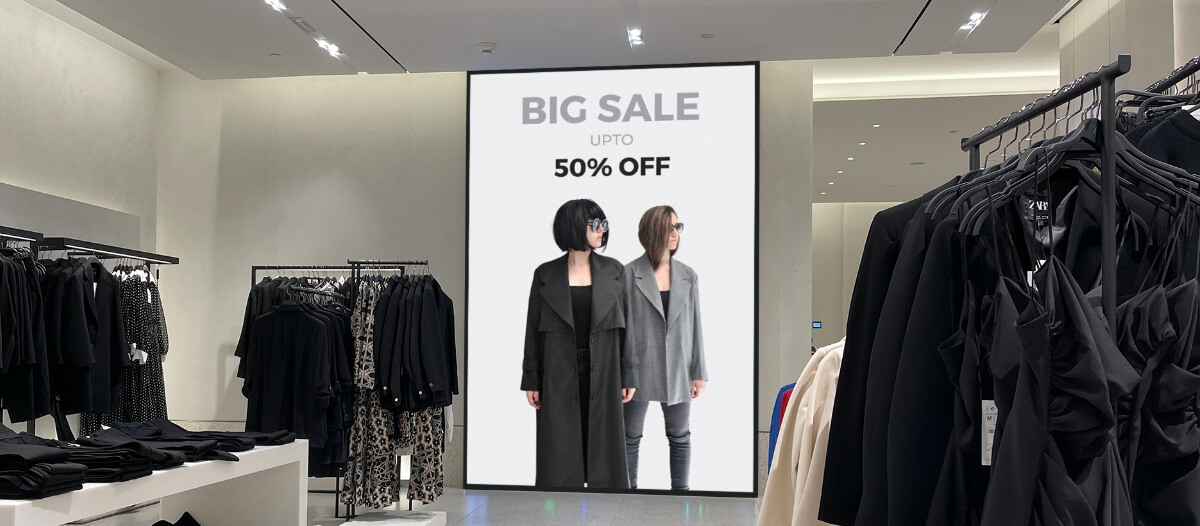
Product zone at eye level. A screen mounted at the decision point for a specific category. The customer is actively evaluating products; the screen adds a pairing suggestion or social proof at that moment. Eye level means the screen is in the natural sightline, not mounted above or mounted low where it competes with shelf labels.
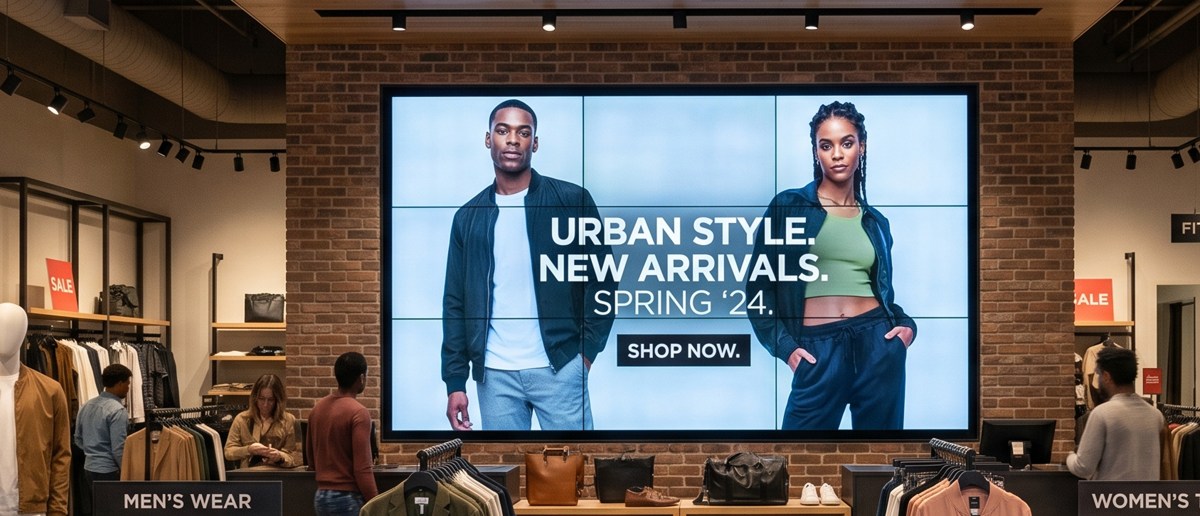
Entry and transition points. Wide-format screens at store entry set the promotional tone and plant a first impression, often a current hero offer or seasonal campaign. Transition points between sections, where a customer moves from sportswear to footwear for example, work well for cross-category prompts that carry intent from one zone to the next.
Fitting rooms (apparel retail). A screen inside or directly outside a fitting room captures a customer at a moment of active consideration about a specific item. They have already committed time to the decision. Styling suggestions, matching accessories, and bundle offers work well here because the customer is already imagining themselves in the product.
Across all positions, the same principle applies: the screen reaches the customer when they are making or about to make a purchase decision. A screen in a low-traffic corridor or mounted above eye level is decorative, not commercial.
Frequently Asked Questions
How does digital signage help with upselling in retail?
What content on a retail screen is most effective for driving upsell?
Where in a retail store should upsell digital screens be placed?
Can Pickcel display time-limited offers and countdown timers for checkout upsell?
What is the difference between upselling and cross-selling in retail digital signage?
Upsell content is most effective when it is current, relevant, and placed at the moment of decision. Pickcel manages that centrally across every screen and every location, updated in real time from a single dashboard. More than 9,000 businesses manage over 150,000 screens across 70+ countries with Pickcel, and the platform is SOC 2 Type II and ISO 27001 certified. To see how this works in a retail environment, explore Pickcel digital signage software or Pickcel’s retail digital signage solution , or book a 30-minute walkthrough below.
Ready to see it running?
Request a demo to see zone-based upsell content, countdown offers, and loyalty prompts managed from one dashboard. Or get started free and build your first checkout campaign yourself.