
Dec 24 2025

10 min read
September 12, 2025
14 min read


ALL
GENERAL
You can turn any screen into a digital signage by just using a portable drive with pre-downloaded content or connecting your screen to a computer system through an external port. All of these work well for personal home use or a presentation to a small group of people.
However, for organizations and businesses with large audiences and foot traffic, manually connecting screens like this can only achieve as much as displaying static images or videos that repeat endlessly.
A digital signage player is a hardware device in a digital signage setup. These are dedicated media players connected to the signage screens, just like an HDMI or USB.
The role of any signage player is to make the display screen capable of running multimedia content like the one we see in public offices, campuses, retail outlets, and more. Usually, signage media players are needed for commercial-grade displays and screens that are unable to run advanced digital signage software.
A digital signage media player works like a CPU and processor, allowing digital software to be installed and run on the display screen. Without it, the screen is just a blank display monitor.
A signage media player receives content from a content management system (CMS), either a local data source or a cloud server, and then processes that content to display it on the screen.
Here’s how every component connects to a signage player to run the content on the screens:
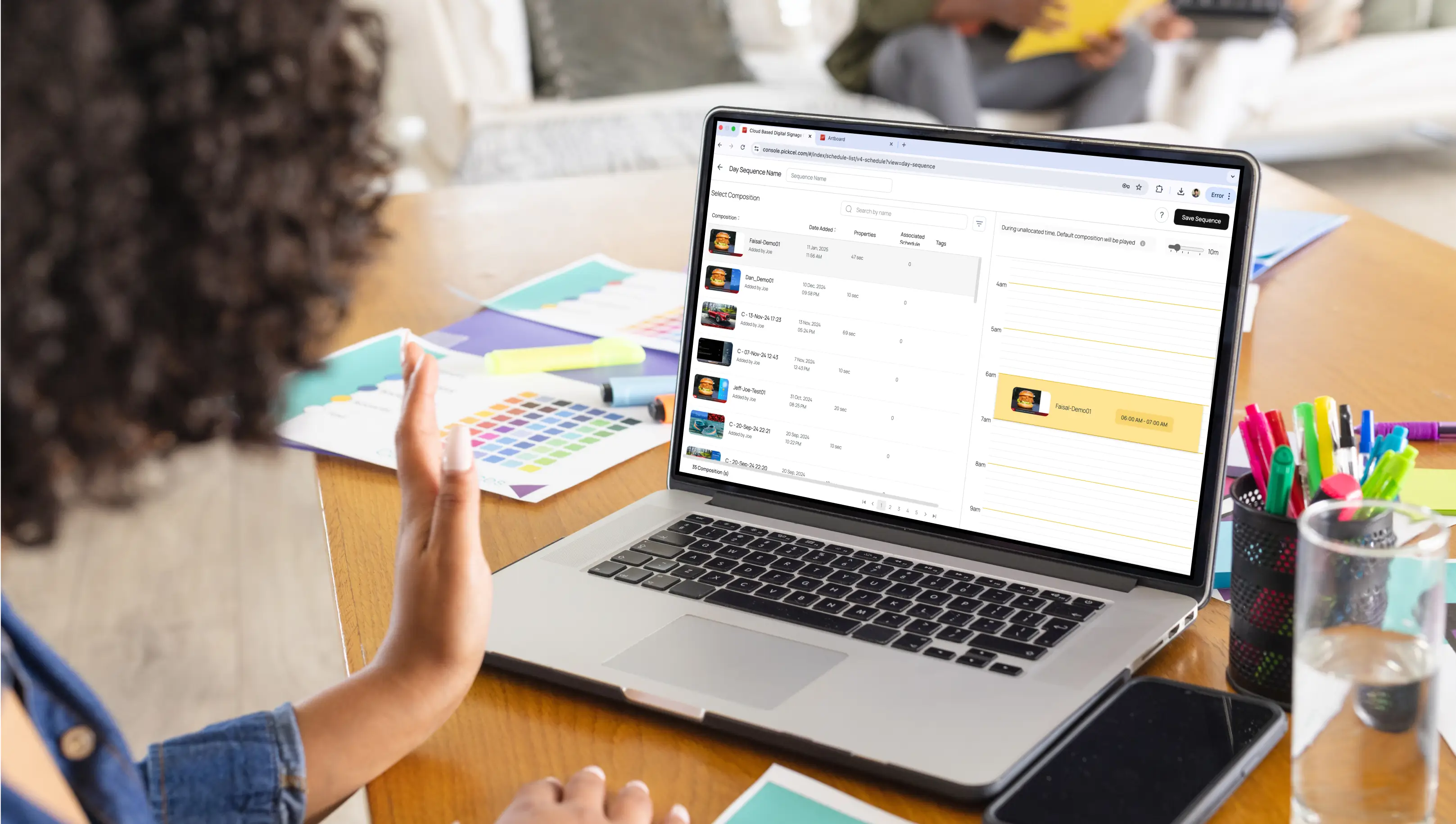
Content Management: Digital signage CMS like Pickcel, SuperSign, NoviSign, etc,. allows users to create or upload any content, make playlists, schedule when each piece of content will play, and assign them to a specific screen or group of screens.
Delivery: The CMS sends the content to the signage player. For networked players, this happens over the internet. For standalone players, users can plug in a physical device to play the content.
Playback: The signage player acts like a mini computer, processes the content and plays it on the connected screen. For networked players, it follows the schedule and rules the users set in the CMS.
This simple workflow is what makes signage displaying flexible, allowing businesses to instantly update menus, push real-time alerts, or display live feeds within seconds.
You might be wondering, “Are there different signage players needed for different displaying options?” or “Do signage players vary in usage?”. We’ll dive into all these questions.
Hardware like the classic Sandisk Ultra USBs is best for small businesses like boutiques or retail shops with one or two screens and basic content needs, such as a static menu image or a slideshow of images or any downloaded video playback from a local source or your personal system.
Standalone media players like Raspberry Pi can show more versatile content. Restaurants and retail shops often use media boxes to connect their display screens and play content from the internet, live news, and other live television entertainment shows.
Some industry-favorite digital players come with CMS abilities. They have multiple features.
These players can handle diverse content formats, from static images to live television shows, news feeds, and downloaded videos.
Can support displaying multiple content formats on a single screen at once.
Are highly reliable and come with technical assistance, ensuring smooth operation even in high-demand industries.
Can easily connect with different kinds of software and hardware, which makes them a flexible choice for many businesses.
They are ideal for complex content that requires more power than a standard SOC can provide, and can be used for both cloud-hosted or on premise digital signage setups.
These are commercially available, off-the-shelf devices like the Amazon Fire Stick are repurposed for digital signage by running specific software.
Individuals with a limited budget who need a simple solution for displaying basic content on one or a few screens can invest in such devices. They work well for basic applications and small networks, but may not have the same level of performance, security, or enterprise-grade features as commercial players.
These are powerful external devices designed to control multiple displays at once. While these are not very different from digital players, they are used specifically for video walls and multi-screen high-impact visual displays.
A prime example is ,Advantech’s Multi-Display Media Players used to show different content or run across several screens, making them ideal for environments like stadiums, airports, and command centers.
Interactive kiosk players like the Elo Backpack 4 Android Player are designed to power interactive touchscreens. They are built for applications where a user needs to interact directly with the display, such as wayfinding in a mall, placing a self-service order at a restaurant, or browsing products in a store.
You don’t always need a digital signage media player. Some screens come with a built-in ability that allows the signage software to run independently without the use of a signage player or any hardware device.
These are “all-in-one” screens with the signage player built directly into the display itself, called the SOC player. They are best suited for simple digital signage applications, such as displaying a single video, image, or basic content playlist.
However:
SOC screens like LG Web OS displays, Chrome OS, and Android TV are often more expensive than standard commercial TVs.
One external player like Windows Player can often power multiple regular displays, making it more cost-efficient.
That’s why many businesses still prefer pairing commercial TVs where they get a great deal with separate signage players.
You might still ask: “Why can’t I just use a Smart Screen? After all, many of them come with a built-in operating system and can connect to the internet.”
You can, but there’s a catch!
While SOC screens and smart TVs have built-in signage capabilities, they often lack the features and durability of a dedicated commercial player.
Here’s a quick comparison of the two of them:
| Feature | Signage Player | SOC Screens or Smart TV |
|---|---|---|
| Designed for | Commercial, continuous use | Home entertainment, intermittent use |
| Content Management | Managed by a professional CMS | Basic apps, often not for commercial use |
| Durability | Built for 24/7 operation | Prone to screen burn-in with static content |
| Security | Enterprise-grade options, on-premise | Consumer-level security |
| Cost | Higher initial cost, lower long-term | Lower initial cost, potential for failure |
Also read: How To Use a TV for Digital Signage?
One of the most common questions businesses face is whether they need to buy a specific signage player or if any device will work. The answer depends on your signage needs.
Many digital signage platforms are tied to proprietary hardware. That means if you pick one solution, you may be locked into using only the media players made by that vendor. While this can work for some businesses, it often limits flexibility and increases costs in the long run.
On the other hand, there are digital signage platforms that are hardware-agnostic. That means, this software can run on a wide variety of devices, whether that’s an Android box, Samsung Smart Signage Player, iOS, Linux, macOS system, or even built-in SoC displays or Smart TVs.
This flexibility matters for organizations that want to:
Reuse existing hardware.
Scale across locations without being locked into one manufacturer.
Choose devices based on budget, environment, or performance needs.
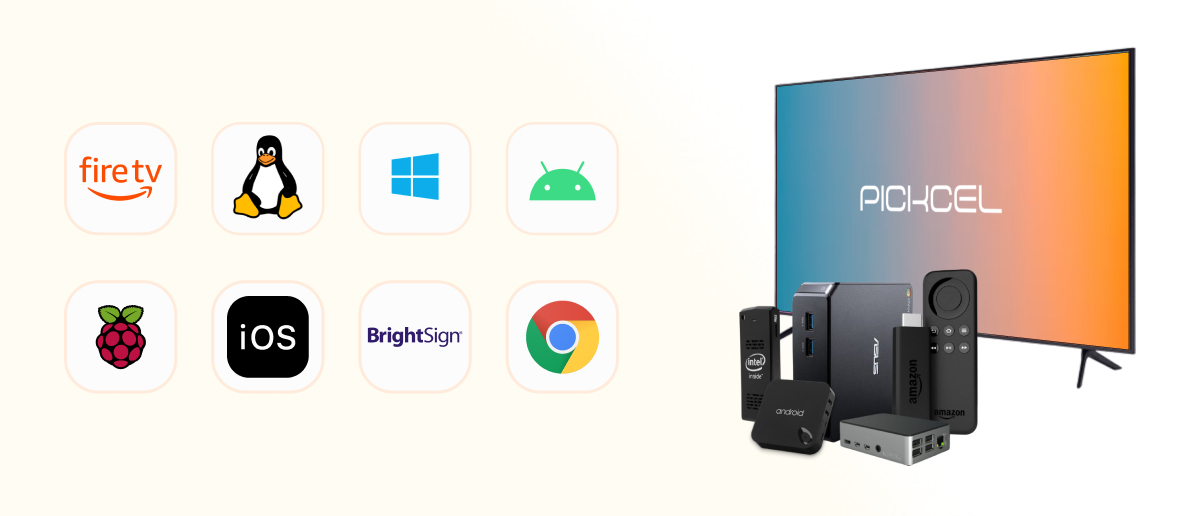
Pickcel is one such platform that supports multiple operating systems and player types. Here’s a quick overview of how common devices and operating systems align with digital signage platforms like Pickcel.
| Device / OS | Example Hardware | Typical Use Case | Compatible with Pickcel |
|---|---|---|---|
| Android | Android TV box, Amazon Fire Stick | Small businesses, retail, cafés | ✅ |
| BrightSign | BrightSign HD/XT/XC players | Large-scale retail, video walls, airports | ✅ |
| Raspberry Pi | Raspberry Pi 4 | Education, SMBs, DIY projects | ✅ |
| Windows / macOS | Mini PCs, laptops, Mac Mini | Corporate offices, enterprise setups | ✅ |
| Samsung / LG SoC | Samsung SSSP, LG webOS displays | Malls, QSRs, hotels | ✅ |
| Linux Systems | Industrial-grade signage PCs | Factories, transport hubs, outdoor setups | ✅ |
Selecting the right digital player requires careful consideration of your specific needs. The answer lies in a thoughtful assessment of your project goals. Start by defining your needs.
Is your content simple or complex, or involves a mix of both in dynamic playback? If you run a small cafe, chances are you would have one or two screens to display simple-to-manage digital menus and the other for entertaining the customers. For content that does not require real-time updates or high-resolution screens, a basic standalone player or a repurposed consumer device like an Amazon Fire TV Stick can handle this perfectly.
Now, the picture would change for major airports. These bigger screens need to show real-time flight information, news feeds, high-definition promotional videos, and emergency alerts, all on a single wall screen or connected video screens. This requires a powerful networked player like BrightSign Series 4 Players capable of processing multiple pre-scheduled and automated content types and integrating with other software.
Do you have one Screen or multiple? And will they be in one location or across multiple locations?
A single signage screen in a convenience store has vastly different needs than a global retail chain with a display in every store. For most businesses, there is always the scope of scaling up and using more screens in the future.
But for a network of 50 screens across five different locations, a manual approach is impossible. You need a networked player like Pickcel’s that syncs and updates all screens remotely. You can create playlists for different times of day, schedule promotions for specific locations, and push emergency messages to all screens at once from your desk.
Is your business based indoors, outdoors, or a mix of both? Yes, the location and intended use case heavily influence the type of player and display needed.
Quick Service Restaurants
Fast food chains and drive-through QSRs need an outdoor-rated player that enables digital menu board displays and can also withstand extreme temperatures and moisture.
Such exclusive needs can be powered by reliable players like the Nvidia Shield TV Pro.
Malls
Malls require a mix of players for different applications. They can have highly interactive gender-based triggering displays inside every store entrance, video walls inside elevators, gamified displays at the game zones, and other digital standees for promotions.
Offices
Offices and institutions use digital signage for internal communication, such as welcome boards, performance metrics, and room scheduling.
Do you need a cloud-based or on-premise solution? Is top-grade security a need for you?
Most signage software today is cloud-based, which makes it easy to manage your screens from anywhere. This is a great solution for retail stores, quick service restaurants, and most offices.
However, government councils, banks, healthcare facilities, and educational institutions handle confidential information that isn’t the safest to be shared and stored in the cloud.
For these industries, digital signage security is non-negotiable. This means the signage player needs to be capable of running software on a local network, giving the business complete control over its data and security.
By knowing the answers to these, you can identify the right type of player for your business. Ultimately, investing in the right hardware player ensures that your digital signage strategy involves showcasing the right content to your audience, not just a random slideshow.
The cost of a signage media player depends on the business needs and the technical scale of setting up the screens. However, be aware of consumer-grade, heavily discounted players, as they can have long-term hidden maintenance costs.
| Type of Player | Signage Player & Hardware Devices | Upfront Cost (per unit) | Maintenance Costs (5 yrs) | Best For |
|---|---|---|---|---|
| USB / Basic Standalone | SanDisk Ultra USB, Plug & Play Media Box | $20 – $60 | Minimal (occasional replacement ~$20) | Small cafés, boutiques, single-screen shops |
| Consumer Devices | Amazon Fire TV Stick 4K, Google Chromecast, Nvidia Shield TV Pro | $50 – $200 | $50–$100/yr (occasional device resets, replacements after ~3 yrs) | Small businesses, budget-conscious signage |
| DIY Media Players | Raspberry Pi 4, Intel NUC Mini PC | $80 – $500 | $100–$150/yr (OS updates, potential cooling needs) | Education, SMBs, startups |
| Advanced CMS-enabled Players | BrightSign HD/XT/XC, ScreenCloud Player, Stratacache (Scala) | $400 – $1,500 | $150–$300/yr (support, licensing, CMS subscription) | Large retail, airports, hospitals |
| Video Wall / Multi-output Players | BrightSign XC Series, SpinetiX HMP400, Navori QL Video Wall Player | $1,200 – $3,000 | $300–$500/yr (firmware, specialized support) | Airports, malls, stadiums, command centers |
| Interactive Kiosk Players | Elo Backpack 4, Navori QL Interactive, Advantech DS-570 | $600 – $1,200 | $200–$400/yr (touch calibration, OS updates, hardware servicing) | Wayfinding, QSR self-order kiosks, retail browsing |
| SoC Displays (All-in-one) | Samsung Smart Signage Platform (SSSP), LG webOS displays | $1,000 – $2,500 (per screen, includes player) | $150–$250/yr (firmware updates, higher replacement risk if panel fails) | Hotels, QSRs, conference centers |
A signage player is not just a connector- it’s a key component of your digital signage ecosystem. It influences everything from content performance and security to long-term ROI and operational reliability.
The ideal signage player is always the one that aligns perfectly with your specific use case, budget, and growth plans. Investing wisely today ensures a powerful and reliable digital presence for years to come.
Digital signage media players range from $50 for basic sticks like Amazon Fire TV to $400–$1,500+ for enterprise-grade devices. Factors like software licensing, installation fees, and maintenance costs might add up to the overall digital signage price.
A dedicated player reduces downtime, improves reliability, and supports cutting-edge features that can boost engagement and sales, leading to long-term cost savings compared to consumer devices.
Smart TVs are built for home entertainment, not 24/7 commercial use. A dedicated signage player offers much durability with remote management, enterprise-grade security, and is compatible with most professional CMS software.
Most enterprise-grade players integrate with business networks, security protocols, and even third-party apps. Always confirm signage compatibility with your IT infrastructure before making any purchase.

Dec 24 2025
10 min read
Dec 9 2025
14 min read

Nov 26 2025
7 min read
Nov 7 2025
11 min read
Take complete control of what you show on your digital signage & how you show it.
Start Free Trial Schedule My Demo