Learn how screen-based safety communication such as real-time hazard alerts, shift briefings, and compliance content reduces preventable injuries on the factory floor.
See Pickcel in Manufacturing →
Digital signage for manufacturing safety is the use of networked screens on the production floor to display real-time safety alerts, hazard warnings, shift briefings, and compliance content. Unlike email or printed posters, safety screens are positioned inside the work environment itself — updating automatically when conditions change.
370,000
manufacturing injuries/year (BLS, 2022)
20–35%
reduction in near-miss incidents (NSC, 2022)
<5 sec
alert delivery with SCADA integration
SOC 2
Pickcel: SOC 2 Type II + ISO 27001 certified
Introduction
Manufacturing is one of the most hazardous industries in the world. Despite decades of safety programs, OSHA training, and regulatory pressure, preventable injuries still happen every day — often because the right information didn’t reach the right person at the right moment.
That gap between what workers need to know and what they actually know is a communication problem. And it’s one that digital signage solves directly.
Why Is Safety Communication a Challenge in Manufacturing?
Manufacturing environments make safety communication uniquely difficult. Workers operate in loud, fast-moving spaces where email is irrelevant, bulletin boards go unread, and verbal briefings only reach people present for that specific shift.
According to the U.S. Bureau of Labor Statistics (BLS), the manufacturing sector recorded approximately 370,000 non-fatal workplace injuries in 2022 — a rate of 2.7 cases per 100 full-time workers. OSHA data consistently shows that failure to communicate safety procedures and hazard information is among the most cited violations in industrial settings.
Three structural problems undermine safety communication in most plants:
Information silos: Safety updates sent via email or posted on a break room bulletin board never reach workers on the production floor.
Shift-change gaps: Critical safety information shared during one shift often fails to carry over to the next, leaving incoming workers uninformed about active hazards.
Static messaging: A forklift safety poster works once. After two weeks, workers stop seeing it. Dynamic, rotating content maintains attention in ways static media cannot.
Digital signage addresses all three by placing live, updatable content inside the production environment itself.
How Does Digital Signage Reduce Manufacturing Accidents?
Digital signage reduces manufacturing accidents by placing the right safety content in real time at every location where workers face risk.
Unlike printed materials or centralised systems like email and intranets, screens installed on the factory floor put safety information inside the work environment itself. Workers do not need to seek it out; it comes to them.
The core mechanism is visibility + timing. When a machine enters maintenance mode, a hazard zone activates, or air quality drops below a threshold, digital signage can update automatically alerting workers before they enter an unsafe area.
Research from the University of Minnesota found that people retain 65% of information when combined with visuals, compared to just 10% of text-only content. A study published in the Journal of Safety Research found that facilities using visual management systems reported up to a 35% reduction in safety-related incidents within 12 months.
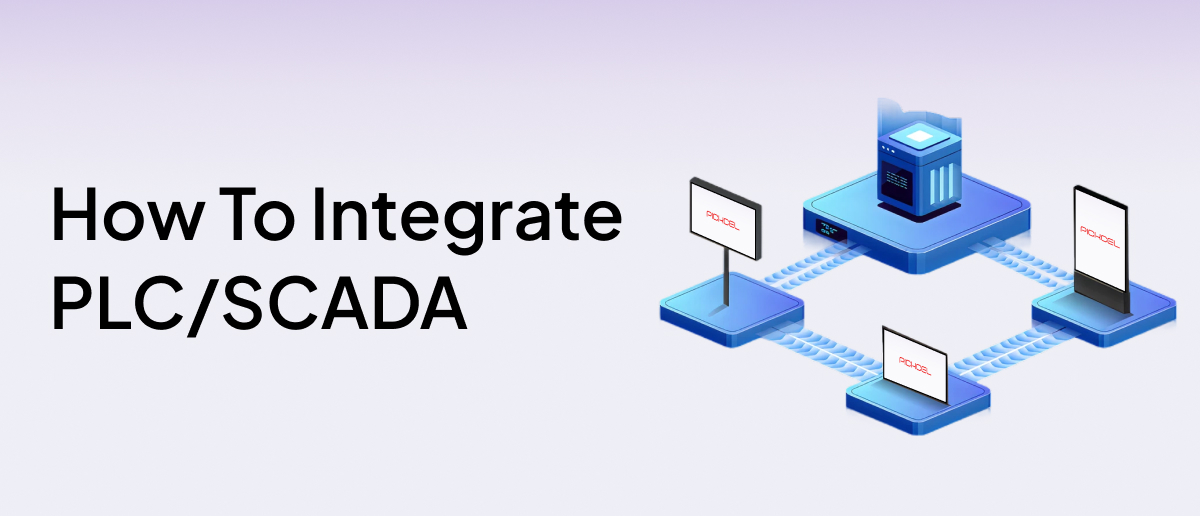
Pickcel’s digital signage platform connects to SCADA, PLC, and ERP systems via REST API and MQTT protocol, so screen content updates automatically when system states change without manual intervention from the safety team.
See Pickcel's Manufacturing Safety Setup in Action
From SCADA integration to zone-specific hazard alerts — book a 30-minute demo with a manufacturing specialist.
What Types of Safety Content Should You Display?
Effective manufacturing safety content falls into five categories, each serving a different role in accident prevention.
1. Real-Time Hazard Alerts
When a sensor detects an unsafe condition including gas leak, machine fault, temperature anomaly — the relevant screen zones update immediately as full-screen takeovers. These are time-critical and visually override all other content.
2. Safety Procedure Reminders
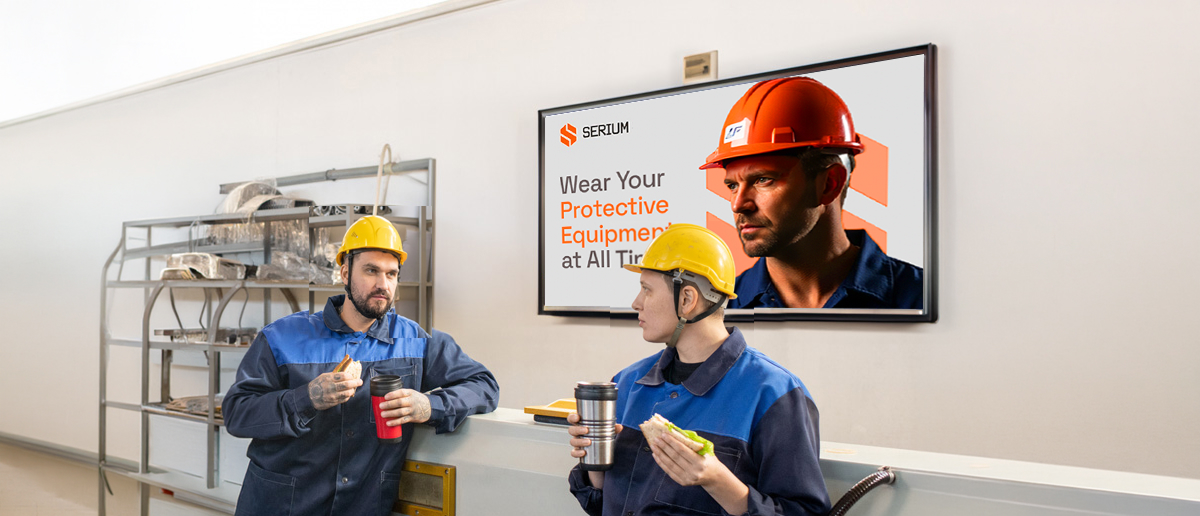
Step-by-step operating procedures for high-risk equipment, PPE requirements, and lockout/tagout (LOTO) protocols are displayed on screens adjacent to the equipment they cover, so context and instruction are physically co-located.
3. Compliance and Regulatory Content
OSHA checklists, permit-to-work status, and emergency evacuation routes. Rotating compliance content on screens near entry points and in common areas keeps regulatory requirements visible without additional briefings.
4. Shift-Change Safety Briefings
Pre-shift summaries like active hazards, areas under maintenance, near-miss reports from the previous shift can be displayed at entry checkpoints when shift changes occur. This closes the most common safety information gap in continuous operations.
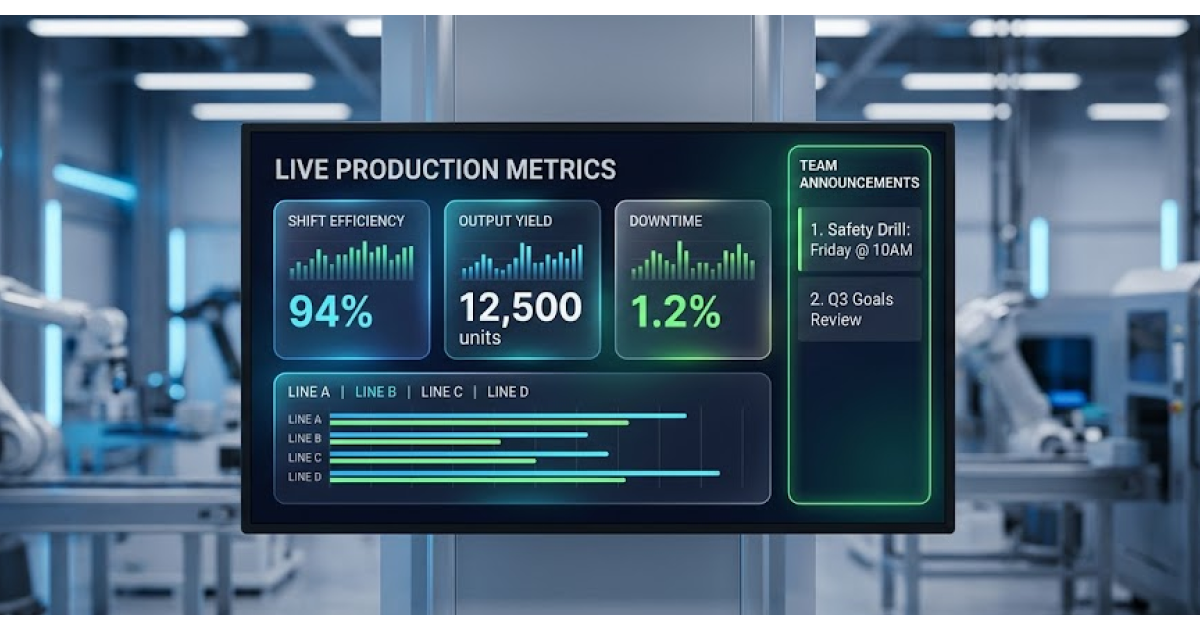
5. Safety Performance Metrics
Days since last incident, near-miss counts, and department safety scores. A 2019 study by the National Safety Council found that facilities displaying real-time safety KPIs saw a 22% improvement in near-miss reporting — a leading indicator of accident prevention.
| Content Type | Display Priority | Update Frequency |
|---|---|---|
| Real-time hazard alerts | Highest — full screen override | Triggered automatically |
| Equipment safety procedures | High — zone-specific | Weekly or on change |
| Shift-change briefings | High — entry checkpoint | Per shift changeover |
| Compliance reminders | Medium — rotating | Daily rotation |
| Safety performance metrics | Medium — persistent | Real-time or hourly |
Where Should Safety Screens Be Placed on a Factory Floor?
Screen placement is as important as content. A safety message visible only in the break room does not protect a worker at the assembly line.
| Location | Content Priority |
|---|---|
| Entry checkpoints / airlocks | Shift briefings, active hazard zones, PPE requirements |
| Adjacent to high-risk machinery | Equipment-specific procedures, LOTO, maintenance status |
| Hazardous zone perimeters | Real-time sensor alerts, restricted area warnings |
| Break rooms and canteens | Safety performance metrics, near-miss reports, compliance updates |
| Shift supervisor stations | Overview dashboards — active alerts, safety scores by zone |
| Emergency exits | Evacuation routes (static content, always visible) |
Rule of thumb: Every worker should see at least one safety screen from any position on the production floor. Typically one screen per 200–400 square metres, with additional screens at every machine cluster. For outdoor zones, use high-brightness displays (≥2,500 nits). For dusty or wet environments, IP54-rated enclosures or higher are required.
How to Set Up Safety Digital Signage with Pickcel
Assess Locations and Hardware
Map the production floor against your risk assessment. Identify every zone where safety communication is critical. Select display types for each environment: standard commercial, high-brightness, or ruggedised industrial.
Connect to Existing Safety and Production Systems
Pickcel supports integration with SCADA systems, PLCs, and IoT sensors via REST API and MQTT protocol. Screen content updates automatically when machine states change and no manual triggers required. See our SCADA and PLC integration guide for technical details.
Build Your Safety Content Library
Create templates for each content category: hazard alerts (high-contrast full-screen), shift briefing templates (structured, date/time-stamped), procedure displays (step-by-step with images), and performance dashboards. Pickcel's content editor supports standard media formats plus dynamic data fields.
Schedule, Automate, and Set Override Rules
Use Pickcel's scheduling engine to automate shift-change content transitions, rotate compliance content, and configure priority rules so hazard alerts always override scheduled content. Role-based access controls let plant managers update zone-specific content independently.
What Results Can You Expect?
20–35%
Fewer Near-Miss Incidents
Facilities using active visual safety systems consistently report this range within the first 12 months (National Safety Council, 2022).
<5 sec
Alert Delivery Speed
From system event detection to screen update, with SCADA or IoT integration. Eliminates the human-delay in hazard notification.
22%
More Near-Miss Reporting
Facilities displaying real-time safety KPIs on screens saw this improvement in voluntary near-miss reporting (NSC, 2019) — a leading indicator of future prevention.
$42K
Average Direct Injury Cost
A single serious manufacturing injury costs an average of $42,000 in direct costs (OSHA, 2022) — not counting lost productivity, penalties, or reputational damage.
Frequently Asked Questions
How does digital signage improve manufacturing safety?
What should factory safety screens display?
Can digital signage display real-time safety alerts?
How much does safety digital signage cost?
What hardware do I need for factory floor digital signage?
Is digital signage secure enough for manufacturing environments?
Ready to Reduce Manufacturing Accidents with Digital Signage?
See how Pickcel's digital signage software connects to your production systems and puts real-time safety information where workers need it most.