
Dec 24 2025

10 min read
August 05, 2025
8 min read


ALL
GENERAL
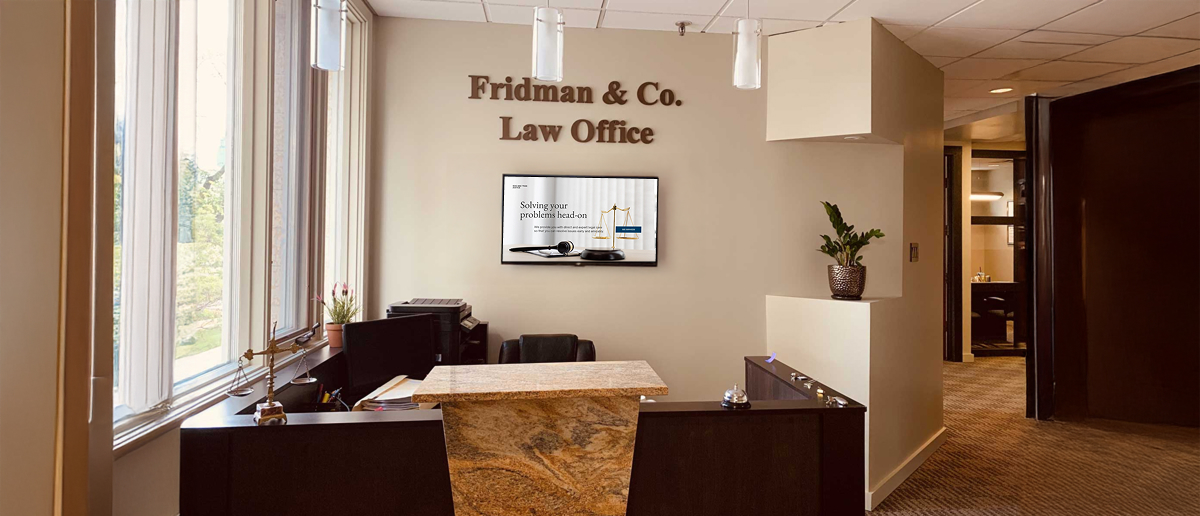
Hollywood has shown us how modern American law firms look and work. Towering glass buildings in New York, LA, Chicago, or San Francisco, sleek interiors, and high-powered attorneys moving through buzzing lobbies– these shows may have dramatized the settings, but fiction mirrors reality more than we think.

Today’s elite law firms aren’t just judged by their courtroom victories, they’re sized up the moment a client walks through the door.
And in that split second, the lobby speaks.
Just as malls use elevator signage to deliver targeted messages to a captive audience, forward-thinking USA law firms are now turning to lobby digital signage to make smarter first impressions, streamline operations, and share live updates where they matter most.
The key driver behind this transformation? Digital signage in USA legal offices.
Much like local government digital signage in USA offices is used to communicate effectively with citizens, law firms are now using digital displays to guide visitors, showcase accolades, and enhance office functionality, turning lobbies into dynamic brand experiences and operational tools.
A report shows that 46% of people who saw digital signage reported a positive impact on their perception of the business’s professionalism.
Law firms in the USA, especially the top-tier ones with multiple departments, hundreds of associates, and multiple floors are often intimidating for first time visitors and even existing clients. The reception desk can only handle so many queries at once, and many clients are left figuring out where to go or whom to approach.
This is where lobby digital signage in USA firms step in. For firms aiming to stand out, the lobby is no longer just a waiting area. It’s a branding opportunity, a communication hub, and a digital command center. They are strategic tools powered by a sophisticated digital signage software in USA that turns any application and operation into a personalized and efficient experience.
Digital signage in law firms can be highly dynamic and law firms are now extending the use of digital signage beyond the reception zone. Here’s a breakdown of how signage fits in workspaces:
Hallways & elevator areas
Digital signage in hallways and elevator lobbies acts as a silent assistant that’s always on call. Instead of asking around inside big corporations, visitors can find a digital directory that helps in navigation and building guides, lists all attorneys, departments, and their corresponding floors.
Word stations & board rooms
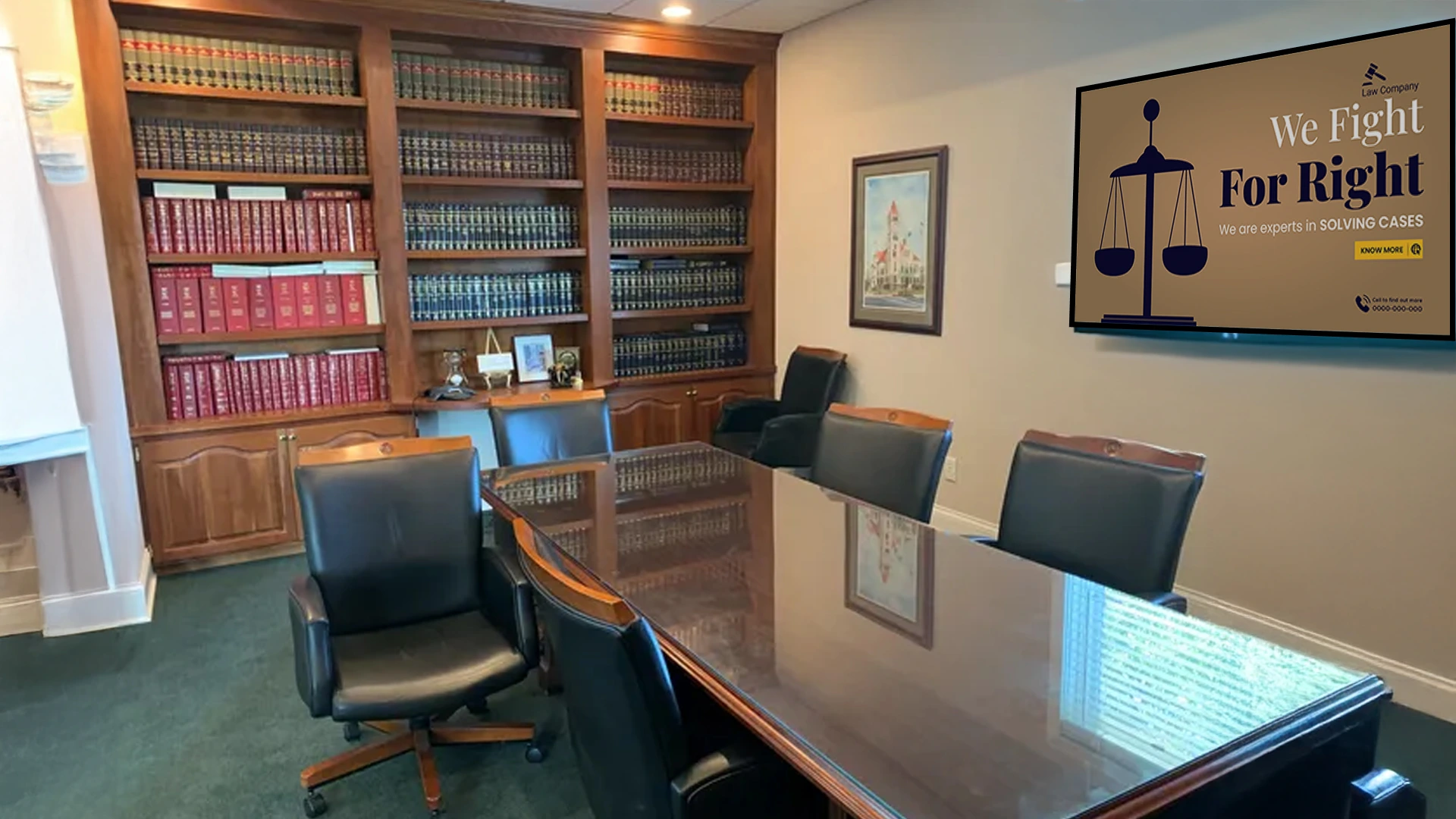
Digital signage helps internal teams to showcase confidentiality case reviews, work reminders, critical updates, workplace behavior policies, or even motivational quotes to promote a strong firm culture.
Near emergency exists:
In case of fire, natural calamities, or misfortunes, sudden screens near exits and stairways can be instantly updated with relevant information.
Break rooms & staff zones
Digital signage in common lunch and hangout areas can serve both practical and cultural purposes. From featuring news, company events, to displaying cafeteria menus, these screens are vital to create a connected workplace culture.
Client waiting area
Waiting areas are typically stress zones. Screens display real-time waitlists or estimated appointment times, court schedule changes, weather alerts and news, company wins and awards, can ease tension and turn wait time into engagement time.
Digital signage in American law firms runs on digital signage platforms that allows any internal or IT team to manage what plays on each screen, remotely and in real time.
Here’s how it signage screen functions:
Digital signage hardware: A digital signage player in USA deployment is the hardware connected to the screens, which receives the media from the CMS and plays it on the screens.
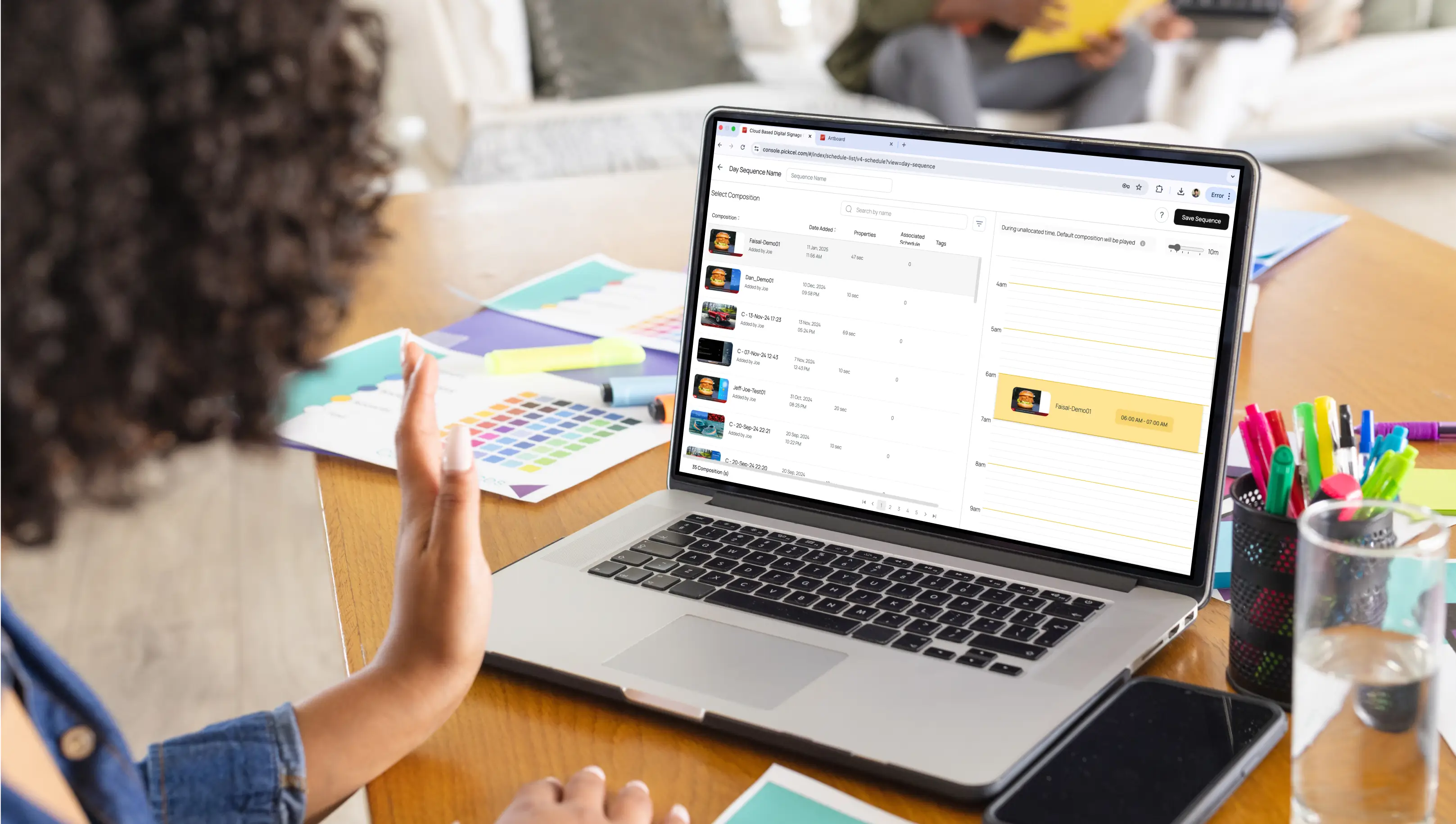
Cloud-based CMS: Content management system (CMS) enables law firm teams to update screen content from anywhere, whether it’s displaying appointments, or courtroom news.
Display screens: These are the actual screens with media playback on. Most American offices use commercial -grade screens and plug in with a laptop or other system to run the content. SOC screens reduce the need of an additional device and free the users from manual work.
Tools & scheduling: With in-built CMS, creative teams can use designing tools and live scheduling to display attorney directories, announcement banners, news feeds or scrolling wait lists on time of the day or week.
Industrial integrations: Smart signage lets USA firms connect signage with calendar tools, HR software, or booking platforms for real-time synchronization.
Security systems: These networks are backed by advanced digital signage security in USA. Signage security includes role-based access control (RBAC), allowing limited access to different users and ensuring autonomy across departments.
For larger firms that prioritize internal data security and prefer infrastructure control, opting for on premise digital signage in USA deployment is also a smart choice. This gives complete ownership to the firms to protect confidential data and unauthorized access.
Platforms like Pickcel’s CMS enables USA law firms to automate much of this process, reducing the burden on IT teams and front desks, and allowing more value time for client interactions.
Start a free trial todayThe type of screen you install depends on your law firm’s size, layout, and communication goals.
Here’s a quick screen-fit guide:
| Screen Type | Best For | Recommended Use |
|---|---|---|
| Touchscreen kiosks | Lobbies & reception | Wayfinding, attorney lookup |
| LED video wallsion | StatMain hall areas | Branding, firm highlights |
| Digital posters | Waiting lounges | Educational content, firm news |
| Small interactive tablets | Meeting rooms | Room booking, session alerts |
With AI-powered digital signage featuring more innovative content tools and intelligent triggers, American corporations and law firms can further decide and personalize what’s shown on digital screens.
Modern law firms can display content based on audience demographics. These intelligent screens can automatically switch to display information in different languages to welcome a diverse client base and make international visitors feel more comfortable.
Corporate firms can also offer appointment rescheduling via interactive lobby kiosks, empowering clients with self-service options, and improving efficiency for both the firm and its visitors.
Some firms in the USA are even exploring using facial detection technology to identify returning clients with their consent, displaying personalized greetings and messages, creating a VIP experience from the moment they enter the building.
Law may be one of the oldest professions, but its reliance on timely information and structured communication makes legal corporations most apt for digital transformation. By incorporating digital signage and deploying it across internal departments, USA law firms can:
Improve operational efficiency
Enhance visitor and client experience
Strengthen brand presence and transparency
Reduce dependency on manual updates and reception calls
Innovations like this aren’t just about technology. It’s about giving better service to the people who matter most, the clients.

Digital signage costs can vary widely depending on the number of screens, the type of hardware (standard displays vs. video walls), the complexity of the software, and professional installation fees. But, it’s a long-term investment for improved client perception and operational efficiency.
Your firm’s digital signage content should help visitors feel informed, guided, and confident in your legal team. For best options, include a mix of professional and informative visuals: attorney directories with practice areas, interactive wayfinding maps, welcome messages for scheduled clients, real-time news headlines, firm history, and case victory highlights.
Yes, security is a top priority for professional digital signage solutions. They use encrypted networks and give access only to authorized people. While your signage can show personalized greetings, client-specific information should be handled with strict privacy protocols.
Never display confidential or sensitive client data without their consent.
The three core components are:
Commercial-Grade Displays: Screens built for continuous use, superior brightness, and durability.
Media Players: Small devices that connect to the screens and run the content.
Cloud-Based CMS: A powerful software platform to create, schedule, and manage content from a central dashboard, often accessible from anywhere.

Dec 24 2025
10 min read

Dec 9 2025
14 min read

Nov 26 2025
7 min read
Nov 7 2025
11 min read
Take complete control of what you show on your digital signage & how you show it.
Start Free Trial Schedule My Demo