Your benefits enrolment window closes in four days. The first reminder went out two weeks ago. A follow-up went out last Thursday. You are now preparing a third send to employees who still have not acted, plus individual messages to three managers asking them to chase their teams. At least one employee will miss the deadline and need a manual exception.
This is a familiar experience for HR managers. Benefits reminders, compliance deadlines, policy updates, and recognition announcements compete with project emails, customer messages, and meeting invites for the same inbox. Employees don’t read HR communications immediately. Many don’t read them at all until a deadline forces the issue.
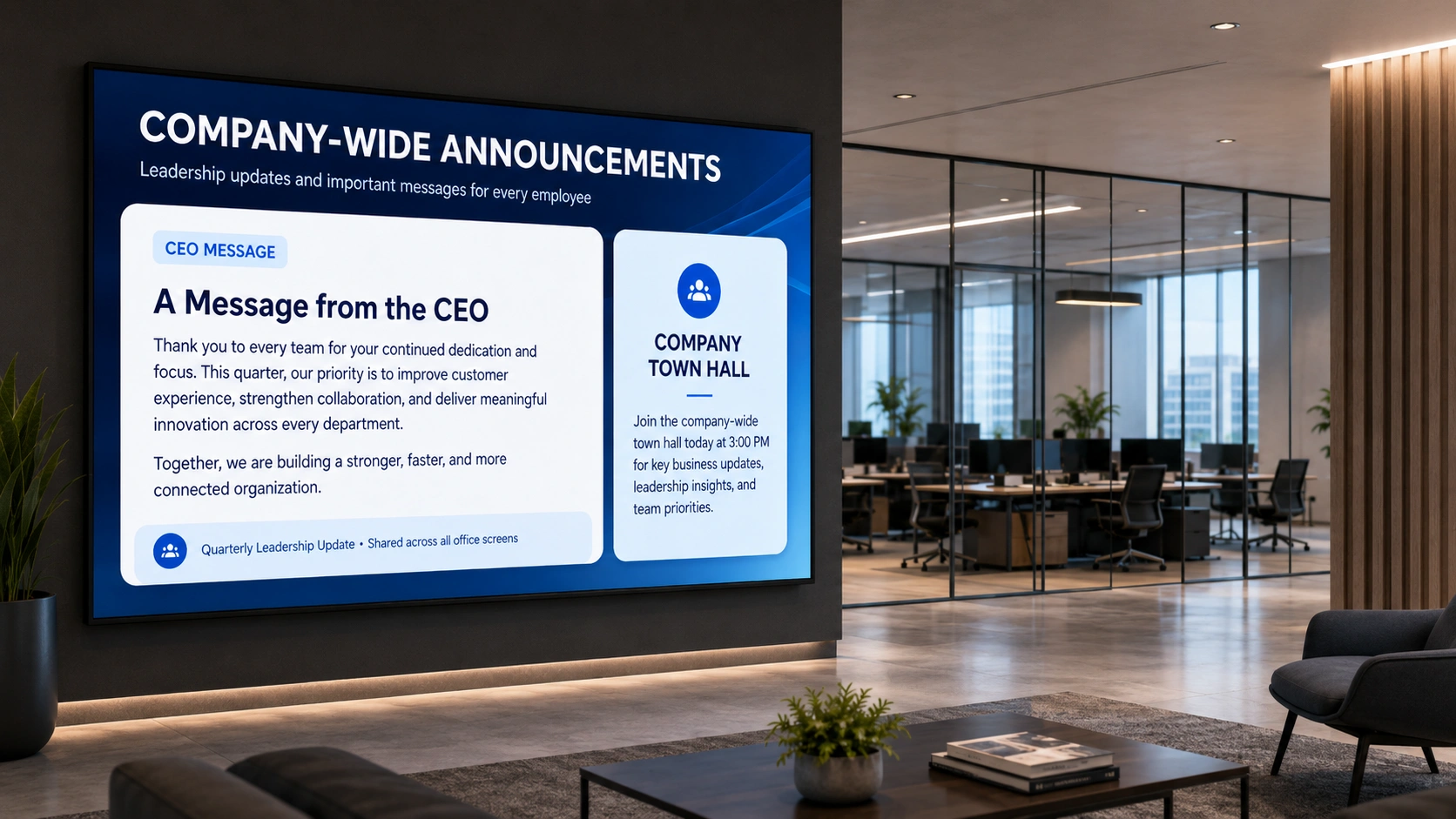
Digital signage software changes the channel. Instead of adding another message to a crowded inbox, the HR communication appears on a screen in the break room, the lobby, or the main corridor: places employees pass several times each working day without needing to open anything. A benefits reminder running on a screen from the first day of the enrolment window to the last day requires no follow-up sends. The employee sees it because they walk past it.
- Benefits reminder screens run for two weeks with zero follow-up.
- Break-room screens reach employees who never open HR emails.
- Five HR tasks become set-and-forget: benefits, compliance, policy, recognition, onboarding.
This article covers five specific HR tasks where a scheduled display on a workplace screen removes most of the follow-up work, and explains how an HR manager can get the first screen live without adding to an already full workload.
What is digital signage for HR managers?
Digital signage for HR managers is the use of software-managed workplace screens to deliver HR communications automatically across the working day.
HR managers use workplace digital signage software to create a message once, such as a benefits enrolment reminder or a compliance deadline countdown, and schedule it to run on selected screens for a defined period. The content plays, repeats at a set interval, and stops on the end date the HR manager specifies. No additional sends, no manual updates, and no reliance on employees having opened a specific email on a specific day.
5 HR tasks that digital signage makes easier
The following tasks represent the areas where HR managers most consistently spend avoidable time on follow-up communication. Digital signage doesn’t remove the HR manager’s responsibility; it removes the repetitive part of carrying it out.
Benefits enrolment reminders
Benefits windows are time-limited, and missing one affects the employee for a full year. The standard HR response is to send two or three reminder emails across the enrolment window and spend the final days tracking down non-respondents individually.
With digital signage, the enrolment reminder is created once and scheduled to run on break-room and lobby screens from the first day of the enrolment window to the day before it closes. The screen shows the deadline date, a short action step (“Enrol via the portal before [date]”), and a QR code linking directly to the enrolment page.
The HR manager sets it up once. The screen runs without further input for the full enrolment period. Employees encounter it in passing (morning, lunchtime, end of day) regardless of whether they opened the email that week. By the time the window closes, most employees have seen the reminder multiple times through normal foot traffic alone.
Compliance training deadlines
Mandatory training (data protection, health and safety, anti-harassment) comes with completion deadlines HR is responsible for enforcing. The standard process involves reminder emails to the full employee list, targeted follows to non-completions, and escalation to line managers when the deadline approaches.
A countdown display in a break room or corridor changes that dynamic. Employees see “Data protection training: 8 days remaining, complete at [portal link]” during their normal working day. The reminder reaches employees without requiring them to have checked their inbox at the right time. HR still sends the formal email notification, but the screen takes on the persistent, ambient reminding that would otherwise require individual follow-up messages.
For organisations where different teams work different shift patterns, the screen continues reminding across all shifts without the HR manager having to send separate communications to shift workers and office staff.
New policy rollout notices
When a policy changes, whether revised expenses rules, an updated leave policy, or a new code of conduct, the communication challenge is reaching every employee and giving them a clear route to the full document. A single email handles the formal notification, but not every employee reads it immediately, and not every manager follows up with their team to confirm receipt.
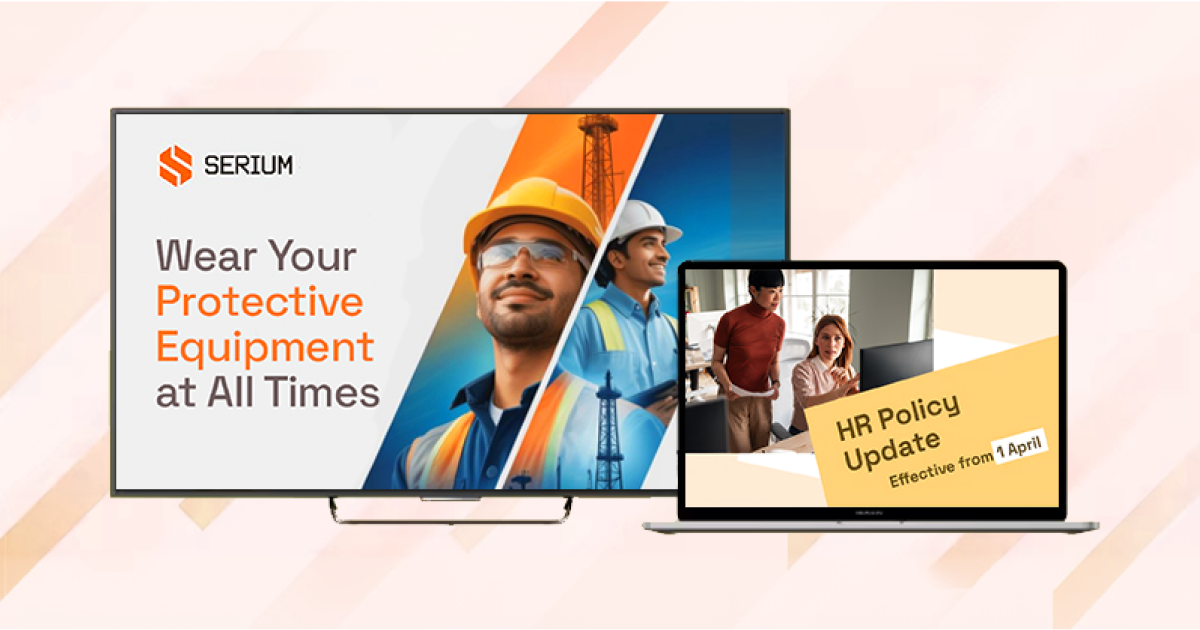
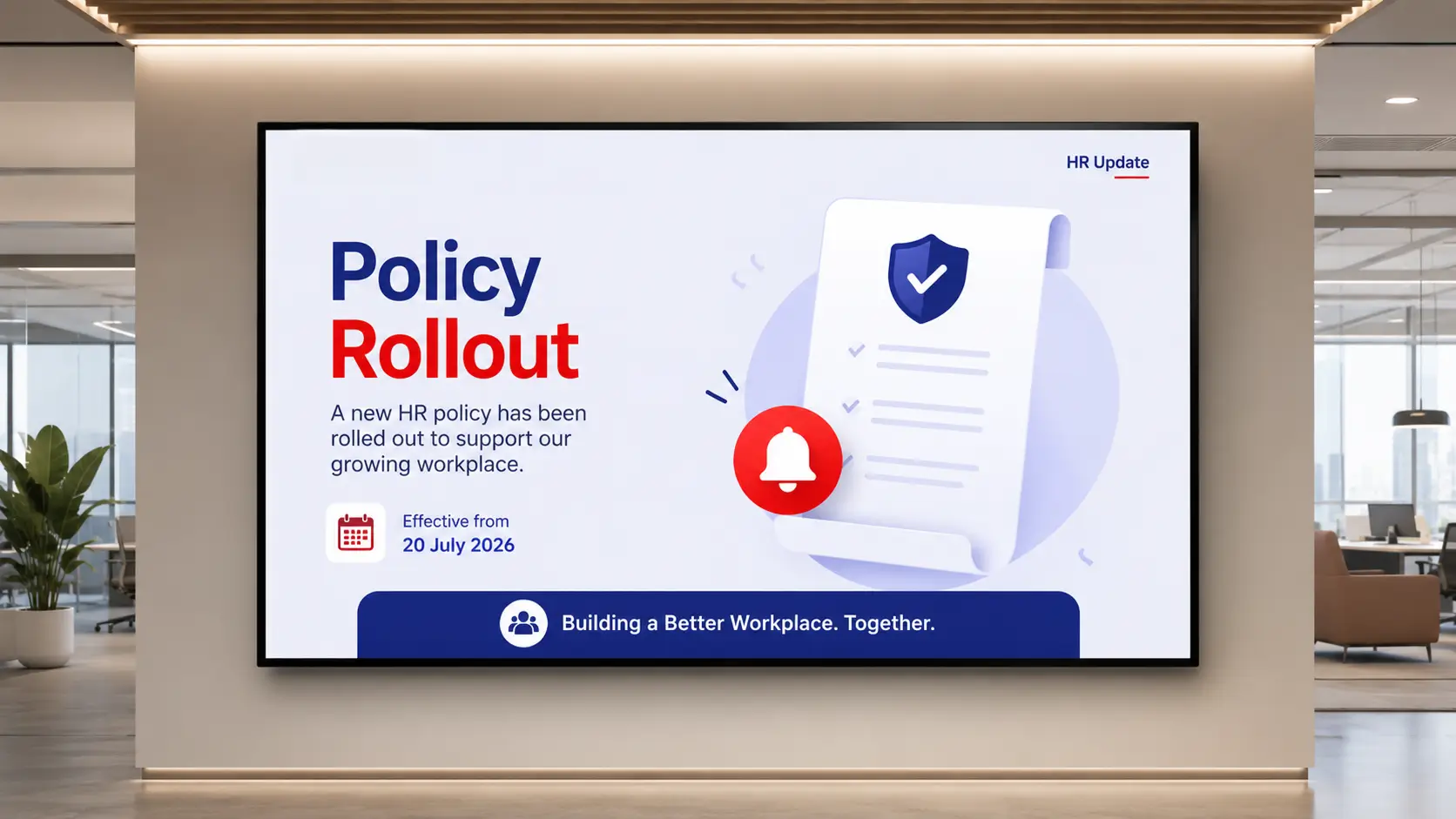
A policy rollout screen shows the policy name, the key change summarised in one sentence, and a QR code to the full document. It runs for 10 to 14 days after the policy goes live, long enough for employees on leave, on different shifts, or at different locations to encounter it when they return.
The QR code is the practical detail. Employees don’t need to search their inbox for the original email or find the attachment in a shared drive. One scan from the break room takes them directly to the current document.
Employee recognition
Recognition is an area where many HR managers want to do more but don’t have the capacity. A birthday post on a shared Teams channel disappears by lunchtime. A printed “Employee of the Month” board requires a new print each month and a trip to the noticeboard.
A recognition screen takes the same effort as the original announcement. The HR manager updates one field (the employee’s name, a short note, and optionally a photo) and the screen reflects it on every display in the building immediately. Birthdays, work anniversaries, new starters, and monthly recognition can rotate in a content sequence the HR manager configures once and adjusts as needed.
The schedule can be set by time of day: recognition content plays during morning arrival and lunch hours, when foot traffic near the screens is highest, and switches to other content during quieter periods.
Onboarding orientation
A new starter’s first day involves absorbing a large amount of information under considerable first-day pressure: which departments are where, who the key contacts are, how to access the canteen, what the parking arrangements are. An induction pack covers this, but not everything stays with the employee after the first hour.
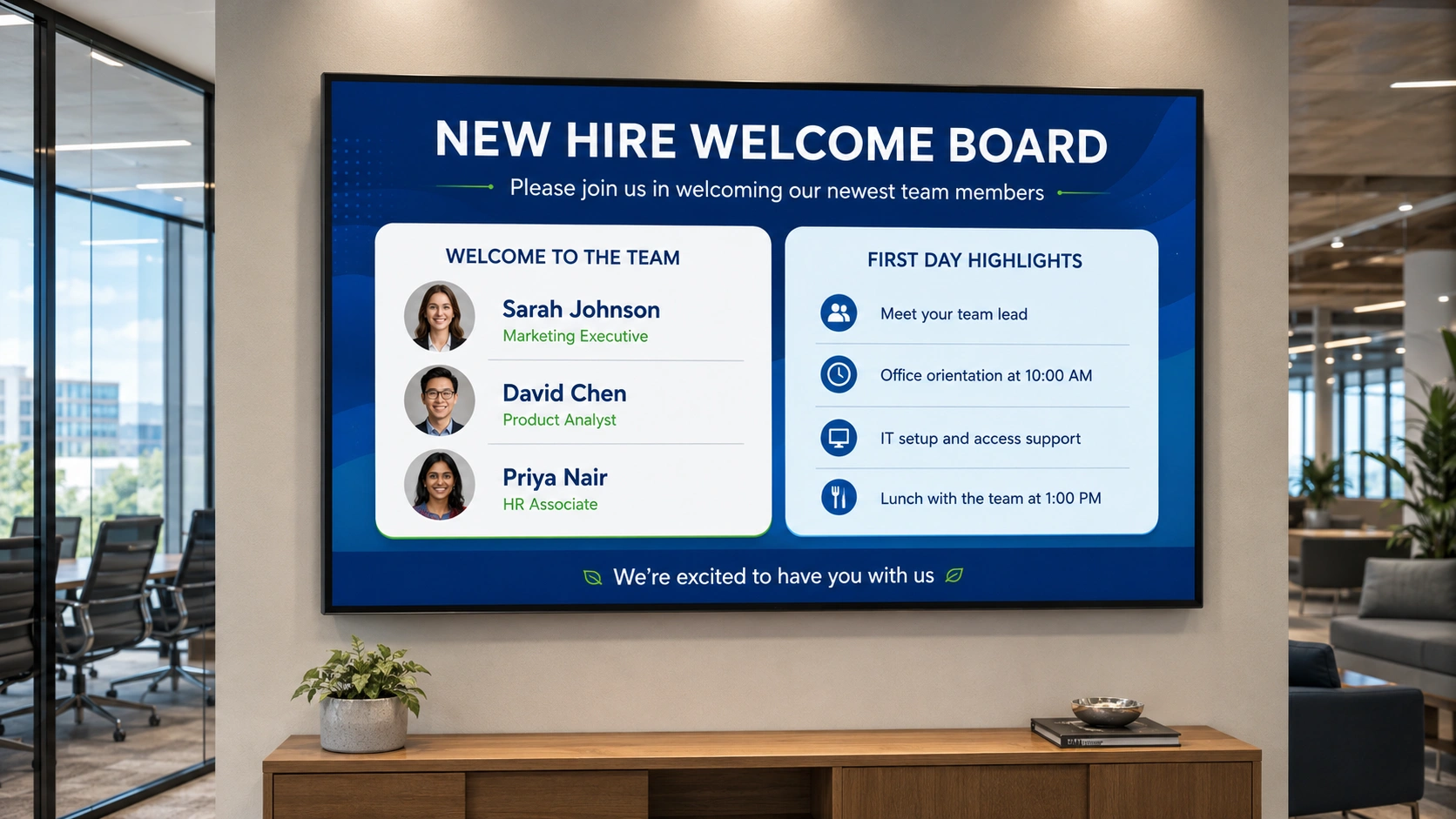
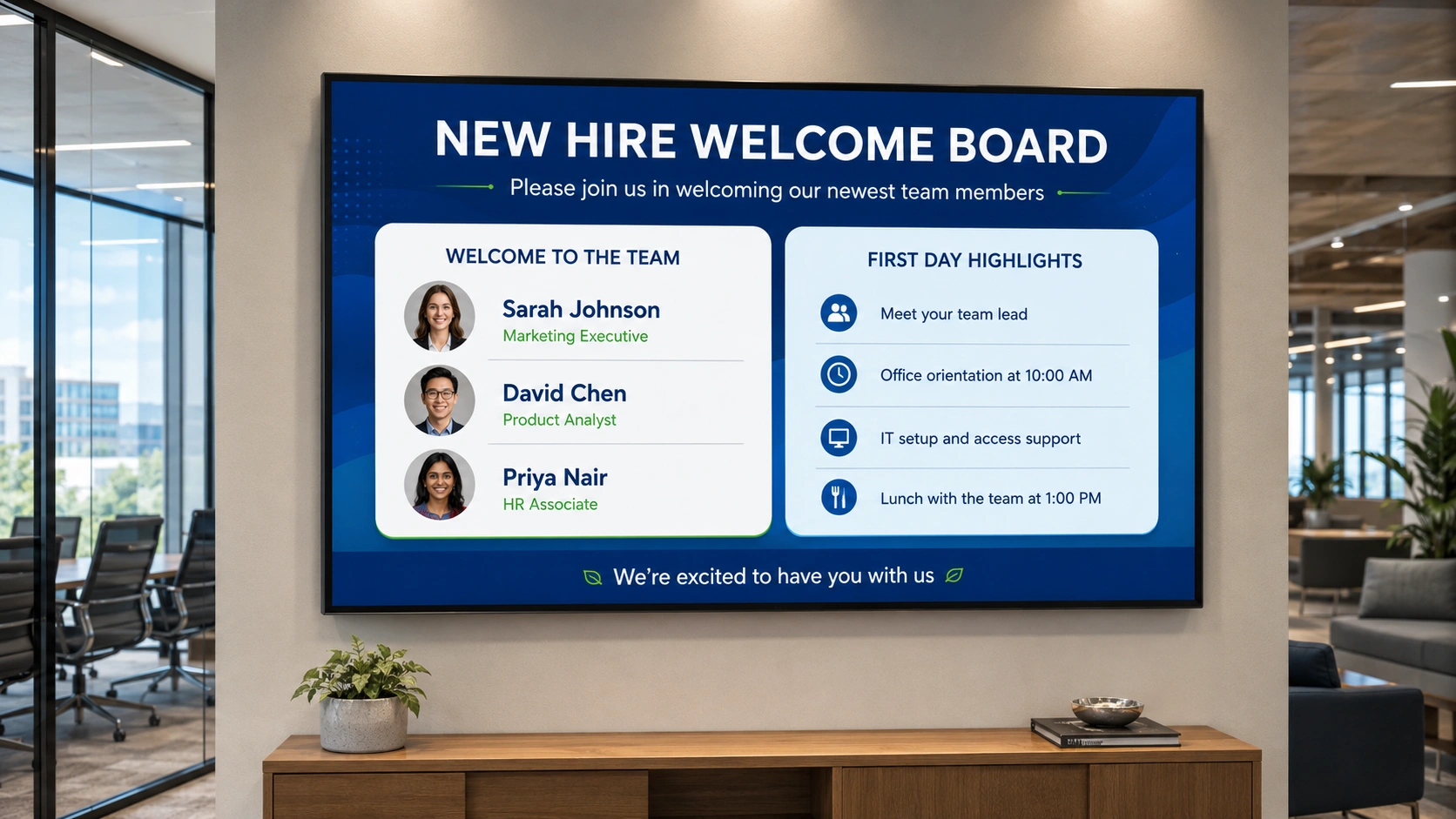
A welcome board in the onboarding area runs throughout the day and can include a personalised message with the new starter’s name, a floor plan, key contacts with photos, and a QR code to the onboarding portal. The screen doesn’t replace the welcome session; it reinforces what the new starter has just been told and gives them a visual reference they can check without having to ask someone.
For larger organisations that onboard multiple starters on the same day, the welcome board can show multiple names. For rolling intakes, the content is updated by the HR manager as each new name is added, with no change to the screen setup.
How to get started as an HR manager with Pickcel
Getting the first screen live doesn’t require a technical project or a lengthy IT approval process. Most HR managers who use Pickcel complete their first scheduled display on the same day they create an account.
Step 1: Choose your first screen location. Start with one screen in one high-footfall location: the break room, the main corridor, or the reception area. One well-placed screen in the right location already reaches more of the workforce than most HR email communications. You don’t need the whole building from day one.
Step 2: Create your first content piece. Pickcel includes pre-built templates for workplace HR communications. Choose the benefits reminder template, the compliance countdown, or the new-starter welcome board. Add the relevant dates, your company name or logo, and a QR code to the relevant portal page. The template handles the layout; you handle the content.
Step 3: Set the schedule and publish. Select the screens you want the content to run on, set the start date and end date, and specify the hours it should display: during business hours, across shift hours, or continuously. Publish, and the content starts playing at the specified time. It stops automatically on the end date with no further action from you.
Pickcel’s digital signage platform is used by over 9,000 businesses across more than 70 countries, with over 150,000 screens managed through the platform. It supports more than 50 device types and meets SOC 2 Type II and ISO 27001 certification standards, relevant for HR managers who need to confirm platform security before seeking sign-off from IT or legal.
Frequently Asked Questions
What is digital signage for HR managers?
What HR communication tasks can digital signage help with?
Can an HR manager set up and manage digital signage content without technical support?
How does a digital signage screen in a break room compare to email for HR communication reach?
What content should an HR manager display on workplace digital signage screens?
Ready to put HR comms on autopilot?
Join 9,000+ businesses managing workplace screens with Pickcel. Request a demo and the team can walk through the full HR content setup in under 15 minutes, or get started free with no credit card required. For the broader HR function view, see how HR teams use digital signage across multiple locations and audiences.