
Jul 29 2022

15 min read
December 22, 2022
9 min read


ALL
RESTAURANT
RETAIL
All you want for Christmas is ___? Us, of course!
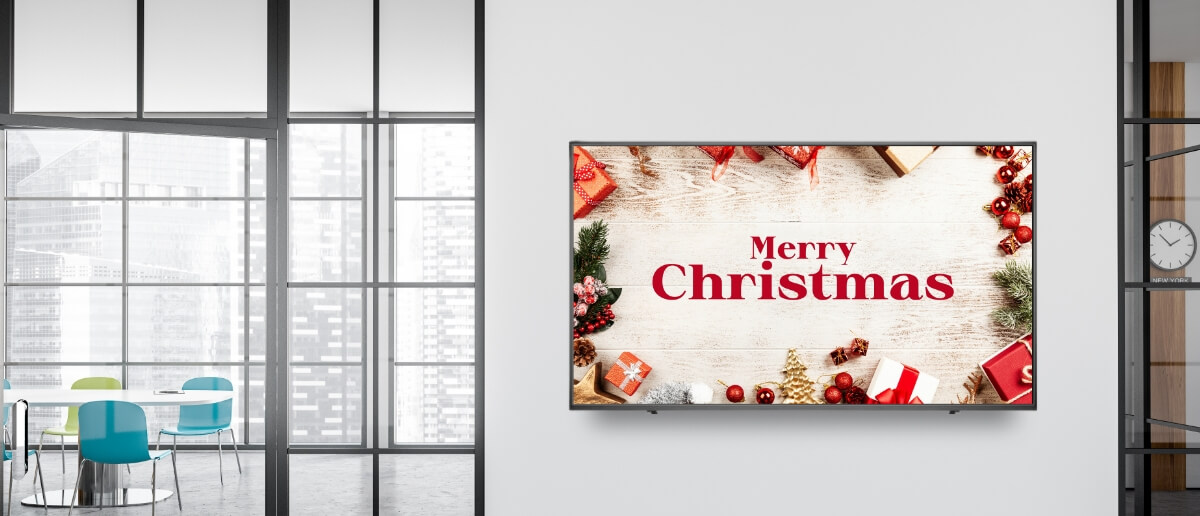
Well, maybe not in the same context as the Mariah Carey song, but sure to give you some ideas that make up those ‘happy holiday signs’ on your digital signage displays! The most looked-forward-to time of the year is just around the corner, and all the ‘closed for holidays’, ‘holiday sale’, and ‘holiday countdown’ signs are bound to be on the displays up at fairy-lit stores, offices, and restaurants!
Let’s dive in and check out these creative holiday sign ideas for your display monitors.
Who This Is For:
This article is for marketing managers, store managers, and operations teams managing digital screens across retail, restaurants, hospitality, clinics, and offices, as well as content owners and signage administrators who need holiday signage to stay clear, well-placed, and easy to manage across multiple locations.
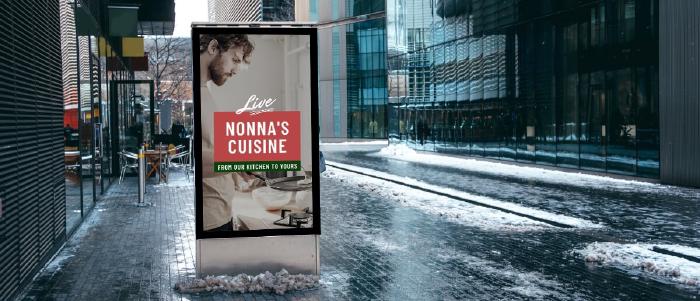
No festivity is complete without good food! While your staff remains busy with an avalanche of orders, make sure your restaurant menu board is no less busy delighting the customers.
The Pickcel digital menu board app app comes with a range of templates for QSRs, fine diners, ice cream shops & food trucks.
Here is one design straight from our digital menu template library. This blue-and-white Christmas-themed template is childish at its heart and sends out festive vibes with all the enchanting illustrations close to those of a children’s storybook.

How to use this template?
Create a free account with Pickcel digital signage solutions.
Go to the ‘Apps’ module within the dashboard.
Search the ‘Digital Menu Board’ in the app search field.
Create the app & select the template
Customize the template as per your choice, including price details, names, background, and font size & colors, and boom! Your holiday menu template is redesigned the way you wanted it to be!
Pair your screens with the Pickcel dashboard & start publishing your menu.

What better than a holiday countdown to ring in the change in the air?
The Pickcel countdown app is just the one for this! Add a title to your timer and get the clock ticking. Create incredible background visuals with gradients and publish them on your screens.
Here’s one holiday hour countdown for a retail shop announcing its Holiday Hiatus.

Picture this: You ask your employees to share their Christmas messages and holiday plans and display those short and sweet texts on your office break room signage. Personalize their messages with a headshot.
Such small endeavors take minimal effort but contribute significantly to employee engagement. Here’s how it looks:
Tutorial: Red & golden Christmas holiday signage template for office break rooms
How to use this template?
Start a free trial with Pickcel.
Go to the ‘Compositions’ module on the dashboard.
Navigate to the ‘Templates’ button and filter all the Corporate templates.
This office holiday signage design has used two media assets: the Pickcel People Space app & a stock video (background).
Configure the People Space app by adding images, text messages, and customizing the aesthetics.
Retain the video background or replace it with any video of your choice. You can upload a high-quality Christmas video on your Pickcel media library. If you are using stock videos, make sure you comply with the copyrights. You can also import videos from the integrated Pexel video library available within the Pickcel dashboard.
Once done, name the composition and save it. The customized template gets added to your Saved Composition.
Register your displays with the Pickcel dashboard and publish your composition instantly or schedule it for later.

Design a splendid closed-for-holiday sign using two of our exclusive apps and media! Select any photos, videos, or GIFs from Unsplash, Pexels, or PixaBay and prep your digital signage screens for Christmas! Use the Pickcel Bulletin Board app to notify customers about your store operating hours during the holiday season or announce holiday contests.
Top your digital signage design with the Clock, Weather, or AQI App, and let your audience soak in the seasonal bloom! Yuletide in the air, folks! :D
The cherry on top?
Each of our apps is adaptable to multiple layouts - portrait, landscape, alongside previews for each. So sit back, and play around with as many design variations as you want.
How to recreate this holiday signage design? This design is created using the Pickcel Bulletin board app, the Clock app, and a stock video.
Sign up for free with Pickcel
Configure the Bulletin board app and the Clock app from the ‘App’ module in the dashboard.
Upload a stock video or import it from the integrated Pexel video library
Create a composition layout with three-zones and assign media to each zone. Save the composition.
Register your displays and publish your ‘closed for holiday’ messages on screen.
Holidays are all about shopping for gifts and goodies. It’s the time of the year when ‘SALE’ is written all over retail store window displays, billboards, and digital posters.
Adding a QR code can make your markdown promotions even more attractive. You can use the QR code to take offline customers online or add a dynamic discount coupon. Window shoppers and passersby can quickly scan the Qr code and on digital signage continue shopping without stepping into your store.
Here’s a simple minimalist holiday signage idea for your retail storefront display. This content uses an image background and the Pickcel QR code app.

Want to create amazing holiday signs for your digital screens? Sign up with Pickcel and use our amazing design studio and holiday templates. Publish it on your screens from the same platform.
Holiday signage only performs when what you show, where you show it, and when it runs are aligned. Treat your screens like a system, not a slideshow.
Match the template to the physical zone Each screen has a job. The mistake most teams make is running the same content everywhere.
Outdoor & entrance screens (window-facing, curbside): Use high-contrast visuals and motion-led templates. This is where sale announcements, countdowns, and bold festive visuals belong. Text must be minimal and readable at a glance.
In-store & lobby screens: Shift from attraction to guidance. Run holiday hours, gift guides, wayfinding, and curated product highlights that help people decide quickly and move confidently.
Checkout lines & waiting areas: This is your longest dwell-time zone. Use trivia, countdowns, loyalty prompts, impulse add-ons, or light interactivity. Longer copy works here because people are stationary.
Staff-only screens (back of house): Keep this operational. Schedules, safety reminders, recognition boards, and internal updates matter more than festive visuals during peak stress periods.
Match content complexity to dwell time: If the viewer is moving, simplify. If they’re waiting, enrich. Browsing zones display should show product + price + direction, waiting zones should be for engagement, storytelling, education.
Run the right content at the right phase: Holiday signage should evolve with customer mindset.
Pre-holiday: teasers, countdowns, early hours notices.
Peak period: urgent promos, menus, traffic guidance.
Closure days: clear “closed” messaging + reopen dates.
Post-holiday: automatic cleanup, clearance, New Year messaging.
Build a loop that doesn’t feel like ads: High-performing holiday loops feel programmed, not sales-heavy. Use a 40 / 40 / 20 mix:
40% informational: hours, wayfinding, operational clarity.
40% promotional: gift guides, bundles, limited-time offers.
20% festive or entertaining: ambiance, trivia, social proof.
More blogs from Pickcel
Best tools to create amazing digital signage content
Some must-know digital signage statistics (with infographics)
How can digital signage solutions help retail businesses?
Holiday digital signage should balance festive visuals with useful information and clear calls to action. Focus on holiday greetings, limited-time offers, countdowns, menus, and operating hours. Pickcel’s ready-made templates and apps help combine ambience, utility, and promotions into a single, well-structured screen loop.
Holiday content should rotate frequently enough to feel fresh but not chaotic. For high-traffic locations, update key creatives every few days and keep loop duration under two minutes. Pickcel’s scheduling and repeat rules let you control rotation frequency precisely without manual updates.
Yes. Social media walls are highly effective during holidays for showcasing real customer moments and festive engagement. With Pickcel’s social media feed apps, you can pull curated posts by hashtag or handle, moderate content, and display authentic holiday UGC directly on your screens.
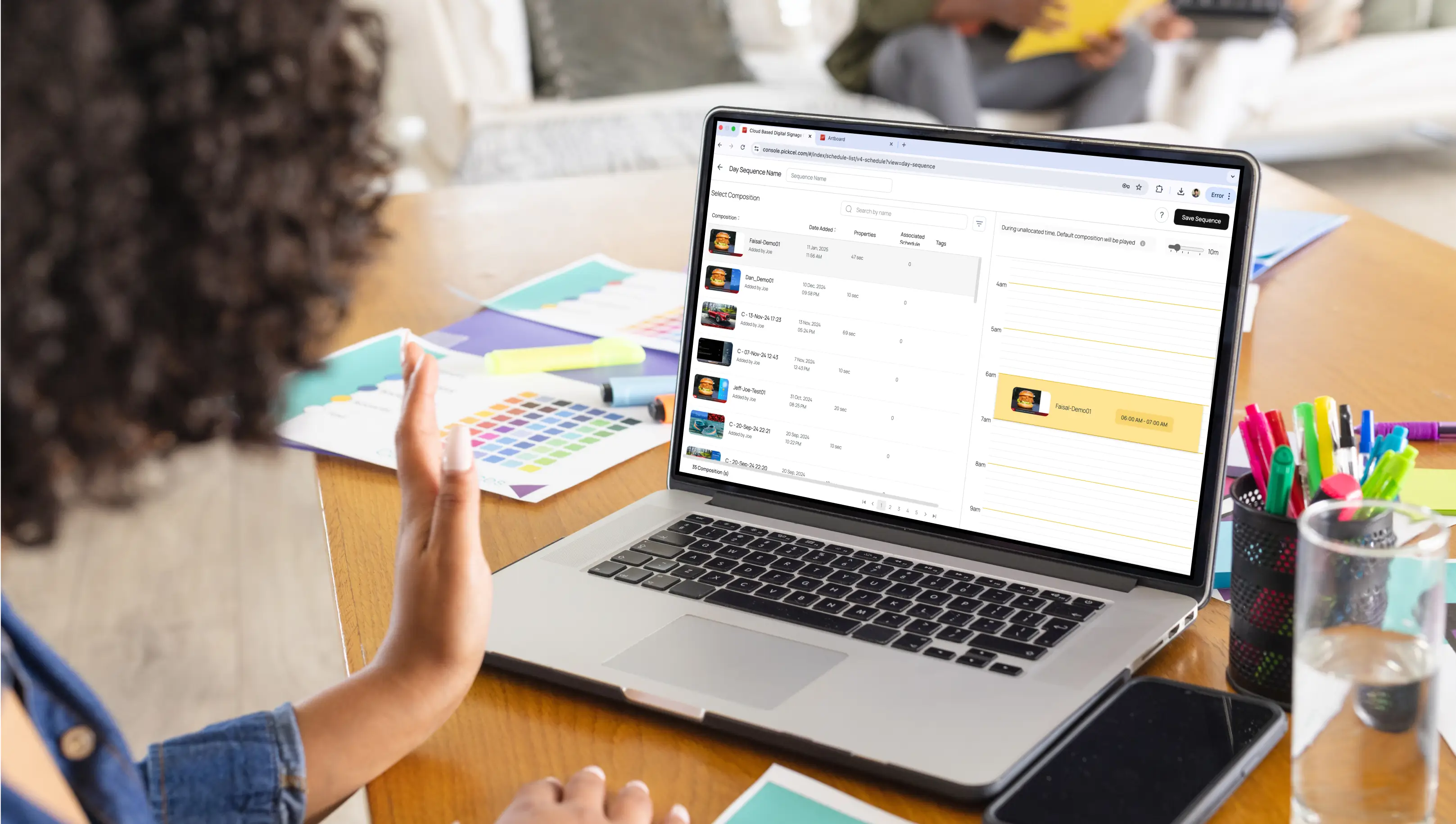
Plan holiday signage around key dates and campaign phases, then schedule content to activate automatically. Pickcel’s calendar-based scheduling lets you assign start and end dates, dayparting rules, and repeat cycles, ensuring holiday campaigns run smoothly without last-minute manual intervention.

Jul 29 2022
15 min read
Mar 10 2025
8 min read
Oct 22 2020
7 min read
Sep 23 2022
7 min read
Take complete control of what you show on your digital signage & how you show it.
Start Free Trial Schedule My Demo