At a Glance
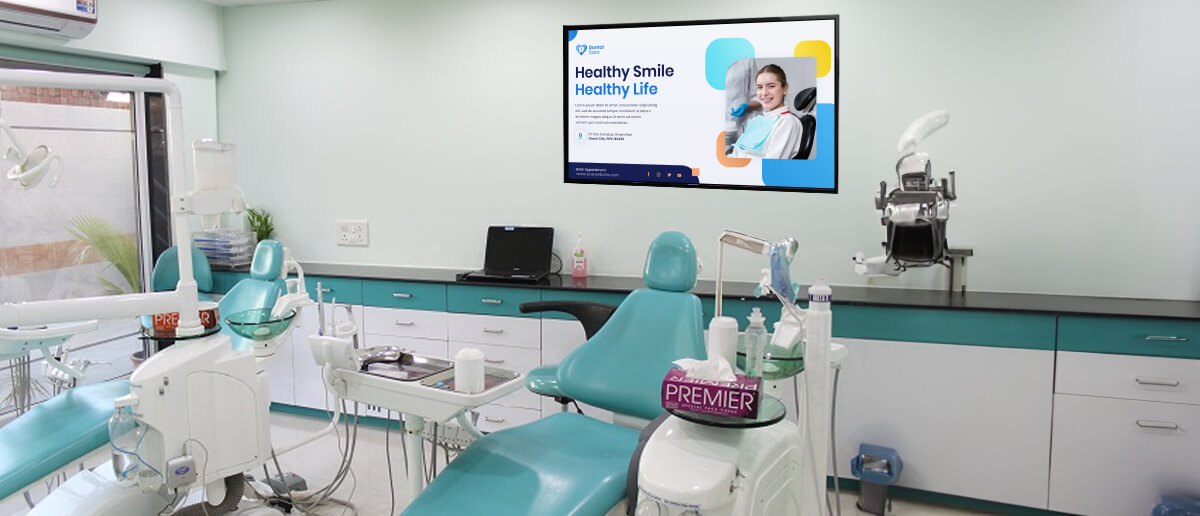
Dental digital signage is a cloud-managed display system for dental clinics that shows patient education content, appointment information, treatment promotions, and staff introductions on waiting room and treatment room screens. It reduces perceived wait anxiety, improves patient experience, and drives treatment acceptance.
Dental waiting rooms are quiet in the wrong way. Patients sit in silence with little information about how long they will wait, and printed leaflets on the side table have not changed since last quarter. Meanwhile, reception staff spend hours updating physical notice boards and fielding “how much longer?” questions that could be answered by a screen.
Dental digital signage replaces that silence with purposeful communication. For the 9,000+ businesses using Pickcel, it means content updated in seconds from any device, on displays that work with 50+ device types. For dental practices specifically, it means calmer patients, more treatment awareness, and a front desk team with fewer repetitive tasks.
See how dental practices use Pickcel →
How Dental Practices Use Digital Signage
1. Welcome Messages and Appointment Reminders
A patient’s first impression forms before they see a clinician. Welcome messages on the waiting room screen confirm they’re in the right place, show the day’s schedule, and set expectations for wait time. For practices with high no-show rates, appointment reminder messaging during the final week of a month reinforces dates that have already been sent by text, keeping the practice top of mind without additional staff effort.
2. Oral Health Education and Procedure Explanations
Patients who understand a treatment before the dentist explains it need shorter chairside explanations and are more likely to accept recommendations. Animated content on brushing technique, flossing method, gum disease stages, and common procedures—fillings, crowns, implants—reduces the information gap between the waiting room and the chair.
This signals that the practice takes patient education seriously before the appointment begins.
3. Cross-Selling High-Value Treatments
Teeth whitening, Invisalign, implants, and hygiene membership plans share one problem: patients often do not know the practice offers them unless they are prompted. Waiting room screens present these services in a natural, non-intrusive way. A content rotation of roughly 60% education to 40% promotion feels helpful rather than pushy. A patient waiting for a routine scale and polish who sees a clear whitening message is measurably more likely to enquire at reception.
4. Appointment Flow and Queue Updates
Uncertainty about wait time drives perceived frustration more than the actual duration. A screen showing estimated wait times or a simple “running approximately 10 minutes late today” message reduces reception interruptions and sets patient expectations clearly.
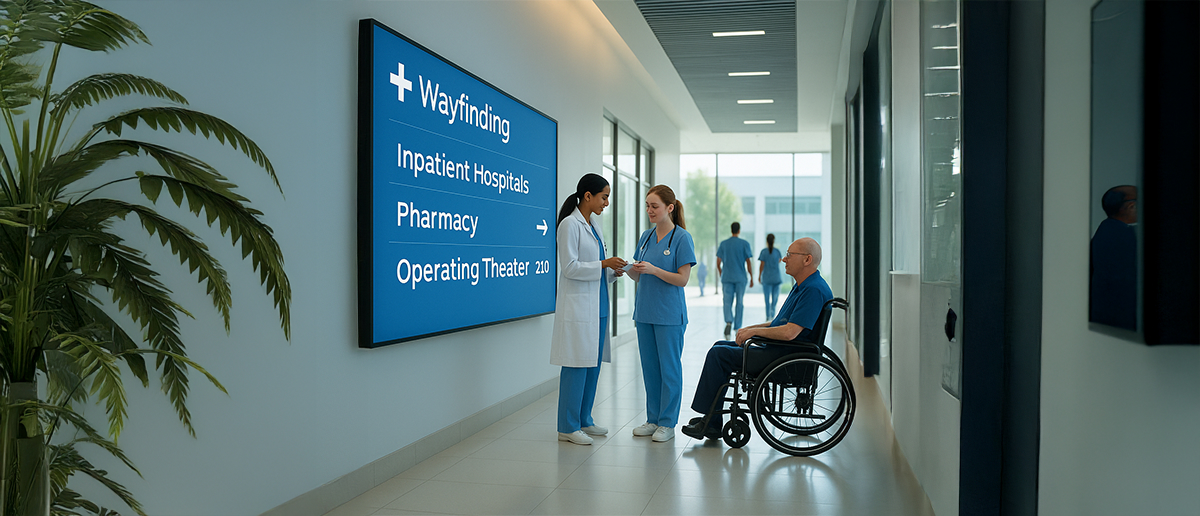
For multi-surgery practices, directional updates reduce the chance of patients going to the wrong room or missing their call.
Also read: A guide to queue management system in hospitals and clinics
5. Entertainment Content
Purpose-built content—branded oral health animations, relaxation visuals—is more effective than generic TV because it keeps patients in the practice’s communication environment. Patients who tune into broadcast content disengage from practice messaging entirely. For patient demographics that include children, short animated content helps reduce the anxiety children commonly associate with dental visits.
6. Emergency Information and Allergy Notices
Patient safety communications that typically live on laminated sheets near reception—allergy disclosure prompts, emergency exit directions, first-aid information—display as fixed frames in any content rotation. This ensures they are always visible, current, and meet practice risk management requirements. For changing clinical teams, safety messaging updates centrally across all screens without a site visit.
7. Staff Introductions and Credentials
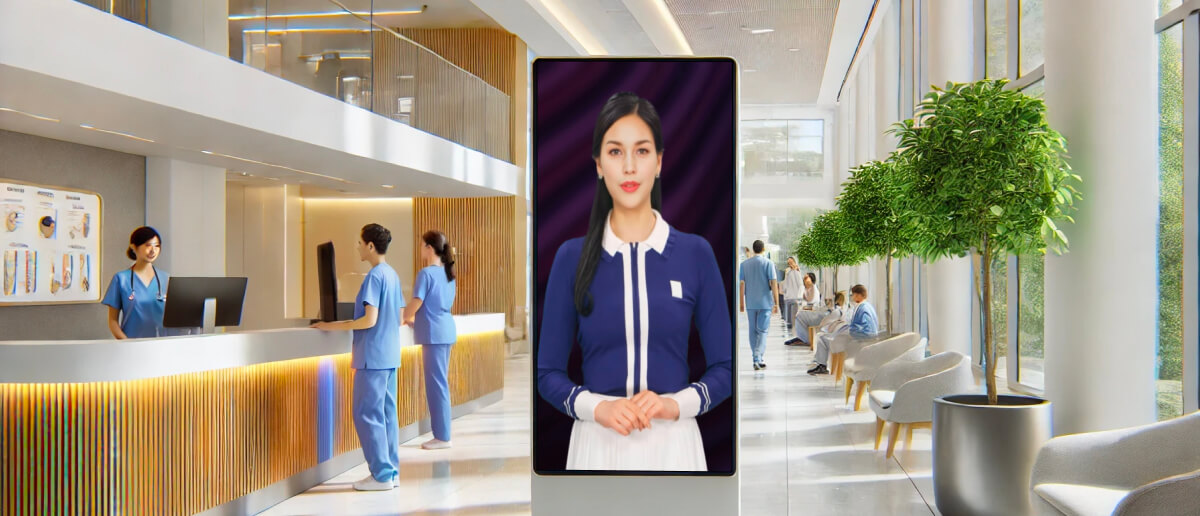
Patient trust in a clinician correlates with perceived competence. A screen introducing dentists and hygienists by name, photo, and specialisms lets patients feel familiar before they enter the treatment room. This is especially effective for new patients and for practices that have recently added team members. GDC registration, CPD achievements, and specialist training displayed on screen reinforce clinical credibility in a non-intrusive format.
8. Patient Reviews and Social Proof
Displaying Google reviews or patient survey feedback on a waiting room screen creates visible social proof at the moment patients are forming their own impressions. For practices with high review volumes, a short rotating cycle of best feedback is a passive prompt for other patients to leave a review—a compound effect over time.
9. Interactive Kiosks and Self-Check-In
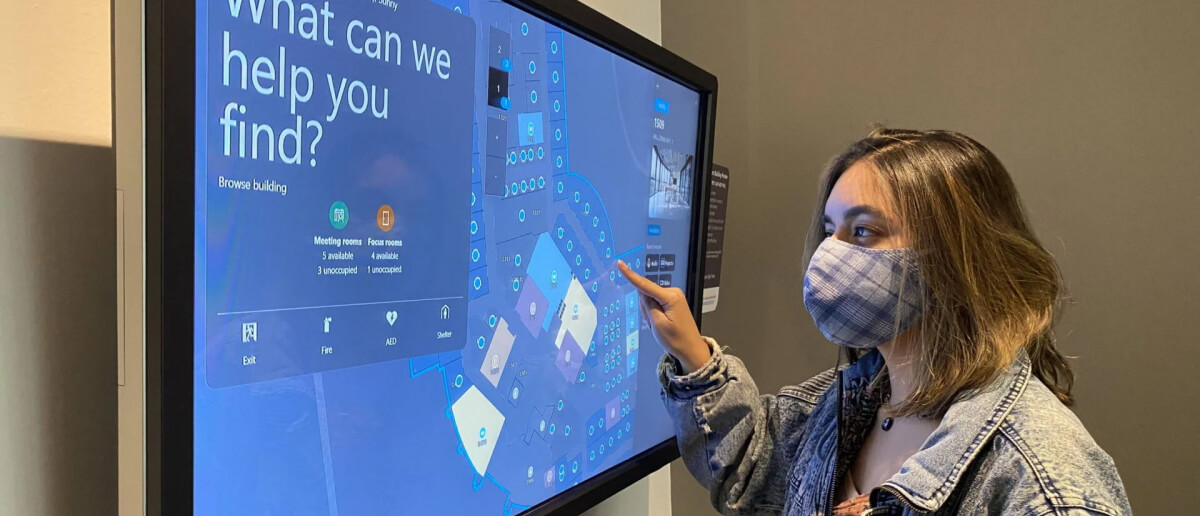
For practices investing in patient flow efficiency, touchscreen kiosks using Pickcel’s kiosk mode allow patients to self-check-in on arrival, complete intake forms, browse treatment options, or submit enquiries. This reduces front desk congestion during busy appointment windows and creates a data capture point that a static notice board never could.
Benefits of Dental Digital Signage
1. Reduced Patient Anxiety
Dental anxiety is widespread. A 2025 census-matched survey published in the Journal of the American Dental Association found that 72.6% of US adults experience dental fear, with 26.8% reporting severe fear. Wait-time uncertainty is a recognised driver of pre-appointment stress. Screens that show queue position, estimated wait time, and what to expect during the appointment address this uncertainty directly. A calmer patient is also a more receptive one.
2. Effective Communication
Digital screens carry more information per square metre than any notice board and update instantly. Practices managing multiple clinicians, running seasonal promotions, or communicating parking disruptions or changed opening hours update all screens simultaneously from a browser or mobile device. Multilingual content options serve diverse patient populations without separate printed materials for each language.
3. Increased Revenue from Treatment Promotions
Practices report meaningful improvements in patient interest in elective treatments when promotional content runs in the waiting room. As an illustrative comparison: at typical whitening pricing, a single additional booking per week can cover the annual cost of a digital signage subscription for a small practice.
Implant enquiries, hygiene plan enrolments, and Invisalign consultations all follow the same dynamic: the service is available; patients simply need to be reminded at the right moment.
4. Consistent Brand Presentation
For dental groups and DSOs managing multiple locations, printed materials create brand inconsistency. One branch uses an outdated logo; another still has a leaflet from three years ago. Digital signage centralises brand control: templates are set once, content teams push updates to all locations, and every waiting room reflects the same identity.
5. Reduced Environmental Footprint
Printed patient materials, promotional posters, and changing seasonal leaflets generate ongoing print costs and physical waste. Replacing a portion of printed collateral with screen content reduces paper consumption and eliminates the print-and-replace cycle for seasonal promotions.
6. Flexible, Remote Content Management
Pickcel’s CMS lets dental teams update content from any internet-connected device without IT support. Seasonal campaigns—National Smile Month, back-to-school oral health reminders, holiday hours—can be scheduled in advance and activate automatically. Emergency updates, such as a closure notice or a change to a clinician’s schedule, publish to all screens within seconds.
7. Staff Time Savings
Reception staff at practices without digital signage spend time on tasks that screens handle automatically: printing and replacing notice board materials, fielding questions about wait times, and manually updating leaflet stands. Centralised content management removes these tasks from the daily workflow.
8. Content Engagement Data
Pickcel’s dashboard shows which content runs, how often, and on which screens. For practices refining their content rotation, this data identifies what patients see most during their dwell time. Content managers can adjust the rotation based on which promotional periods drove the most enquiries, building a feedback loop between the waiting room and front desk outcomes.
How to Set Up Dental Digital Signage with Pickcel
Step 1: Choose your hardware
Almost any screen works. An existing waiting room television, a dedicated commercial display, or a consumer monitor paired with a media player covers most practices. Pickcel supports 50+ device types, including Android media players, Windows mini-PCs, Amazon Fire Sticks, and Samsung SMART signage displays. There is no proprietary hardware lock-in.
Step 2: Install and activate Pickcel
Download the Pickcel app to your chosen media player, register the screen in the Pickcel CMS, and assign it to a location in your account. Pickcel is SOC 2 Type II certified and ISO 27001 certified. Standard dental digital signage does not display patient-identifiable data on screens; it shows practice-branded content, not appointment details by name.
Step 3: Create and schedule content
Use Pickcel’s dental and healthcare-specific templates, upload your practice’s branded materials, and set day-parting schedules where needed. Changes are reflected on screen within seconds of publishing. Pickcel’s digital signage software is designed for non-technical users; no training or IT department is required.
Book a Free Demo for Your Practice
Schedule A Free Demo
What to Display on Dental Clinic Screens
Patient education
- Brushing and flossing technique reminders
- Children’s oral health content and cavity prevention
- Gum disease stages and prevention
- Pre-appointment procedure explanations (fillings, crowns, extractions)
Treatment promotions
- Teeth whitening and smile makeover packages
- Invisalign and clear aligner consultations
- Dental implants and tooth replacement options
- Hygiene membership plan enrolment
Practice information
- Opening hours, location, and parking directions
- Insurance and payment options accepted
- Emergency contact and out-of-hours referral
Staff content
- Dentist and hygienist introductions with photos and specialisms
- GDC registration and specialist qualifications
Social proof
- Google reviews and patient testimonials (with patient permission)
- Accreditation badges (CQC, BDA Good Practice)
Health and safety
- Allergy disclosure prompts
- Emergency exit and first-aid information