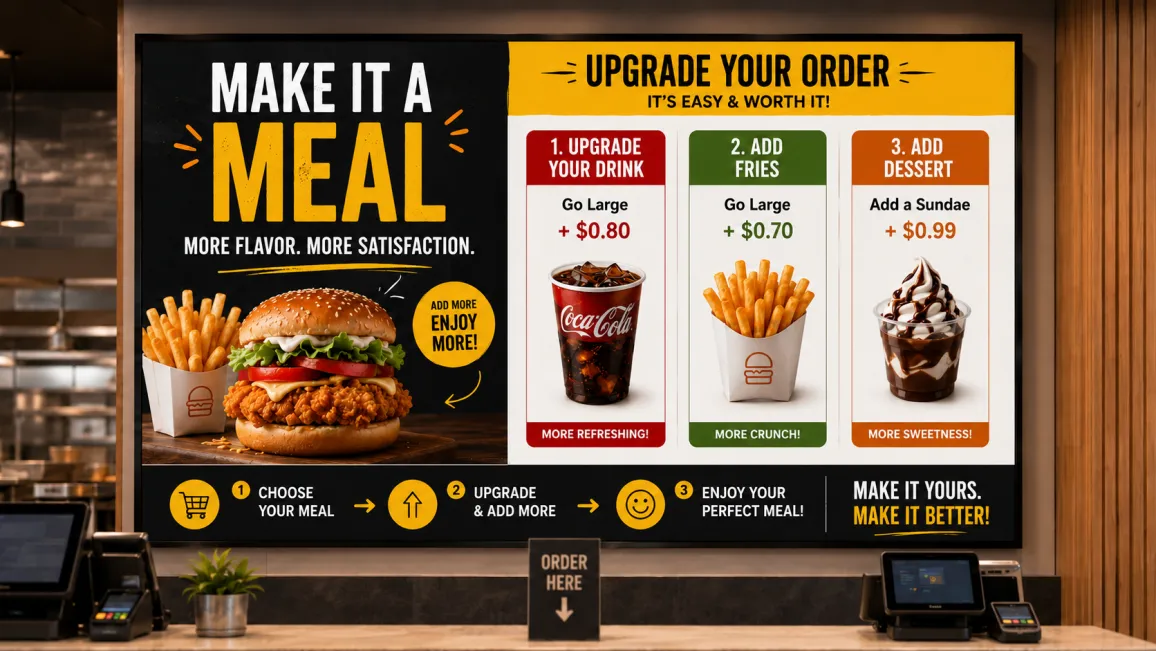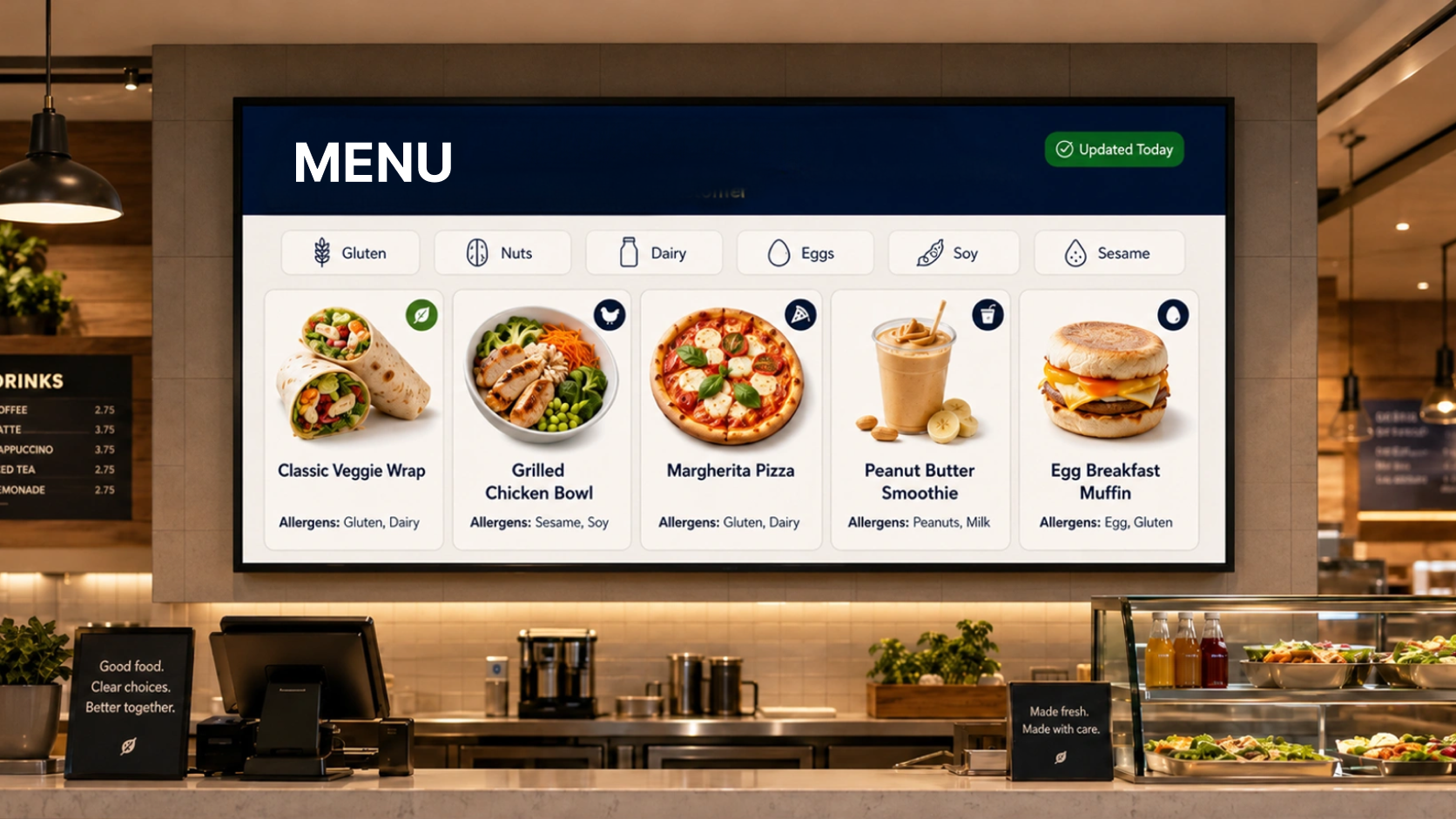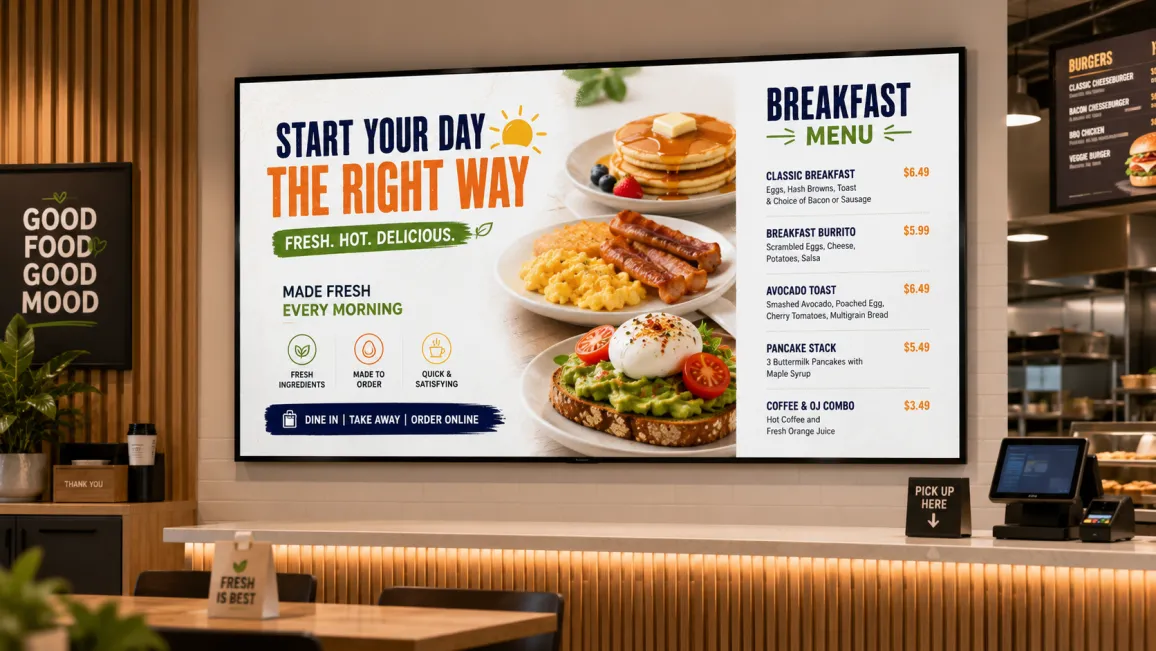
Picture 10:30 a.m. in a busy QSR location. Lunch service has started. Orders are coming in for burgers, wraps, and the lunch special. The menu boards above the counter still show the breakfast menu: egg sandwiches, morning combo deals, hash browns. A customer asks the crew member at the register why the lunch value meal is not showing a price. The crew member does not know why. The shift supervisor is on the fryer.
This is not a one-off incident. It happens at every meal period transition in every restaurant that depends on staff to manually switch content on its digital menu boards. Breakfast to lunch. Lunch to dinner. Dinner to late night. Each transition is a moment when human attention is required, human attention is scarce, and the cost of the error is visible to every customer in the queue.
Dayparting closes that gap. This guide explains what dayparting is, why it matters for restaurant operations, how to configure it in Pickcel’s digital signage software , and what it looks like across different food service formats.
- QSR locations transition between meal periods three to five times daily.
- Manual menu switches at period transitions create order errors and operational load.
- Pickcel's scheduler runs daypart transitions across all screens without daily staff input.
What is dayparting on a digital menu board?
Dayparting on a digital menu board is the scheduling of different menu content to display automatically at different times of day, without any manual staff action. A breakfast playlist runs from opening until 10:30 a.m. At that moment, the system transitions to the lunch menu. At 4:00 p.m., it switches to dinner. At 9:00 p.m., the late-night deals go up. No crew member triggers any of these changes.
The term comes from broadcast media, where different programming is scheduled for different audience segments throughout the day. In restaurant operations, it means the correct menu is always on the correct screen at the correct time, whether you manage one location or one hundred. For a complete breakdown of how meal periods are structured across service formats, see the complete guide to restaurant menu dayparts .
The core requirement is a digital signage platform that supports content scheduling by time of day, day of week, and target screen. Platforms that lack native scheduling leave restaurant operators to switch content manually or rely on third-party automations that add complexity without eliminating the underlying dependency on human action.
Why dayparting matters for restaurant operations
Meal period transitions create three operational failures every time a location relies on staff to switch its menu boards manually. The team is shifting from one service mode to another, prep priorities are changing, and customer volume is not pausing to accommodate the transition. In that context, adding “switch the menu boards” to a shift handoff checklist creates compounding risk across every location in the network.
Customers see the wrong menu. When a lunch order rings up and the customer points at a breakfast item still displayed on the board, the crew member has to explain a discrepancy that should not exist. That interaction wastes time, reduces confidence, and introduces friction at the highest-traffic moment of the day. For drive-through lanes, where a customer reads the board before reaching the speaker, a wrong menu creates order confusion before anyone has spoken a word.
Supervisors carry avoidable cognitive load. In a multi-unit environment, a regional manager cannot be present at every location at every meal period transition to confirm the boards were switched. They have to trust the checklist, which means they have to build a system around that checklist, which means someone has to own the system. Every layer of oversight that exists solely because the platform does not automate a predictable task is a layer of avoidable cost.
Revenue-driving promotions lose their window. A 3 p.m. to 5 p.m. happy hour offer has commercial value only if it appears at 3 p.m. A late-night value deal promotes incremental spend only if it is visible to customers who arrive after 9 p.m. When manual switching causes these windows to open late or close late, the promotional investment does not deliver its intended return.
QSR operators consistently report that automating menu board switches between meal periods eliminates a daily source of operational error and reduces dependency on morning shift supervisors to manually trigger the transition.
How dayparting works in Pickcel
Pickcel’s content scheduling system handles daypart transitions in four steps. After the initial configuration, no daily staff action is required.
Create a playlist for each daypart.
In Pickcel’s content manager, build a separate playlist for each meal period you want to schedule. A standard QSR setup might include: Breakfast, Lunch, Dinner, Happy Hour, and Late Night. Each playlist contains the menu items, pricing panels, and promotional content relevant to that window. You can include static slides, animated boards, or video loops. The playlist is the content container; the schedule determines when it plays.
Set the schedule in Pickcel’s content scheduler.
Assign each playlist a start time, end time, and the days of the week it should run. Pickcel’s scheduler uses a visual timeline interface: drag the playlist block to the target time range, select which screens or screen groups it applies to, and confirm. The same playlist can be assigned to all screens in a location or to specific screens. If a drive-through board shows different items than the in-restaurant menu board, each screen group gets its own schedule.
Content switches automatically at the scheduled time.
At the configured time, Pickcel sends the correct playlist to each assigned screen. The transition is immediate. Staff do not need to log in, navigate a menu, or confirm the switch. If a location’s internet connection is temporarily unavailable at the transition moment, Pickcel’s offline playback mode holds the last cached schedule and switches when connectivity resumes.
Use overrides for unplanned changes.
When an item sells out mid-service, a flash promotion needs to go live immediately, or an emergency closure affects one location, Pickcel’s override feature lets an authorised user push updated content to any screen or group of screens in real time, from any device. The override holds until the user cancels it, at which point the scheduled daypart content resumes automatically.
For multi-location operators, Pickcel’s central dashboard lets you apply one daypart schedule across every location in the network or configure location-specific variations. A franchise group where some sites serve breakfast and others open at lunch can configure each location independently without affecting the rest of the network.
Dayparting examples by restaurant format
Restaurant formats from QSR to hotel food and beverage each use between two and six dayparts, structured around the meal periods and promotional windows that define their service model.
QSR (Quick Service Restaurant)
A typical QSR configuration uses three to five dayparts: Breakfast (opening to 10:30 a.m.), Lunch (10:30 a.m. to 4:00 p.m.), Dinner (4:00 p.m. to 9:00 p.m.), and Late Night (9:00 p.m. to close). High-volume national chains with strong breakfast offerings often treat the breakfast-to-lunch transition as the most operationally critical switch of the day, as it involves both a menu change and a staffing shift. Automating it removes a dependency at exactly the moment when the team is least available to manage it. Quick-service chains that route a meaningful share of volume through a drive-thru lane often run this same breakfast-to-lunch switch on drive-thru dayparting on a synced schedule , so the outdoor board and the front-counter board change over within seconds of each other rather than drifting out of sync during the rush. Keeping both boards aligned matters most at the exact moment staff are busiest and least able to intervene manually.
Casual Dining Restaurant
Casual dining operations typically run two to three dayparts: Lunch, Dinner, and a Late-Night Bar menu. The bar menu often features a different price structure, a focused item list, and specific promotional pricing. Scheduling it to appear automatically at 9 p.m. is especially useful during busy weekend evenings when front-of-house staff are occupied with the dining room and cannot reliably update the boards at the right moment.
Hotel Food and Beverage
A hotel restaurant commonly operates five or more dayparts: Breakfast, Lunch, Afternoon Service, Dinner, and Bar or Room Service. For event properties, an Event Menu daypart can be scheduled to specific days of the week when a private function changes the available menu. That configuration runs on the event calendar without requiring daily changes to the signage platform.
Coffee Shop
Morning dayparts in a coffee shop typically highlight hot drinks, pastries, and breakfast food. Mid-afternoon content shifts to cold beverages, seasonal specials, and light afternoon food. An evening wind-down window can highlight packaged goods, loyalty promotions, or next-day pre-orders. All three can run on a fixed weekly schedule, updated seasonally rather than daily. That mid-afternoon shift to cold beverages and seasonal specials is exactly the kind of rotation a cafe digital menu board for seasonal rotation is built to automate, swapping in new drink imagery and pricing the moment a seasonal menu launches without anyone touching a single screen behind the counter.
For more on the tools behind these setups, see Pickcel’s digital menu board software and how it fits an end-to-end restaurant digital signage rollout. To make each daypart work harder commercially, our guide on restaurant digital signage for upselling covers content formats that lift average order value.
Frequently Asked Questions
What is dayparting on a digital menu board?
How does Pickcel automatically switch menu content between meal periods?
Can I set different daypart schedules for different restaurant locations?
What happens if I need to change the menu outside of the scheduled daypart?
Does dayparting on digital menu boards require any daily staff action once it is set up?
Ready to automate your menu board switches?
See dayparting configured on a live system with Pickcel digital signage software. A feature walkthrough and hands-on demo are one click away, or get started free and set your first schedule yourself.