Learn what an andon board is, how it works in lean manufacturing, and how digital signage modernizes the andon system for real-time production floor visibility.
Explore Pickcel Manufacturing →
- An andon board is a visual status system that signals real-time production line conditions — running, flagged, or stopped. It originated in Toyota's Production System in the 1950s.
- Traditional andon boards use three-color signal lights and have no data logging, no production system integration, and limited visibility in large facilities.
- Digital signage replaces andon boards by connecting to SCADA, PLC, and MES systems and displaying live status, OEE, and alert data on factory floor screens.
- Plants with visual management systems report defect escape rates 30–50% lower than those without, according to the Lean Enterprise Institute.
- Pickcel's manufacturing digital signage platform connects to existing production infrastructure and deploys to 50+ device types with no custom development required.
Walk into any Toyota-method factory and you will see stacks of signal lights mounted above the production lines. These are andon boards, and for decades they have been the standard tool for communicating line status across a manufacturing floor. As factories grow more complex and data-driven, the three-color light system shows its limits. This guide explains what andon boards are, how they work, where they fall short, and how digital signage now fills that gap.
What is an andon board?
An andon board is a visual status indicator used on manufacturing production lines to communicate real-time operational conditions to workers and supervisors.
The word “andon” comes from the Japanese term for a paper lantern used as a light signal. Toyota adapted this concept in the 1950s as part of the Toyota Production System (TPS), building andon into the principle of jidoka: the idea that any worker has the authority and responsibility to stop a production line when a defect or problem is detected. This was a significant departure from traditional mass production, where stopping a line was treated as a costly last resort.
A traditional andon board consists of a stacked light unit positioned above a production line, visible from across the floor. The standard three-color system works as follows:
Green: The line is running normally
Yellow: A worker has flagged a concern; a supervisor should respond
Red: The line has stopped; immediate intervention required
Some boards include an audible signal or a numbered display to identify which workstation triggered the alert. The purpose is straightforward: make problems visible the instant they occur so the right person can respond within seconds.
How does an andon board work in manufacturing?
An andon board works by linking a physical trigger (a cord, button, or sensor) to a visual display, so that any production anomaly is immediately communicated to everyone on the floor.
The standard andon workflow in a lean manufacturing environment follows these steps:
A worker notices a defect, a quality issue, or a machine malfunction at their station
The worker pulls the andon cord or presses the andon button
The andon board changes from green to yellow at that station
A team leader or supervisor responds within a defined window (typically 30–60 seconds)
If the problem is resolved within the response window, production continues; if not, the line stops (red)
The team resolves the issue, resets the andon, and production resumes
The andon concept is central to what lean practitioners call “stopping to fix” — accepting a short production pause to address a problem rather than allowing defects to pass downstream where they become far more expensive to resolve.
What are the limitations of traditional andon boards?
Traditional andon boards are effective for single-line status signaling, but they struggle to scale with modern manufacturing complexity.
Limited information density
A three-color light tells you a problem exists. It does not tell you what the problem is, how long it has been active, or whether the same pattern occurred last week. Supervisors must walk to the station for any real diagnosis.
No data logging
Traditional andon boards leave no record. Shift managers have no audit trail of incidents, response times, or resolutions. Root cause analysis depends on manual logs that are frequently incomplete.
Visibility gaps in large facilities
In plants with high ceilings, long production halls, or multiple buildings, a supervisor cannot monitor dozens of light stacks simultaneously. There is no central monitoring view.
No production system integration
A physical andon light cannot pull data from a SCADA system, MES, or ERP platform. Production context — cycle time, OEE, yield by shift — lives in separate systems, entirely disconnected from the andon alert.
Maintenance burden
In dusty or high-vibration manufacturing environments, physical light assemblies require regular replacement and inspection. A failed andon light is a gap in the visual management system.
How does digital signage replace the andon board?
Digital signage replaces the traditional andon board by connecting to existing production systems and displaying real-time line status, alerts, and performance data on high-brightness screens positioned across the factory floor.
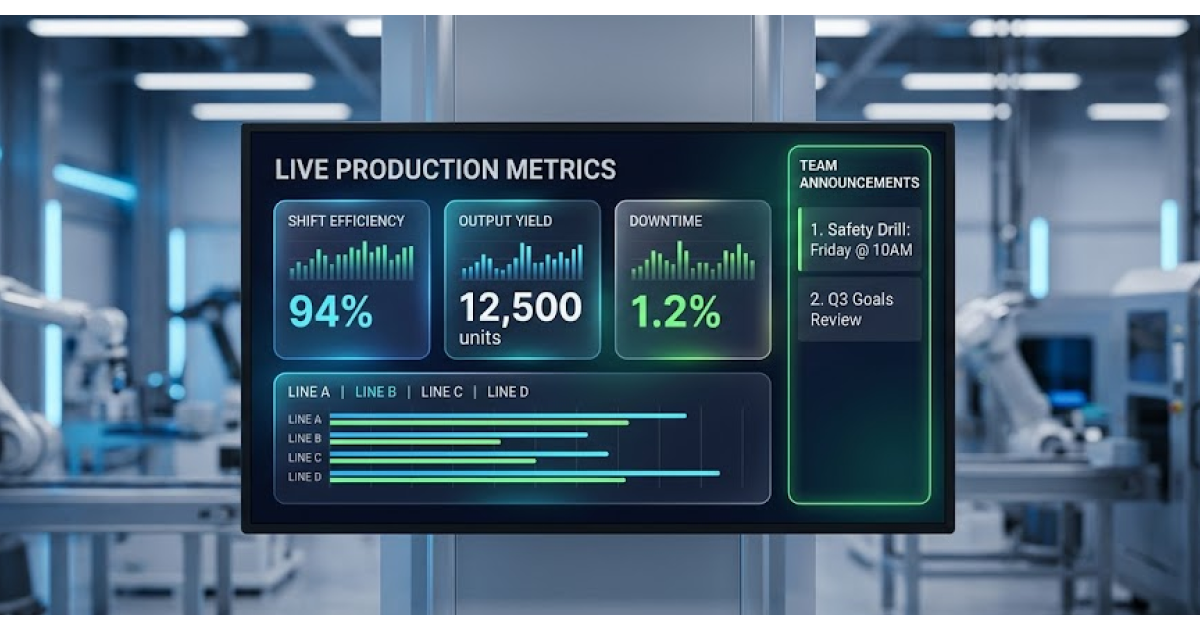
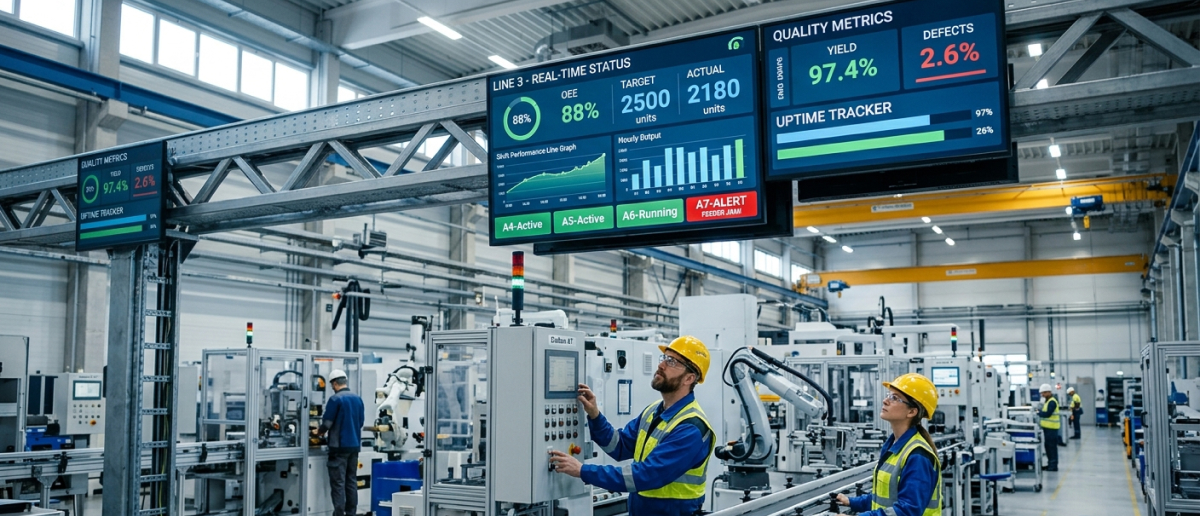
Where a traditional andon board shows a single state (green, yellow, or red), a digital andon display can show:
- Live line status for every production line in the facility, on one central screen
- OEE, cycle time, and yield data by station and by shift
- Active alerts with station name, elapsed time, and alert type
- Response time tracking for each incident
- Shift-level historical alert counts and trend lines
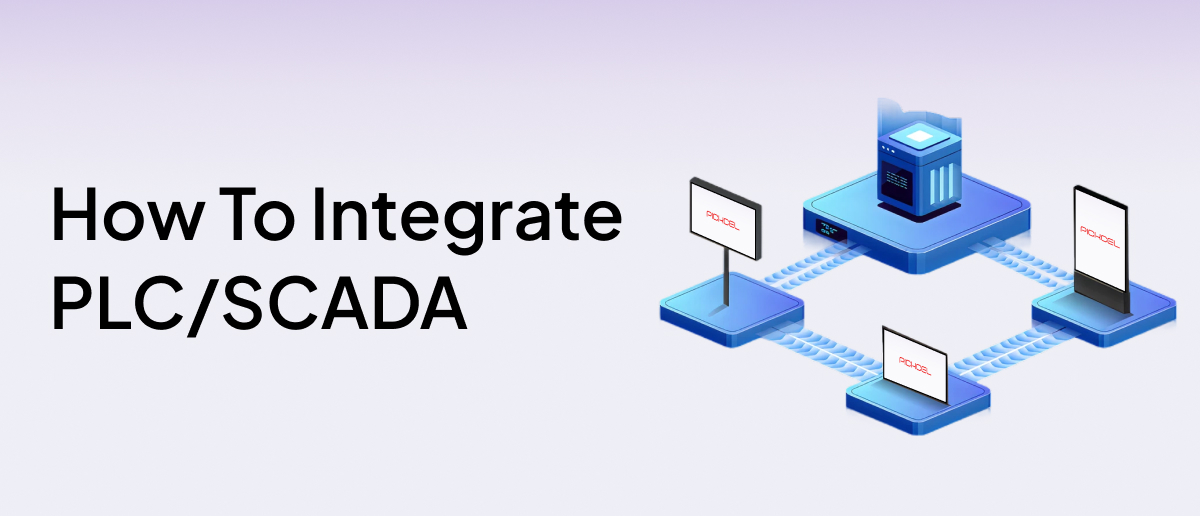
- Direct data feeds from connected SCADA, PLC, and MES systems
This transforms the andon concept from a single-state signal into a full operational intelligence layer for the factory floor.
Pickcel enables this by connecting to SCADA and PLC data sources via on-premise integrations, requiring no internet connection for data transfer within the plant network. For more on how this integration works, see Pickcel’s guide to on-premise SCADA and PLC digital signage integration .
Plants applying just-in-time principles will find that digital andon systems tighten the feedback loop between the production line and the people responsible for keeping it running. Read more about digital signage for just-in-time manufacturing .
Modernize your factory floor communication
Pickcel connects to your SCADA and PLC systems to deliver real-time production data on every screen. No custom development required.
What are the benefits of a digital andon system?
A digital andon system delivers more operational value than traditional andon boards across five dimensions:
Centralized visibility
One screen in a control room or office displays the live status of every production line across the facility. Supervisors monitor the entire floor without walking it constantly.
Automated threshold alerts
Digital systems trigger alerts automatically when cycle time exceeds target, OEE drops below minimum, or a machine fault signal comes from the PLC. Response no longer depends solely on a worker pulling a cord.
Full audit trail
Every alert, response, and resolution is logged automatically. Production managers can analyze shift-level patterns, identify repeat failure stations, and build fact-based root cause reports without manual record-keeping.
System integration
Pickcel's digital signage software integrates with SCADA, MES, and ERP systems. Trusted by 9,000+ businesses across 150,000+ screens in 70+ countries, with on-premise and cloud options to match your network architecture.
Rapid, flexible deployment
Screens can be added to new lines, repositioned, or reprogrammed without re-cabling signal light assemblies. Template changes push to all screens instantly from the Pickcel dashboard. Pickcel's manufacturing digital signage software is designed for multi-line and multi-building operations.
How to set up a digital andon board with Pickcel
Setting up a digital andon board with Pickcel takes three steps:
Connect your data source
Pickcel integrates with SCADA, PLC, MES, and database sources via on-premise agents that operate within your plant network. No production data leaves the facility. Setup requires network access to the data source and installation of the Pickcel on-premise connector.
Build your andon display template
Use Pickcel's browser-based content editor to design the andon display. Choose which metrics appear: line status indicators, OEE gauges, active alert lists, shift production targets. Pickcel provides manufacturing display templates you can customize to match your floor layout — no coding required.
Deploy and publish
Pair Pickcel-compatible player devices with screens positioned above or beside each production line. Assign the andon template from the Pickcel dashboard and publish. Changes to the template or threshold logic push instantly to all deployed screens. Pickcel supports over 50 device types — most installations are operational within one working day.
If you are building a new factory floor communication system or updating an older one, Pickcel’s digital signage software is the right starting point for manufacturing teams.
Frequently Asked Questions
What is an andon board?
What does andon mean?
How does a digital andon board work?
What is the difference between an andon board and a dashboard?
Can digital signage replace andon boards?
Ready to upgrade your andon system?
Pickcel connects to your SCADA, PLC, and MES systems to deliver live production data on every screen. 9,000+ businesses. 150,000+ screens. 70+ countries.